User’s Manual
152
The grid area supports 22×18(PAL) and 22×15(NTSC).
Click .
The screen starts playing back the motional splices of recorded video for the selected
searching area.
Click to exit the playback.
5.9.5 Marking and Playing Back Video
You can mark the recording for somewhere important. Then you can easily find the marked recording
by searching time and mark name.
Marking a Video
Select Main Menu > SEARCH.
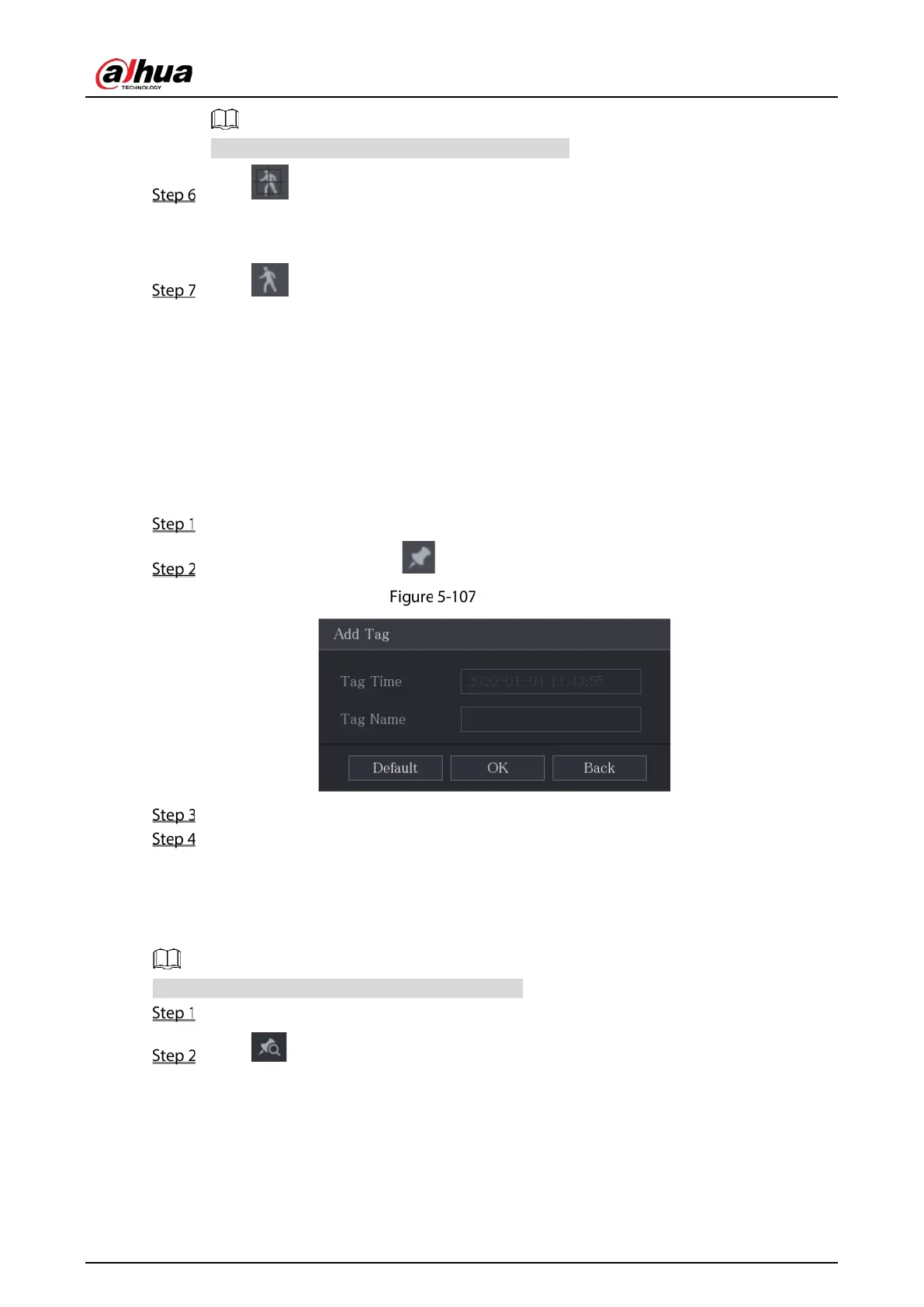
In the playback mode, click .
Add tag
In the Tag Name box, enter a name.
Click OK.
This marked video file displays in the Tag List.
Playing Back Marked Video
This function is supported on single-channel playback.
In the Camera Name list, select one channel.
Click .


 To Next Page
 Loading...

