User’s Manual
308
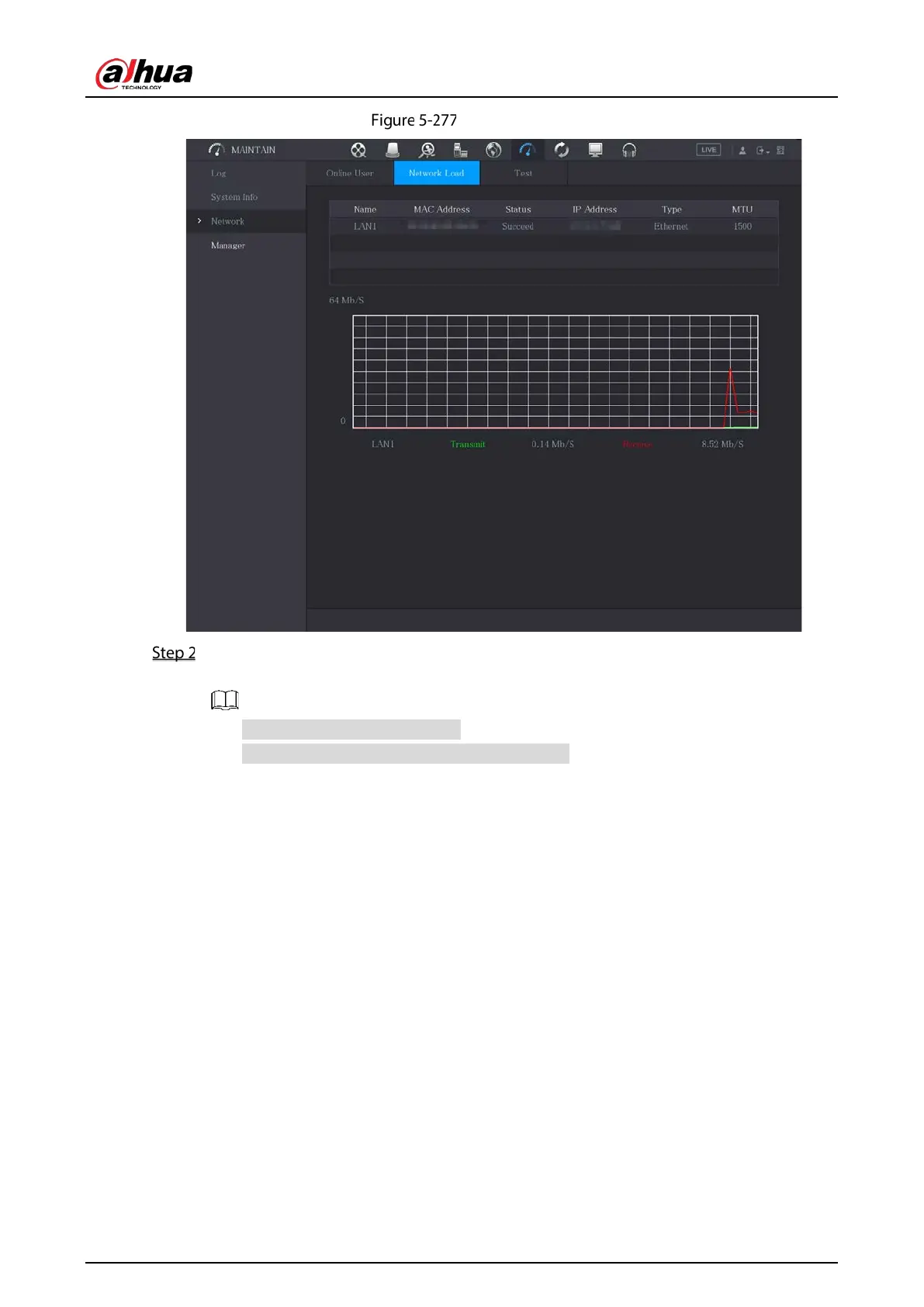
Network load
Click the LAN name that you want to view, for example, LAN1.
The system displays the information of data sending speed and receiving speed.
The default display is LAN1 load.
Only one LAN load can be displayed at one time.
5.21.5 Viewing HDD Information
You can view the HDD quantity, HDD type, total space, free space, status, and S.M.A.R.T information.
Select
Main Menu > MAINTAIN > System Info > Disk.


 To Next Page
 Loading...

