User’s Manual
157
Locking and Unlocking the Recorded Video
To lock the recorded video, on the File List interface, select the check box of the recorded video,
and then click . The locked video will not be covered.
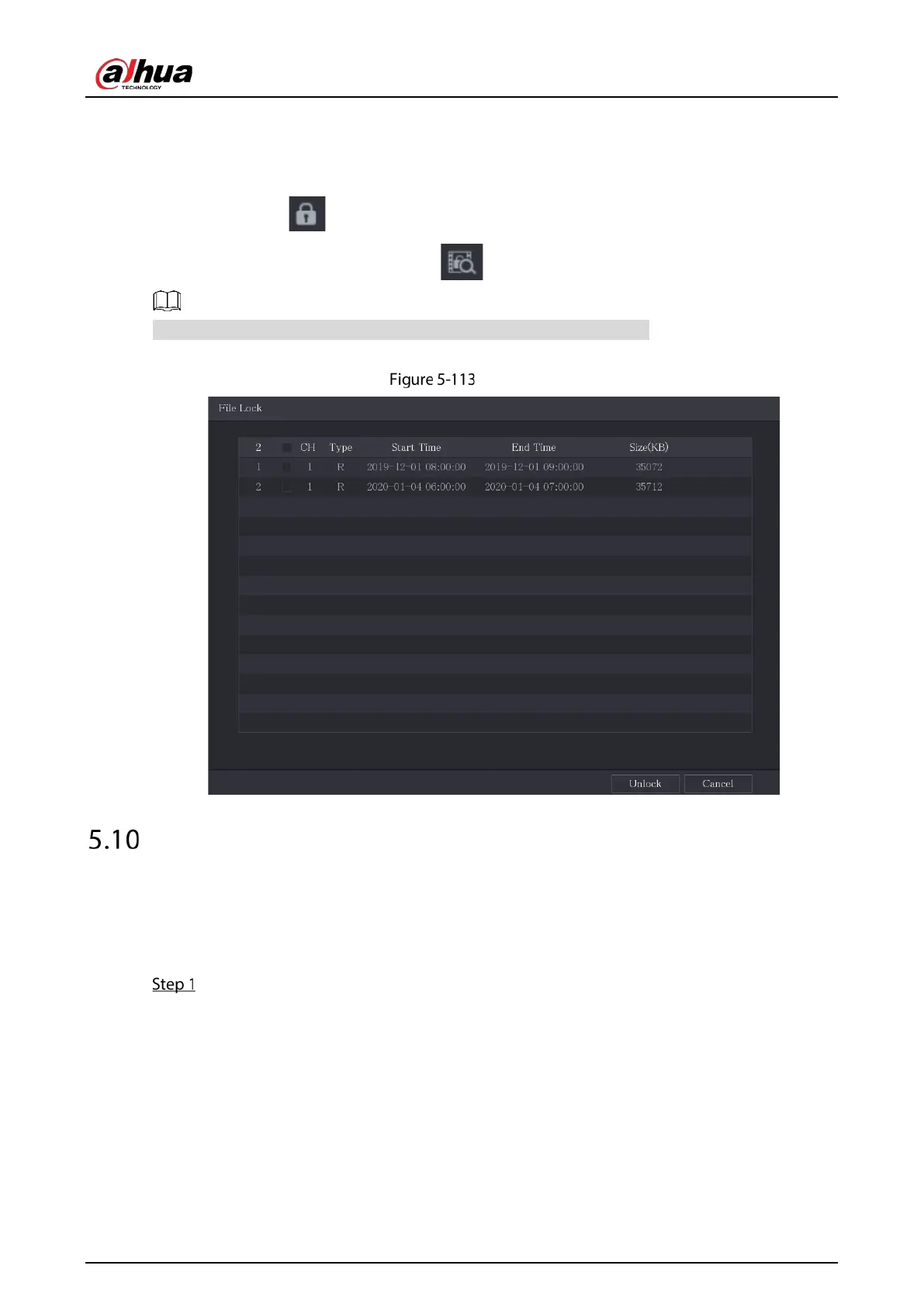
To view the locked information, click , the File Lock interface is displayed.
The recorded video that is under writing or overwriting cannot be locked.
To unlock the recorded video, in the File Lock interface, select the video, and then click Unlock.
File lock
Alarm Events Settings
5.10.1 Alarm Information
You can search, view and back up the alarm information.
Select Main Menu > ALARM > Alarm Info.


 To Next Page
 Loading...

