User’s Manual
57
Time
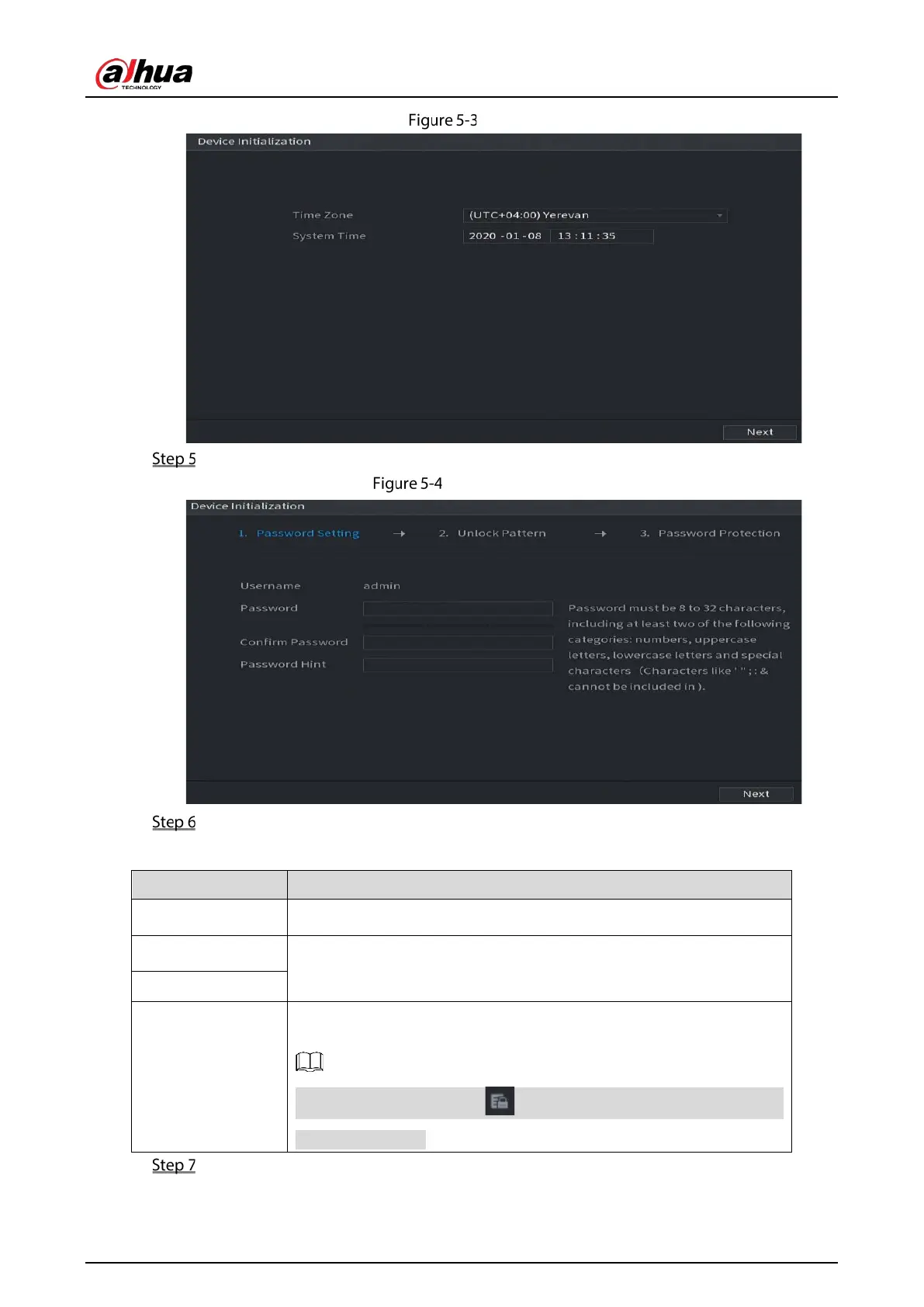
Select system zone, configure system time, and then click Next.
Enter password
Configure the password information for admin.
Table 5-1 Password setting parameters
User By default, the user is
.
Password
In the
box, enter the password for admin.
Confirm Password
Prompt Hint
In the
box, enter the information that can remind you of
the password.
On the login interface, click , the prompt will display to help you find
back the password.
Click Next.


 To Next Page
 Loading...

