User’s Manual
155
You can clip the recorded video files into splices and then play back at the same time to save your time.
Not all models support this function.
Select Main Menu > SEARCH.
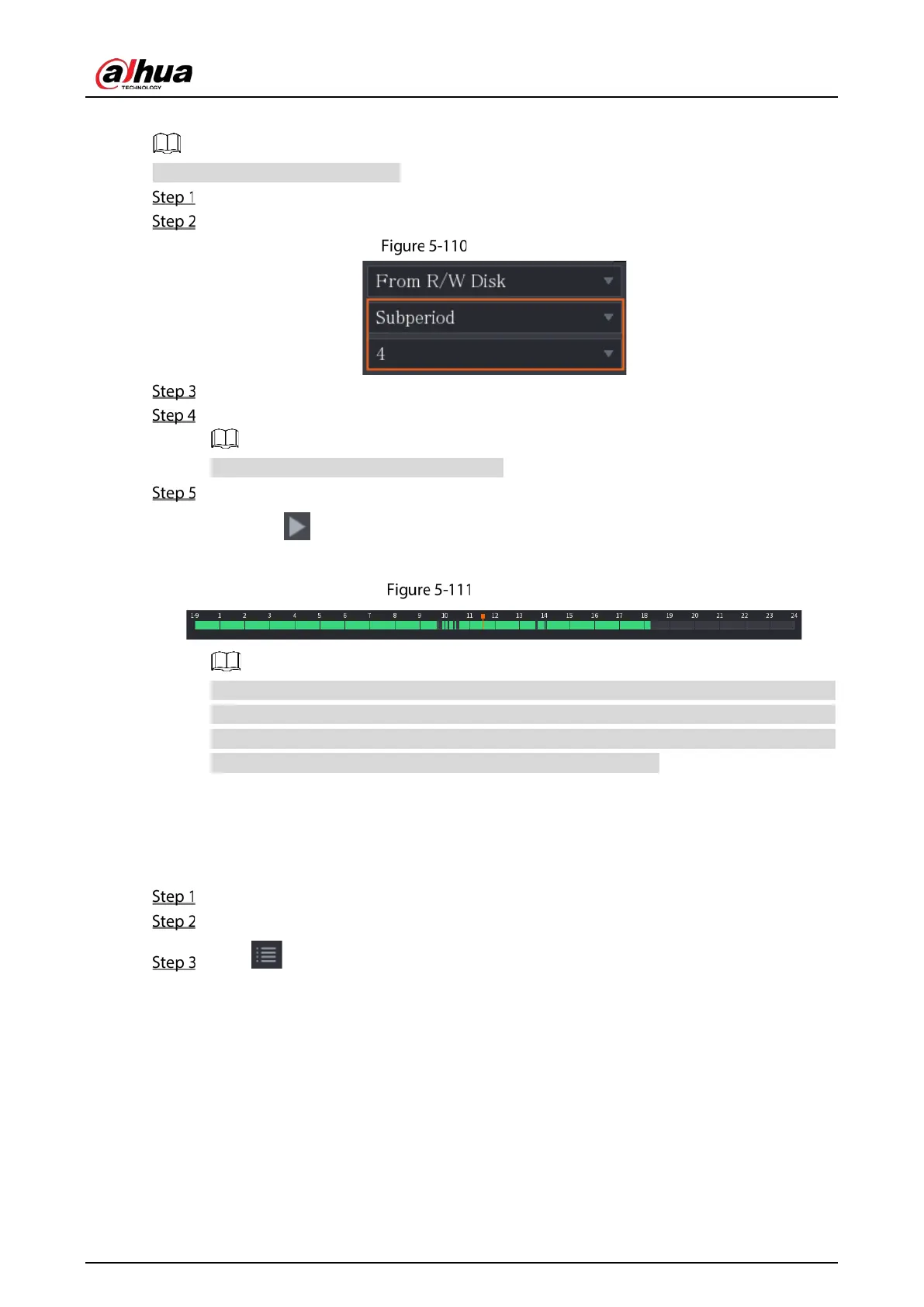
In the Search Type list, select Subperiod; In the Split Mode list, select 4, 9, or 16.
Subperiod
In the Calendar area, select a date.
In the Camera Name list, select a channel.
Only single-channel supports this function.
Start playing back splices.
Click , the playback starts from the beginning.
Double-click anywhere on the time bar, the playback starts from where you click.
Time bar
Every recorded video file must be at least five minutes. If a recorded video file is less than 20
minutes but still choose to split into four windows, the system will automatically adjust the
windows quantity to ensure every splice is more than five minutes, and in this case it is
possible that there are no images are displaying in some windows.
5.9.8 Using the File List
You can view all the recorded videos within a certain period from any channel in the File List.
Select Main Menu > SEARCH.
Select a channel(s).
Click .


 To Next Page
 Loading...