User’s Manual
309
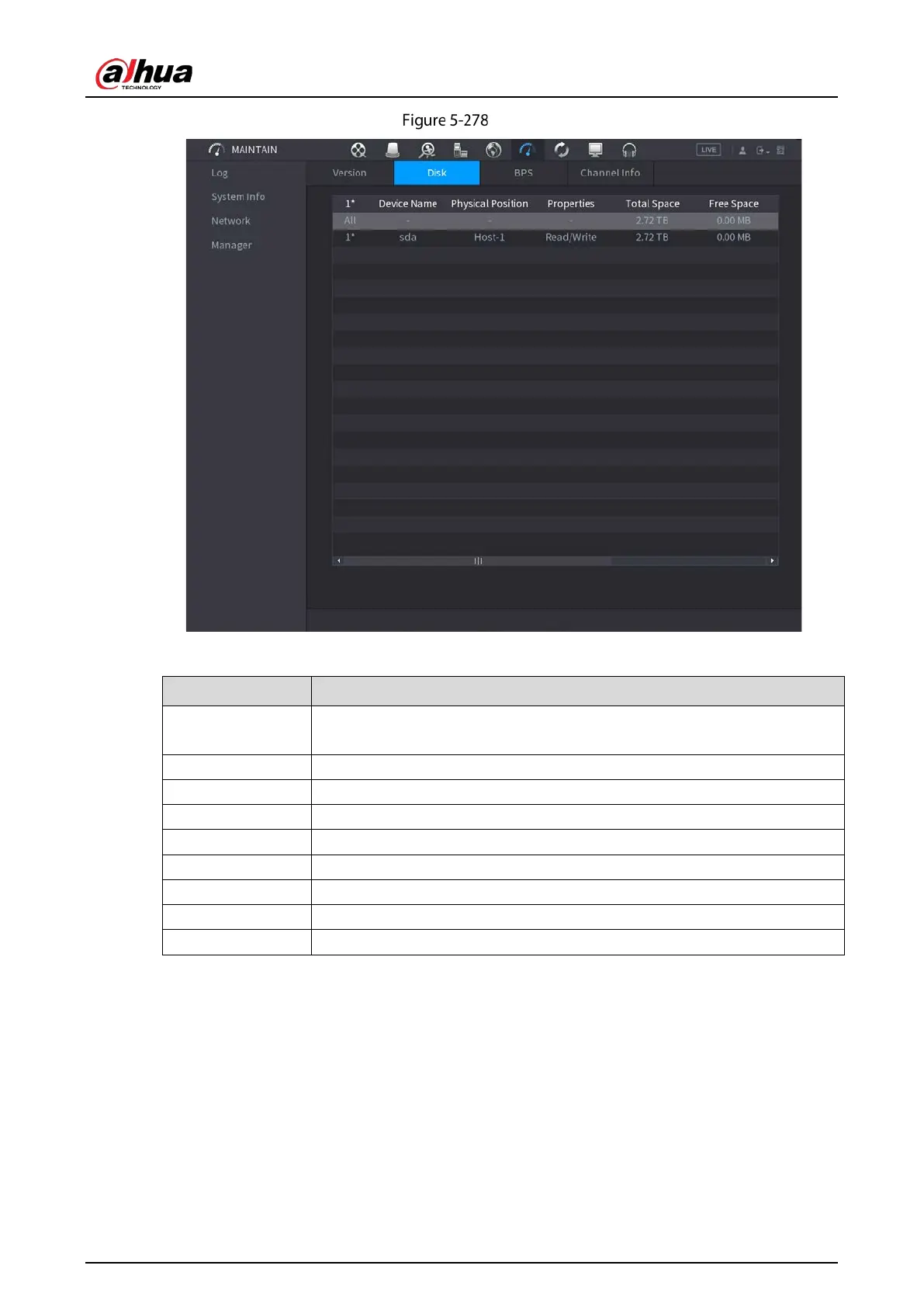
Disk
Table 5-84 Disk parameters
No.
Indicates the number of the currently connected HDD. The asterisk (*)
means the current working HDD.
Device Name Indicates name of HDD.
Physical Position Indicates installation position of HDD.
Type Indicates HDD type.
Total Space Indicates the total capacity of HDD.
Free Space Indicates the usable capacity of HDD.
Health Status Indicates the health status of HDD.
Status Indicates the status of the HDD to show if it is working normally.
S.M.A.R.T View the S.M.A.R.T reports from HDD detecting.
5.21.6 Viewing Channel Information
You can view the camera information connected to each channel.
Select
Main Menu > MAINTAIN > System Info > Channel Info.


 To Next Page
 Loading...