User’s Manual
65
This message appears only when there are digital channels instead of only analog channels.
Sync info
5.1.3.3 Using Reset Button on the Mainboard
You can always use the reset button on the mainboard to reset the Device to the factory default.
Not all models are provided with reset button.
Disconnect the Device from power source, and then remove the cover panel. For details about
removing the cover panel, see "2.2 Installing HDD."
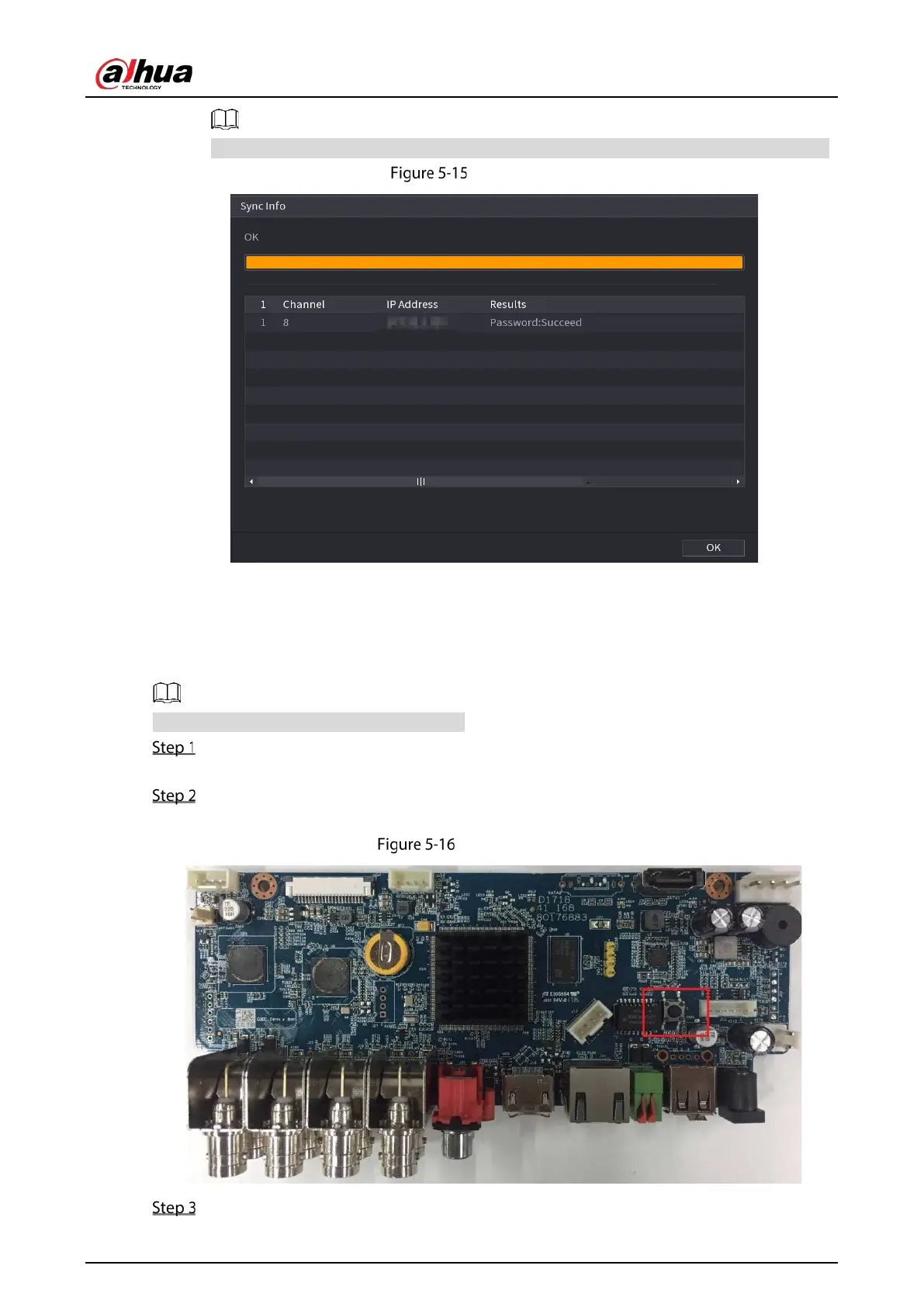
Find the reset button on the mainboard, and then press and hold the reset button for 5
seconds to 10 seconds.
Reset button
Restart the Device.


 To Next Page
 Loading...