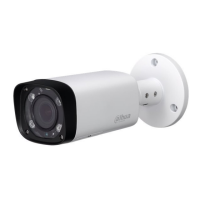
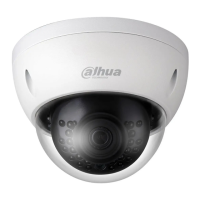
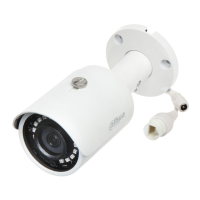
Dahua HD Mini IR Waterproof Bullet Network Camera Quick Start Guide
3 Network Configuration
You can initialize the device and modify IP address via "Quick Configuration Tool", for Wi-Fi
network camera, it needs to connect to wired network to configure Wi-Fi parameters; You can
also initialize device and modify IP address on the WEB interface. Please refer to the WEB
Operation Manual in the disk for more details.
Note
It needs to implement initialization if it is the first time use device or the device is restored to
factory default. Only some device support initialization function.
It can implement initialization only when the device IP address (192.168.1.108 by default)
and the IP address of PC are in the same network segment.
In order to make the camera have access to network smoothly, please plan available IP
segment according to the actual network environment.
The following figures are for reference only; different models may have different interfaces.
3.1 Device Initialization
Step 1
Double click "ConfigTool.exe" and open quick config tool.
Step 2
Click to enter the interface where you can modify IP address, click Search Setting, the
system will display the Setting dialog box.
Step 3
Set the device network segment, login user name and password, and then click OK. The system
will display the searched devices after searching completes.
Step 4
Select the devices which need initialization and click Initialization. The system will display the
interface of Device Initialization, which is shown in Figure 3-1.


 To Next Page
 Loading...