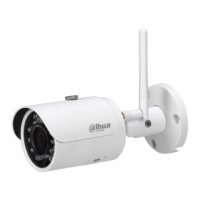
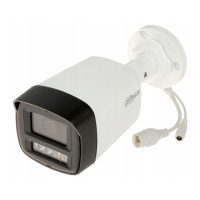
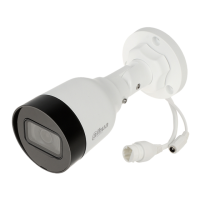
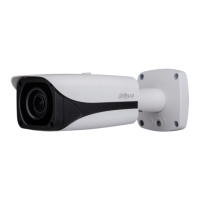
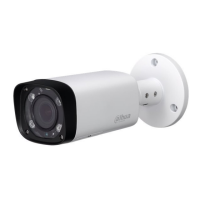
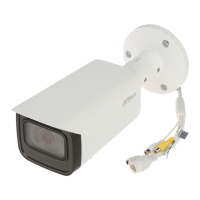
Dahua HD Mini IR Waterproof Bullet Network Camera Quick Start Guide
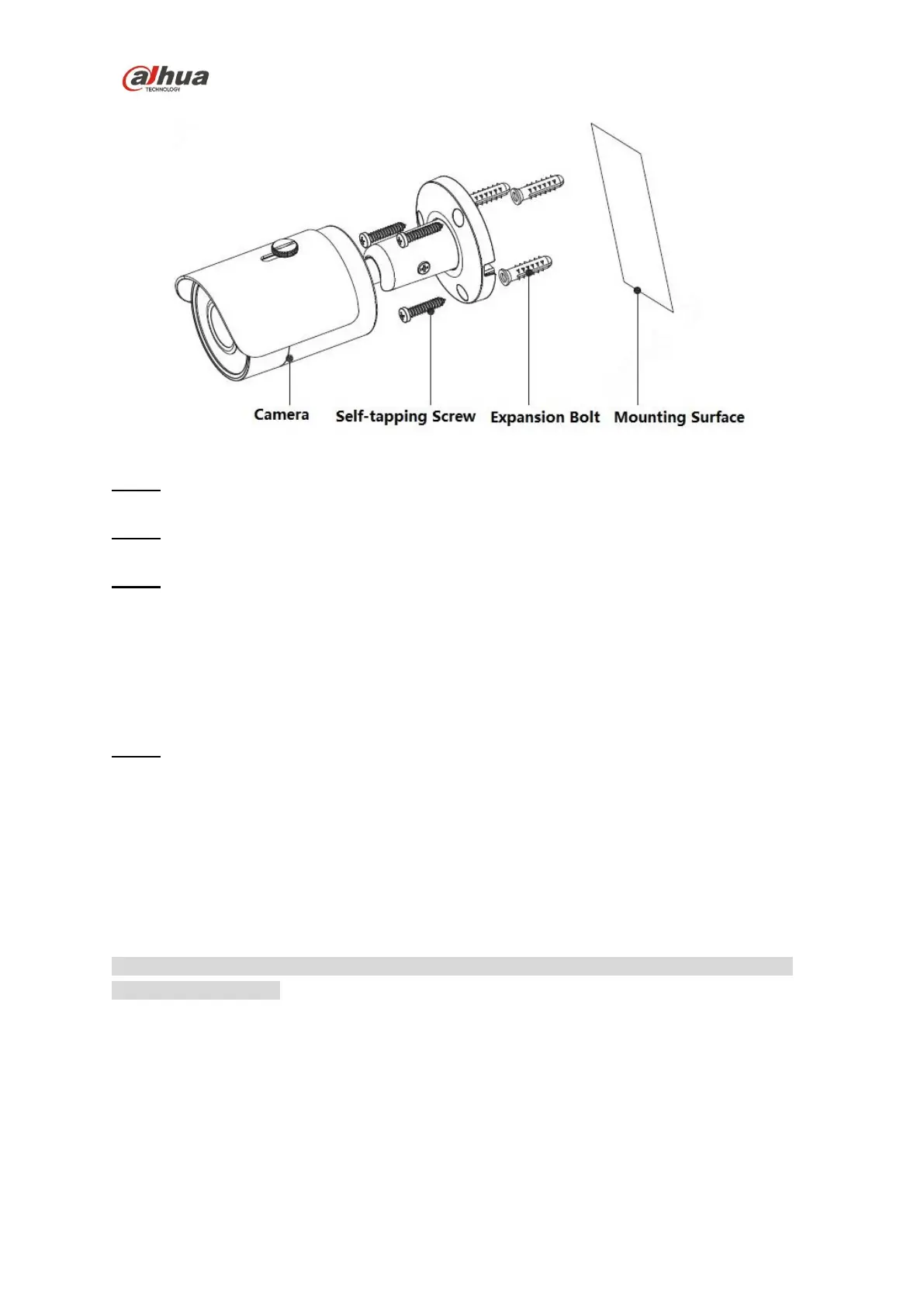
Figure 2-2
Step 1
Dig holes on the mounting surface.
Step 2
Take out expansion bolts and insert them into the mounting holes and lock them firmly.
Step 3
Lead the cable out from the cable exit hole of the device, you can select bottom cabling or side
cabling.
Bottom cabling: It is to lead out cable from mounting surface directly, which can effectively
protect cable.
Side cabling: It is to lead out cable from cable slot directly, which can prevent the cable from
being damaged.
Step 4
Take out self-tapping screws and use them to fix the device on the mounting surface.
The device sun shield can be moved forward and backward, it needs to tighten the locking screw
on the sun shield.
2.3 Connect Device Cable
It is to connect device power cable and network cable.
Note
It needs to install waterproof connector when the device is equipped with waterproof connector
and it is used outdoors.
The installation of waterproof connector is shown in Figure 2-3.


 To Next Page
 Loading...