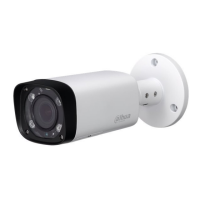
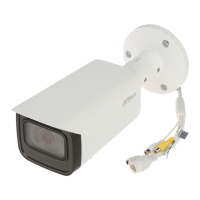
Dahua HD Mini IR Waterproof Bullet Network Camera Quick Start Guide
1 Framework
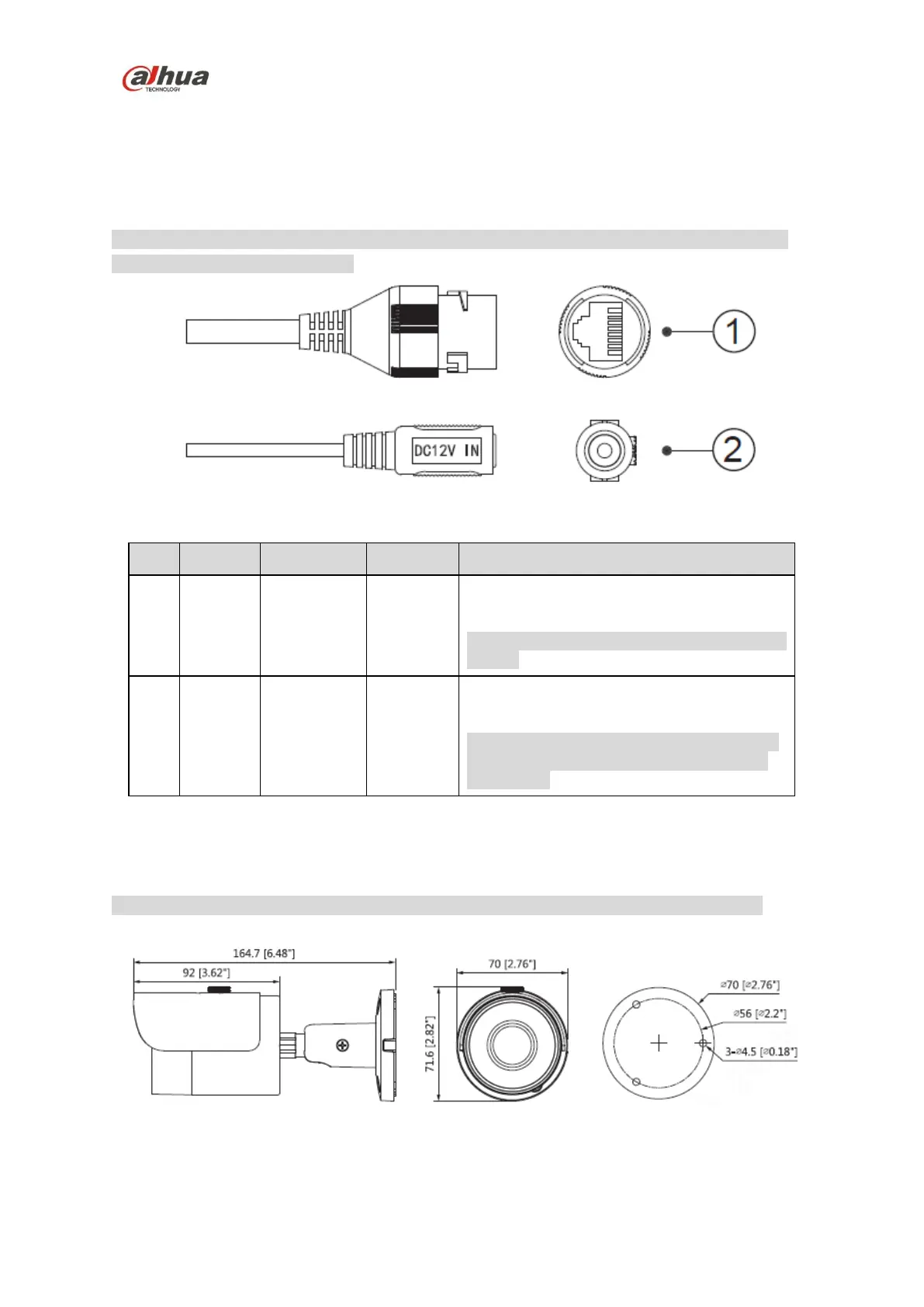
1.1 Device External Cable
Note
The following figure is for reference only; it is used to know the function of cable port. Different
devices may have different cable.
Figure 1-1
Please refer to Table 1-1 for detailed information.
Connect to standard Ethernet cable.
Note
Some devices do not support PoE power
supply.
Power port. Input DC 12V.
Caution
It may cause damage to the device if it fails
to power the device according to the label
description.
Table 1-1
1.2 Framework and Dimension
Note
The following figures are for reference only, which are used to know the device dimension.
Please refer to Figure 1-2 for more details.
Figure 1-2


 To Next Page
 Loading...