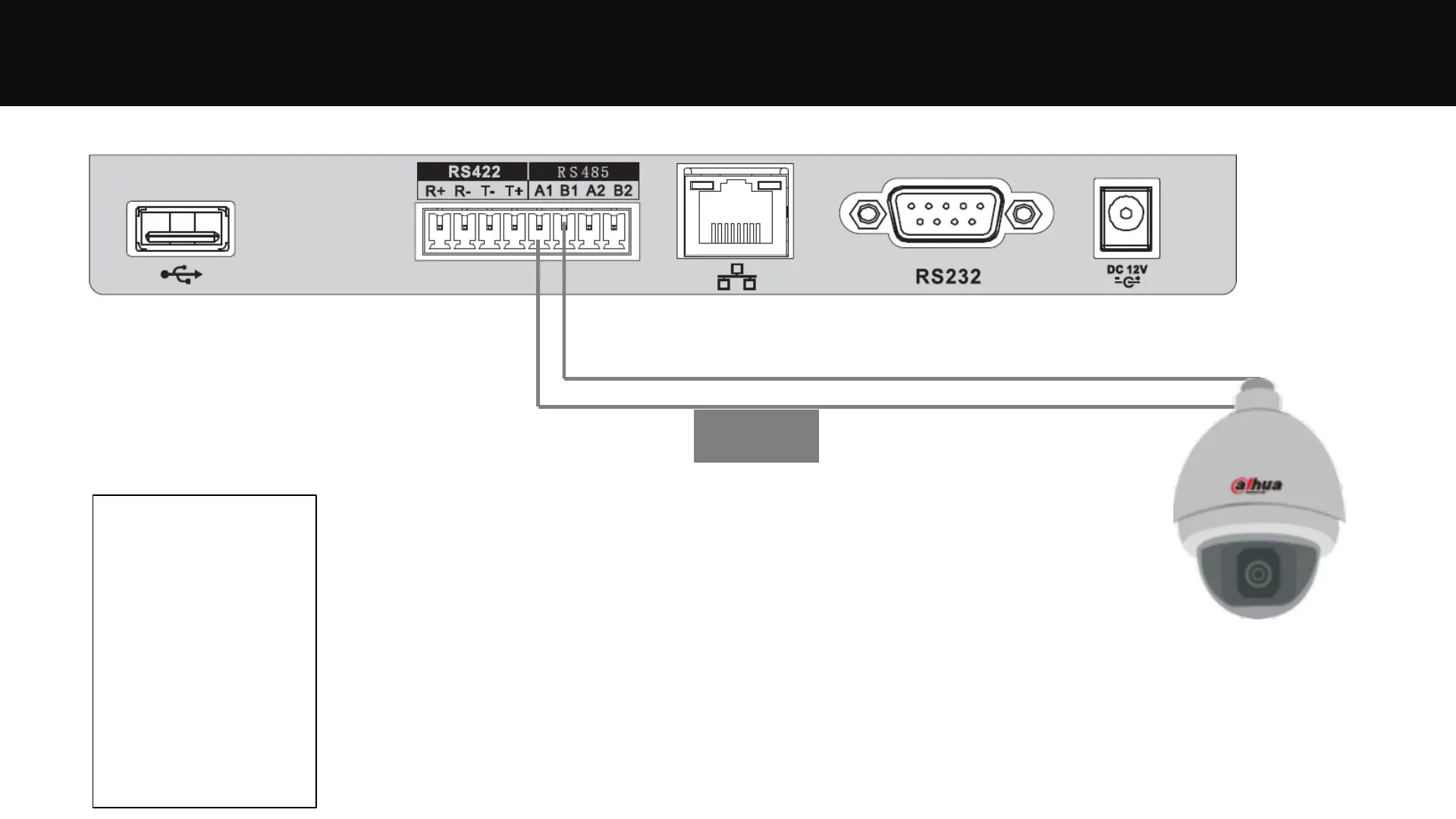
Controlling PTZ Cameras – Via RS485 - Setup
RS485
Suppose the RS485 address of the
PTZ camera is 100, baud rate is 9600,
protocol is Pelco-D, then we should
add a “zone” in the keyboard as
follows:
ID: 1
Name: Door1
Type: SD
Link: COM485
485Addr: 100
Rule: PELCOD
BaudRate: 9600
DataBit: 8
Parity: None
StopBit: 1
Note: you can set any ID or Name, but should set other parts based on the actual
configuration of the PTZ camera.
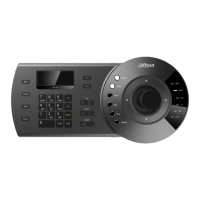
RS485connection is available for NKB1000/KBD1000/KB1000.


 To Next Page
 Loading...