45
Schedule Settings
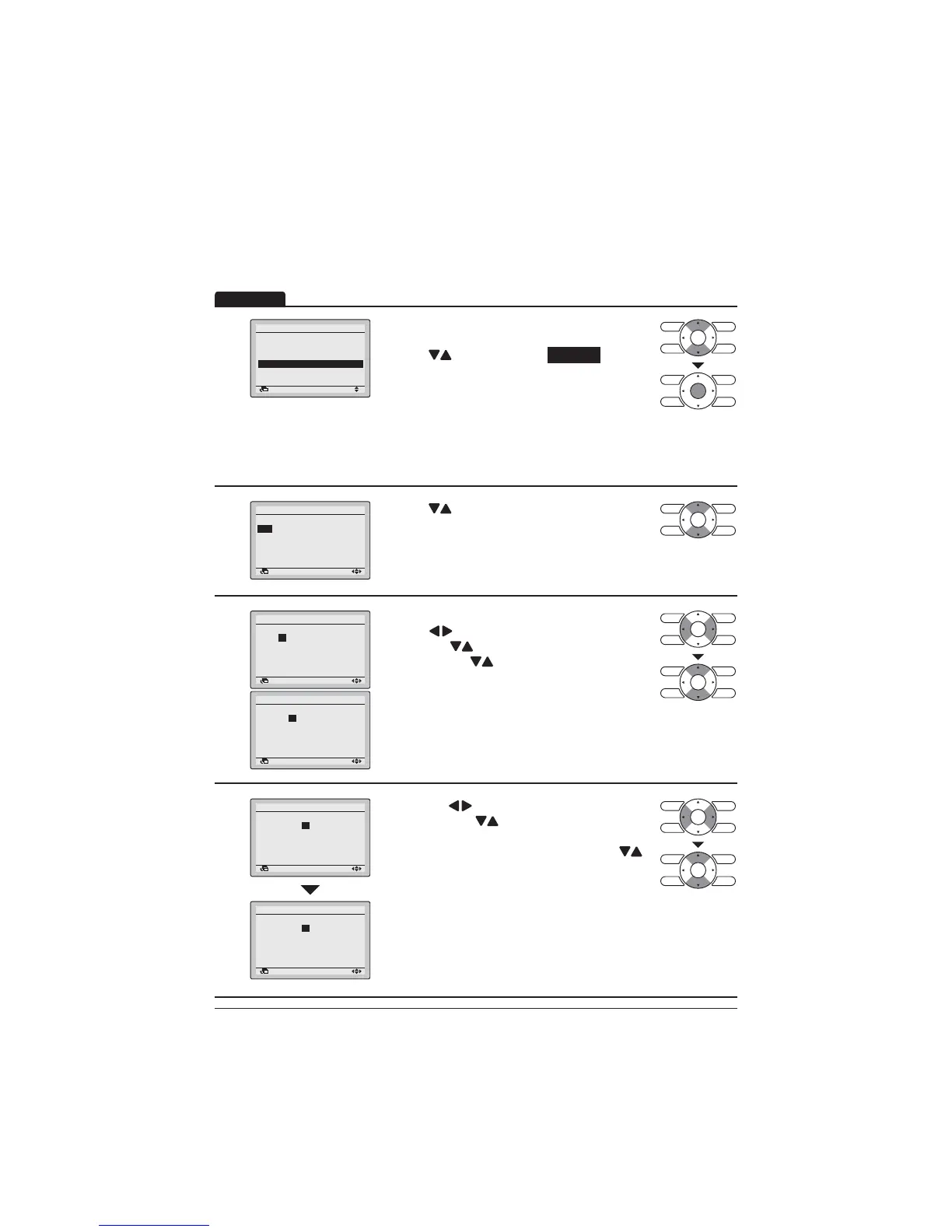
1
Setting
Schedule
Enable/Disable
Schedule nr set
Holidays
Settings
2/2
Return
Display the Schedule screen. (Refer to
page 42.)
Press "
" buttons to select Settings .
Press Menu/Enter button to display the Schedule
screen.
127(7KH6FKHGXOH6HWWLQJVRIWKHVHOHFWHG
schedule number can be changed. To change the
schedule number refer to "Schedule Nr Set" on
page 43.
2
chedule r 1
ime Act Cool Heat
:
:
:
:
:
o
Retur etti
Press " " EXWWRQVWRVHOHFWWKHGD\RIWKHZHHN
to be set.
3
chedule r 1
o
ime Act Cool Heat
:00
:
:
:
:
Retur etti
chedule r 1
o
ime Act Cool Heat
:
00
:
:
:
:
Retur etti
Set the time for the selected day.
Press " " buttons to move the highlighted item
and press " " buttons to set the desired time.
Each press of "
" buttons moves the numbers
by 1 hour or 1 minute.
4
chedule r 1
o
ime Act Cool Heat
:00
:
:
:
:
Retur etti
chedule r 1
o
ime Act Cool Heat
:00
2 °C 21°C
:
:
:
:
Retur etti
Press the " " buttons to move the highlighted
item and press " EXWWRQVWRFRQ¿JXUH21
OFF/-- settings.
21RU2))FKDQJHVLQVHTXHQFHZKHQ
"
buttons are pressed.
"Act" column:
21 7KHVHWWHPSHUDWXUHFDQEHFRQ¿JXUHG
2))7KHVHWEDFNWHPSHUDWXUHFDQEHFRQ¿JXUHG
±±7KHVHWWHPSHUDWXUHDQGVHWEDFN
temperature become disabled.
Operation



 To Next Page