51
Display
Display Mode
1
Return Setting
Configuration
Display
Contrast Adjustment
Draft prevention
'LVSOD\WKH&RQ¿JXUDWLRQVFUHHQ5HIHUWRSDJH
50.)
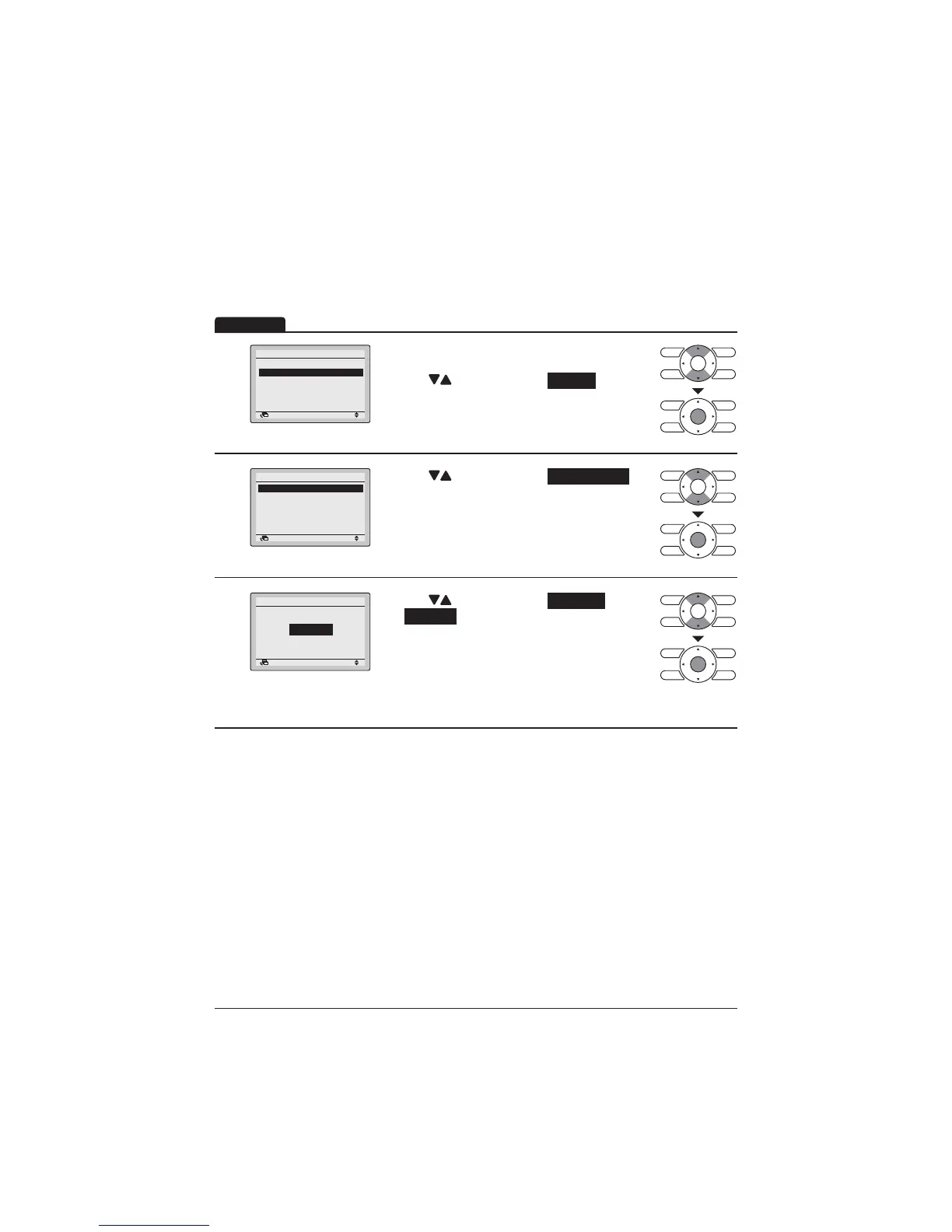
Press " " buttons to select Display .
Press Menu/Enter button to display the Display
screen.
2
Return Setting
Display
Display Mode Standard
Display Item None
Press " " buttons to select Display Mode .
Press Menu/Enter button to display the Display
Mode screen.
3
Return Setting
Display Mode
Display
Standard
Press " " buttons to select Standard
or Detailed .
7KHQSUHVV0HQX(QWHUEXWWRQWRFRQ¿UPVHWWLQJV
and return to the Basic screen.



 To Next Page