English 11
2
On/Off
u
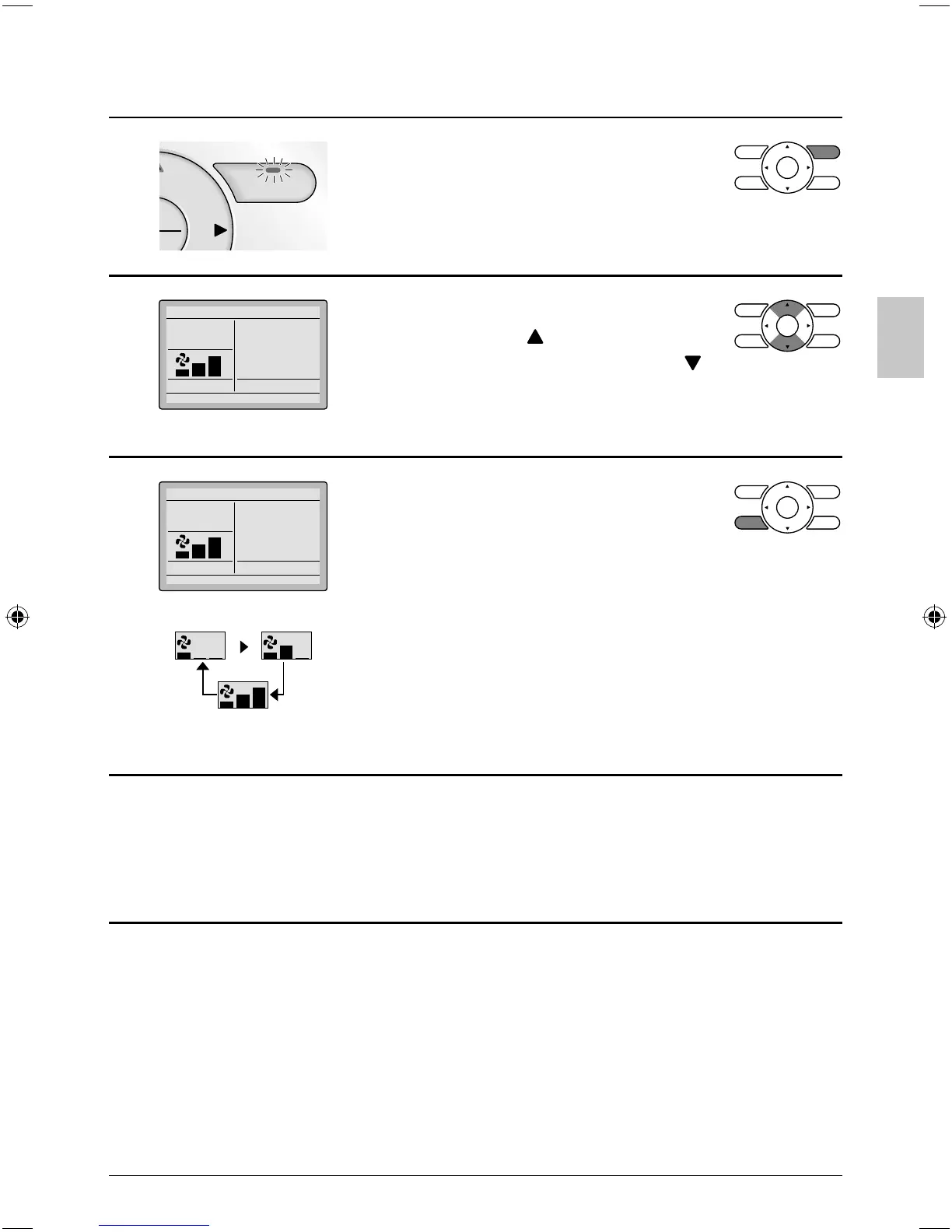
Press On/Off button. ●
The Operation lamp (green) will
illuminate and the system will start
operating.
3
Cool
Return Setting
Set to
Cool
74F
The setpoint will increase by ●
1°F (or 1°C) when button is pressed
and decrease by 1°F (or 1°C) when
button is pressed.
Setpoint is not available in fan or dry mode.*
4
Cool
Return Setting
Set to
Cool
74F
Low Medium
High
To change the fan speed, press the Fan ●
speed control button and select the
desired fan speed from Low, Medium or
High.
Only two fan speed adjustment levels, low and high may be *
available depending on the type of indoor unit.
The system may be in automatic fan speed control for equipment *
protection purposes.
The system may be in automatic fan speed control according to *
the room temperature. It is normal for the fan to intermittently stop
operating.
It is normal for a delay to occur when changing the fan speed.*
5
Adjust Air Flow Direction from the main menu ●
(see page 23).
If the connected indoor unit model does not include oscillating *
louvers this function will not be available.
01_EN_3P243520-2C.indd 1101_EN_3P243520-2C.indd 11 8/27/2009 1:48:31 PM8/27/2009 1:48:31 PM



 To Next Page