22 English
Menu Options
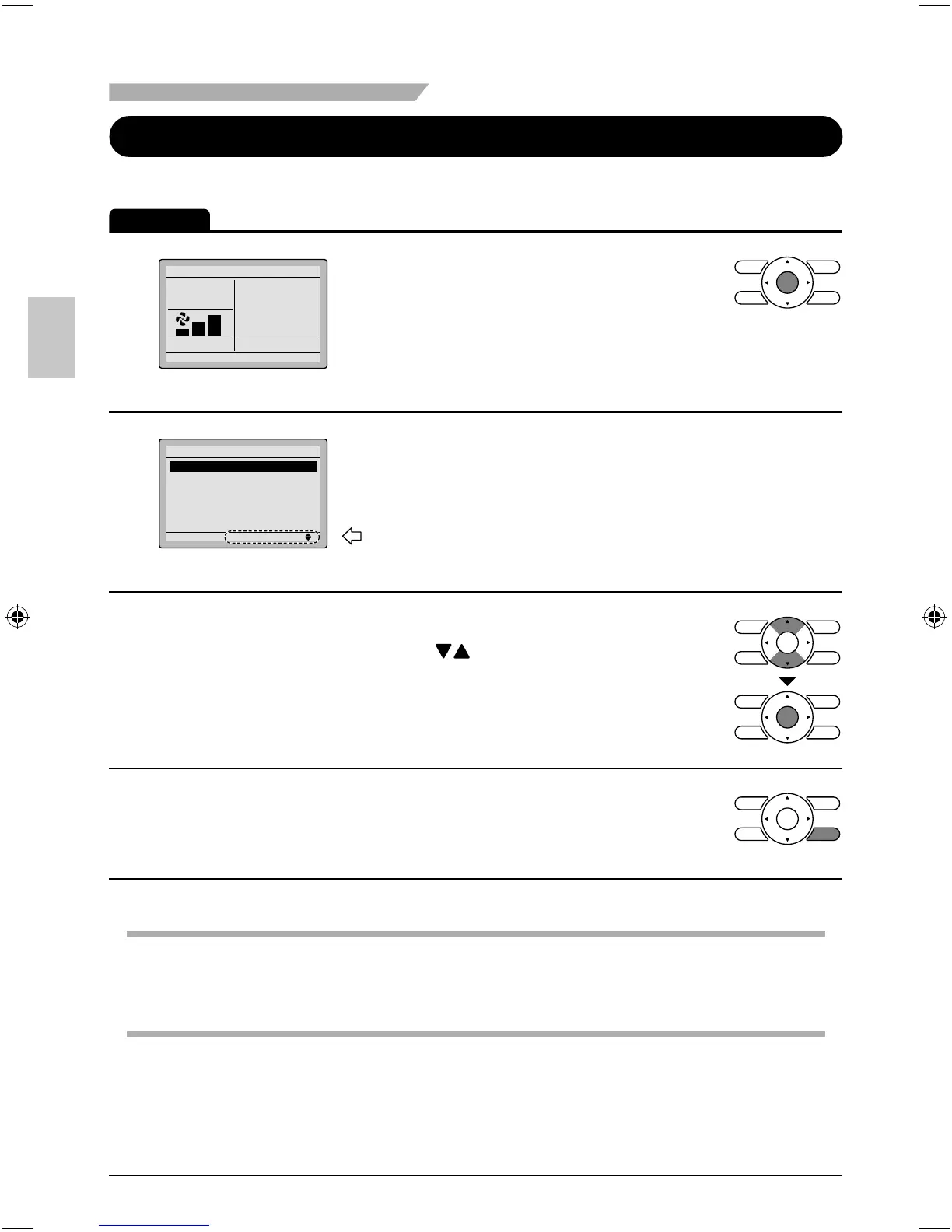
Moving Within the Main Menu Screen
Display Method for Main Menu
Operation
1
Cool
Return Setting
Set to
Cool
74F
Basic screen
Press Menu/OK button. ●
2
Setting
Main Menu
Air Flow Direction
Ventilation
Schedule
Off Timer
Celsius / Fahrenheit
Maintenance Information
1/2
Main menu screen
The main menu screen will appear. ●
Instructions for moving within the main
menu will appear.
3
Selecting items from the main menu. ●
1. Press buttons to select the desired
item to be set.
2. Press Menu/OK button to display the
details for the selected item.
4
To go back to the basic screen from the ●
main menu, press the Cancel button.
Note
If a button is not pressed for 5 minutes during confi guration, the controller will automatically ●
revert to the basic screen.
01_EN_3P243520-2C.indd 2201_EN_3P243520-2C.indd 22 8/27/2009 1:48:46 PM8/27/2009 1:48:46 PM



 To Next Page