English 13
Operation
1
Dry
Return Setting
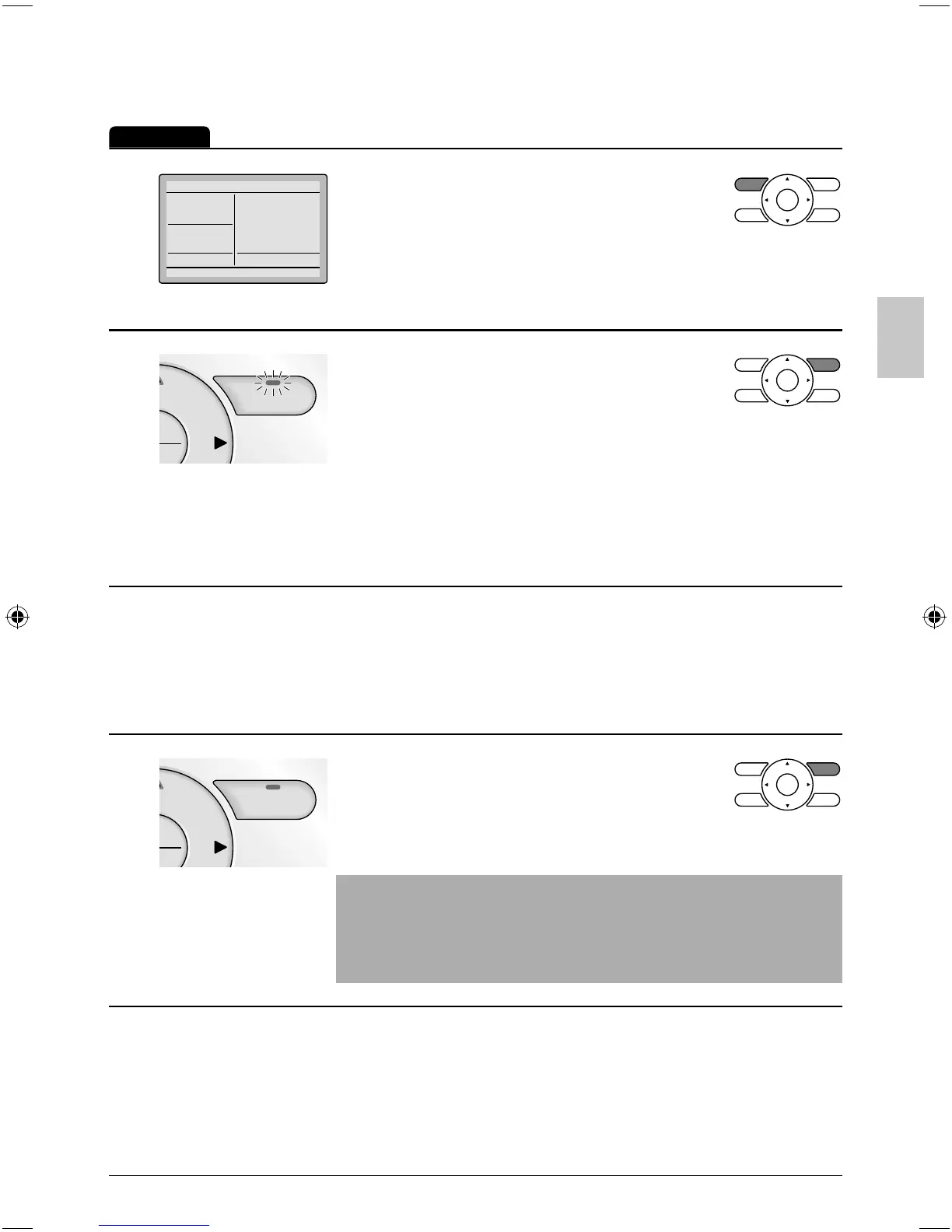
Press Mode button several times until ●
the Dry mode is selected.
The dry mode may not be available depending on the type of *
indoor unit.
2
On/Off
u
Press On/Off button. ●
The Operation lamp (green) will
illuminate and the system will start
operating.
In Dry mode, the system maintains automatic temperature and *
fan speed control. Therefore, temperature setpoint or fan speed
settings are not available while the indoor unit is in the Dry
mode.
3
Adjust Air Flow Direction from the main menu ●
(see page 23).
If the connected indoor unit model does not include oscillating *
louvers this function will not be available.
4
On/Off
u
When the On/Off button is pressed ●
again, the system will stop operating
and the operation lamp will turn off.
Note
To prevent water damage or system failure, do not immediately ●
remove power from the indoor unit following system operation.
Wait at least fi ve minutes for the condensate pump to fi nishing
draining residual water from the unit.
01_EN_3P243520-2C.indd 1301_EN_3P243520-2C.indd 13 8/27/2009 1:48:33 PM8/27/2009 1:48:33 PM



 To Next Page