English 37
Display
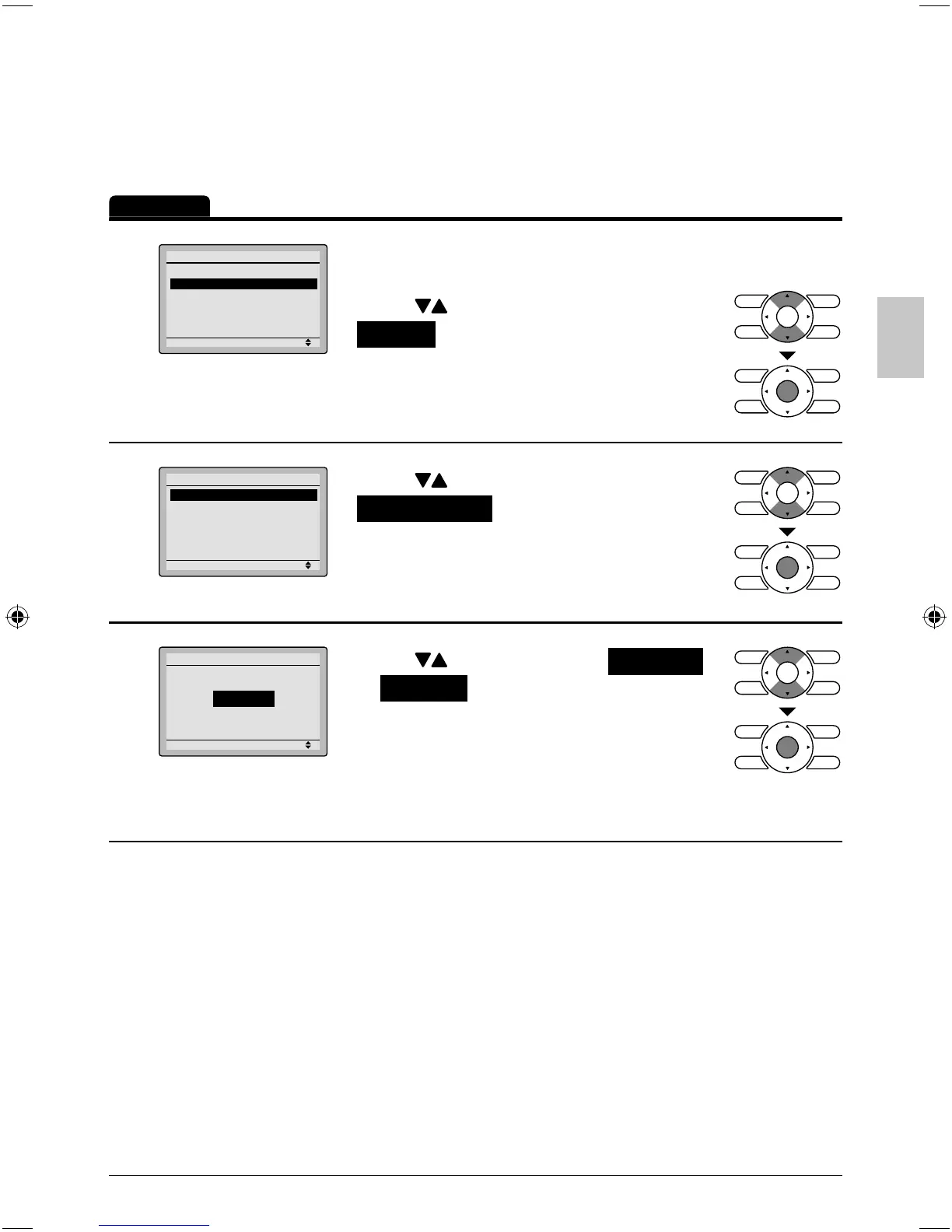
Display Mode
Operation
1
Setting
Configuration
Contrast Adjustment
Display
Navigate to the confi guration screen. ●
(See page 36.)
Press ● buttons to select
Display on the confi guration screen.
Press Menu/OK button to display the
display screen.
2
Setting
Display
Display Mode Standard
Display Item None
Press ● buttons to select
Display Mode on the display screen.
Press Menu/OK button to display the
Display Mode screen.
3
Setting
Display Mode
Display
Standard
Press ● buttons to select Standard
or Detailed on the display screen.
Press Menu/OK button to confi rm the ●
settings and return to the basic screen.
Refer to * Display Item to change detailed display
selection.
(See page 38.)
01_EN_3P243520-2C.indd 3701_EN_3P243520-2C.indd 37 8/27/2009 1:49:00 PM8/27/2009 1:49:00 PM



 To Next Page