10
FAN OPERATION
• When the warm air stays under the ceiling
and your feet are cold, we recommend that
you use a circulator (a fan to circulate the
air inside the room). For details, consult
your local dealer.
• When the indoor temperature exceeds the
set temperature, the indoor unit discharges
a gentle breeze (switches to gentle wind).
The airflow direction becomes horizontal.
(The remote controller displays the fan
speed and airflow direction that are set.)
• Only the fan inside the indoor unit
operates, and the air in the room is
circulated.
CHARACTERISTICS OF THE
PROGRAM DRY OPERATION
• This operation lowers the humidity without
lowering the indoor temperature. The indoor
temperature when the operation button is
pressed will be the set temperature. At this
time, the fan speed and temperature are
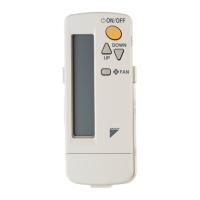
set automatically, so the remote controller
does not display the fan speed and set
temperature.
To efficiently lower the indoor temperature
and humidity, first use the COOLING
OPERATION to lower the indoor
temperature, and then use the PROGRAM
DRY OPERATION. When the indoor
temperature is lowered, airflow from the
indoor unit may stop.
• When operating continuously at downward
airflow direction, air blows in the auto-
matically set direction for a period of time
to prevent condensation on the horizontal
blades.
• If the PROGRAM DRY OPERATION is
used when the indoor temperature is low,
frost forms on the heat exchanger of the
indoor unit. In this case, the system
automatically switches to the DEFROST
OPERATION for a while.
ADJUSTMENT
TEMPERATURE SETTING
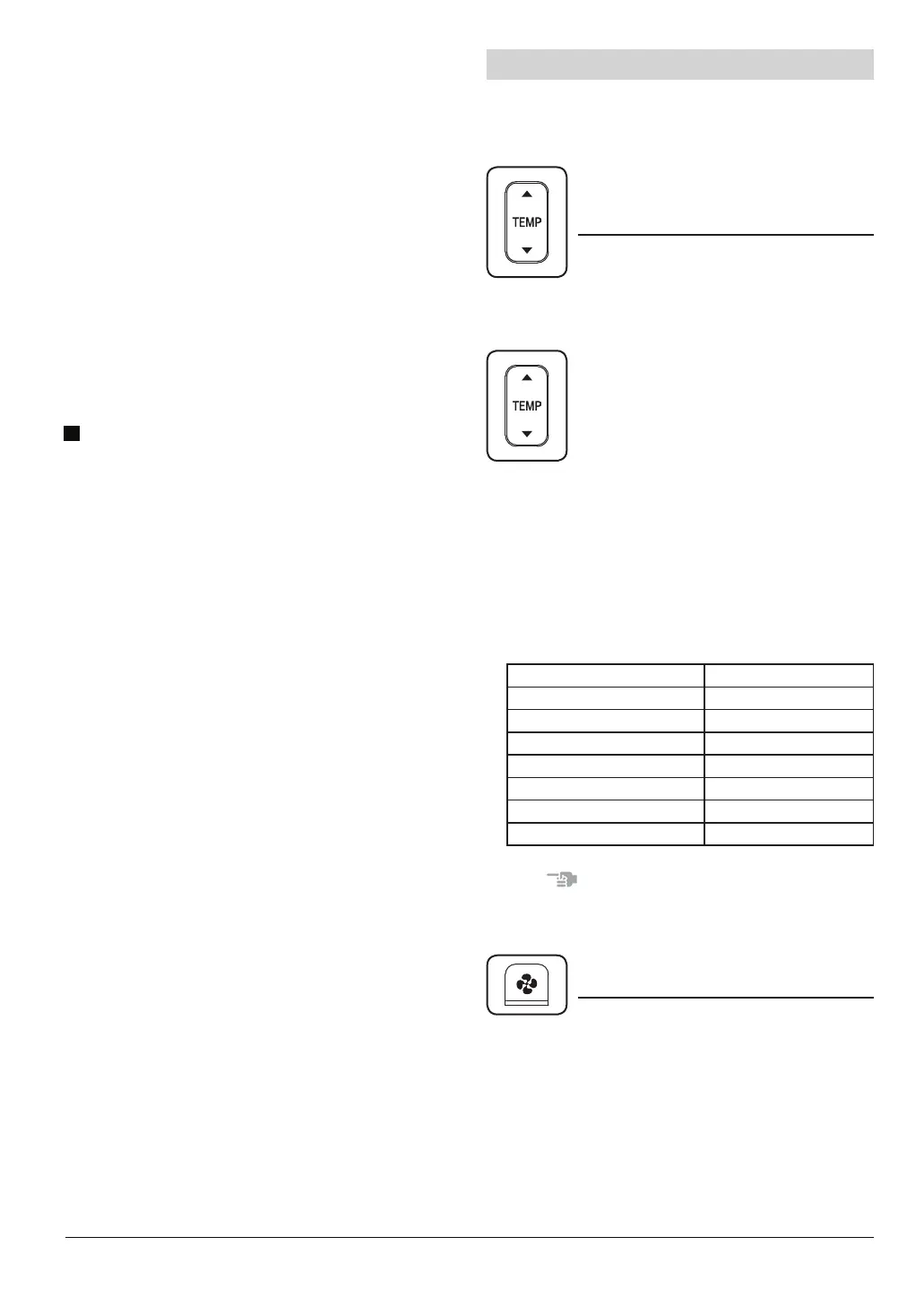
Press TEMPERATURE SETTING button
and program the set temperature.
Each time this button is pressed,
set temperature rises 1°C.
Each time this button is pressed,
set temperature lowers 1°C.
In case of AUTOMATIC OPERATION
Remote controller display Set temperature [°C]
STD -3 19
STD -2 20
STD -1 21
STD 22
STD +1 23
STD +2 24
STD +3 25
For programming TEMPERATURE, FAN
SPEED and AIRFLOW DIRECTION, follow
the procedure shown below.
• Temperature cannot be set in FAN
OPERATION and PROGRAM DRY
OPERATION modes.
• In AUTOMATIC OPERATION mode, the
relative temperature as compared to the
standard set temperature is displayed.
NOTE
• The set temperature range of the remote
controller is 16°C to 32°C.
FAN SPEED CONTROL
Press FAN SPEED CONTROL button.
• The micro computer may sometimes
control the fan speed in order to protect
the unit.
• The fan speed may be changed auto-
matically depending on the indoor
temperature.
The fan may be stopped, but this is normal.
Fan speed can be selected.



 To Next Page