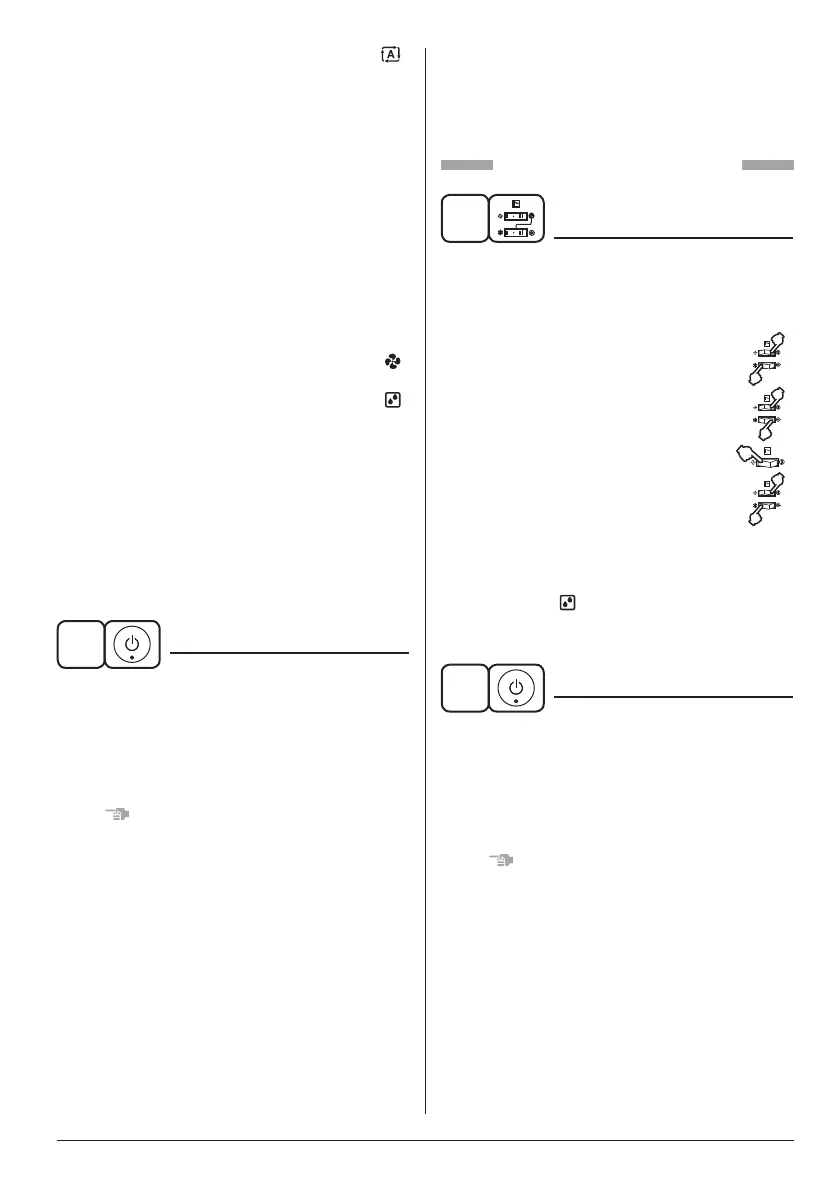
7
AUTOMATIC OPERATION........................ “ ”
• In this operation mode, COOLING/HEATING
changeover is automatically conducted.
• AUTOMATIC OPERATION controls the
temperature based on the set temperature,
so it maintains a comfortable temperature
throughout the year.
<Example>
When the indoor temperature decreases to
23°C or less when the set temperature is at
25°C in the AUTOMATIC COOLING
OPERATION, the operation is changed over
to the AUTOMATIC HEATING OPERATION.
When the indoor temperature reaches 27°C
or more, the operation is changed over to the
AUTOMATIC COOLING OPERATION.
FAN OPERATION ...................................... “ ”
Air in the room is circulated.
PROGRAM DRY OPERATION .................. “ ”
• The function of this program is to decrease
the humidity in your room with the minimum
temperature decrease.
• The set temperature is the indoor
temperature when starting operation by
PROGRAM DRY OPERATION.
• Micro computer automatically determines
TEMPERATURE and FAN SPEED.
• This system does not go into operation if the
room temperature is below 16°C.
2
ON/OFF
Press ON/OFF button.
OPERATING INDICATOR LAMP (Red) lights up or
goes off and the system starts or stops OPERATION.
• The fan may keep on running for about 1 minute
after the heating operation stops for removing
the heat in the indoor unit.
NOTE
• Do not turn OFF power immediately after the
unit stops. Then, wait no less than 5 minutes.
Water is leaking or there is something else
wrong with the unit.
FOR SYSTEMS WITH COOL/HEAT
CHANGEOVER REMOTE CONTROL
SWITCH
(Refer to “Switching operations on VRV system”
on page 11, 12.)
Refer to Fig. 1-1, 1-3 on page [1]
1
OPERATION MODE
SELECTOR
(1)
Select OPERATION MODE with the COOL/
HEAT CHANGEOVER REMOTE CONTROL
SWITCH as follows.
COOLING OPERATION ....................... “
”
HEATING OPERATION ..........................“
”
FAN OPERATION ...............................“
”
PROGRAM DRY OPERATION ............. “
”
(2)
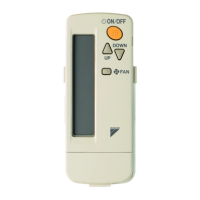
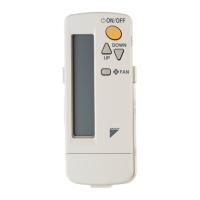
In the case of PROGRAM DRY OPERATION,
press OPERATION MODE SELECTOR button
on the wireless remote controller several
times until “ ” appears on the display.
AUTOMATIC OPERATION is not available.
2
ON/OFF
Press ON/OFF button.
OPERATING INDICATOR LAMP (Red) lights up or
goes off and the system starts or stops operation.
• The fan may keep on running for about 1 minute
after the heating operation stops for removing
the heat in the indoor unit.
NOTE
• Do not turn OFF power immediately after the
unit stops. Then, wait no less than 5 minutes.
Water is leaking or there is something else
wrong with the unit.
01_EN_4P457494-6L.indd 7 13/03/2019 11:07:42



 To Next Page