10
Movement of the airow direction blades
Under the operating conditions described below,
airowdirectioniscontrolledautomatically,soit
maydifferfromtheairowdirectiondisplayedon
the remote controller.
Operation
mode
• COOLING
• AUTOMATIC
COOLING
•
PROGRAM DRY
• HEATING
• AUTOMATIC
HEATING
Up and
down
direction
Air blows in the
automatic set
direction for a
period of time to
prevent
condensation on
the horizontal
blades.
• When operating
continuously at
downward
airowdirection
Theairow
direction becomes
horizontal so that
it does not blow
directly toward
your body.
• When room
temperature is
higher than the
set temperature
• When the
HEATING
OPERATION
starts or during
DEFROST
OPERATION
(if frost forms on
the outdoor unit)
Description of airow direction settings
and operation
Therangeofmovementoftheairowdirection
blades varies by indoor unit model. Consult the
dealer of purchase for details.
Airow
direction
settings
Wall mounted
Up/downairow
Fixed
Theairowdirectioncanbexedin
any position in the range Position 0
to Position 4.
Indoor unit
(Desired position)
Swing
Theairowdirectionblades
automatically move up/down or left/
right within the range of Position 0
to Position 4.
Indoor unit
(Swing)
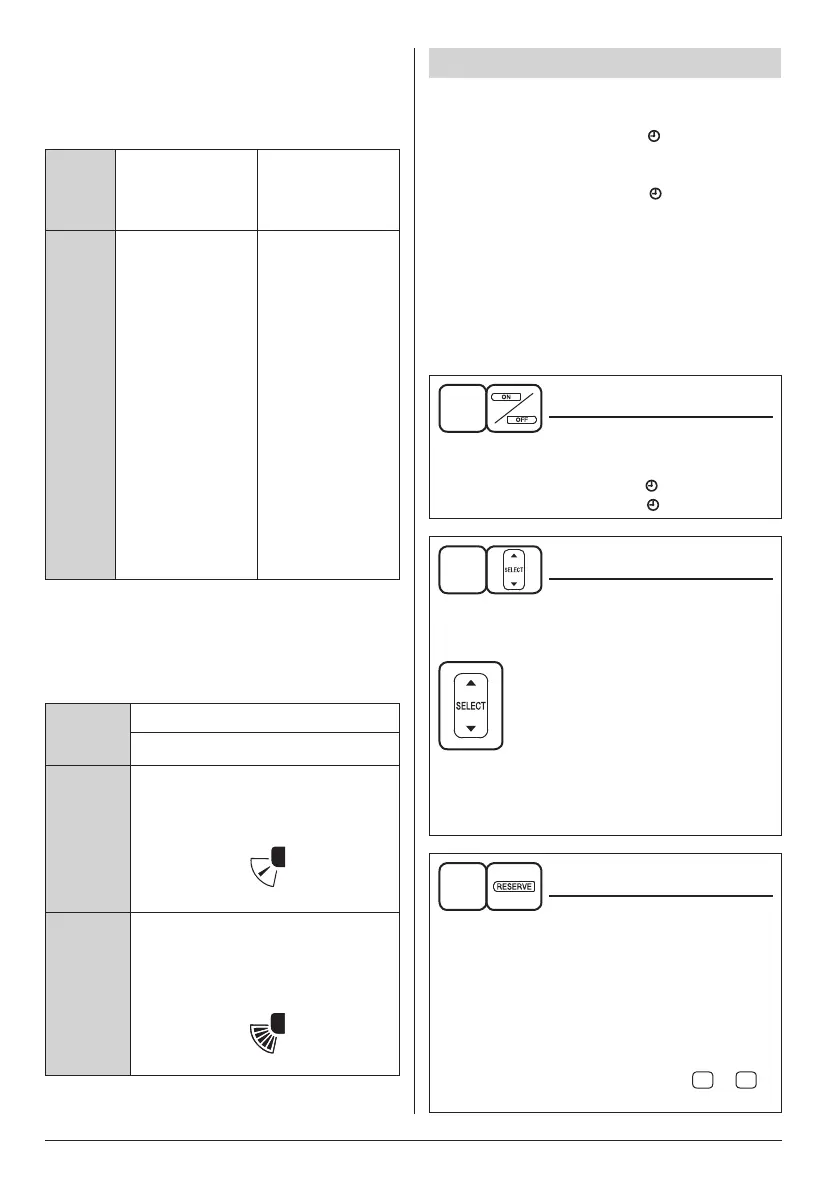
PROGRAM TIMER OPERATION
Operate in the following order.
• The timer is operated in the following two ways.
Programming the stop time ( OFF)
.... The air conditioner stops operating after the
set time has elapsed.
Programming the start time ( ON)
.... The air conditioner starts operating after the
set time has elapsed.
• The start and the stop time can be
simultaneously programmed.
• The timer setting is effective only once. When
using the TIMER operation every day, the
setting is required before each use.
Setting the timer
1
TIMER MODE ON/OFF
Press the TIMER MODE ON/OFF button.
Thedisplayashes.
For setting the timer stop .... “ OFF”
For setting the timer start .... “ ON”
2
PROGRAMMING TIMER
Press the PROGRAMMING TIMER button
and set the time for stopping or starting the
air conditioner.
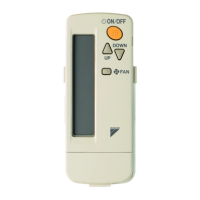
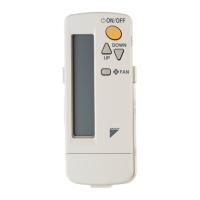
When this button is pressed, the
time advances by 1 hour.
When this button is pressed, the
time goes backward by 1 hour.
• Keep pressing the button to change the
setting time continuously.
• The timer can be programmed a maximum
of 72 hours.
3
TIMER RESERVE
Press the TIMER RESERVE button.
The timer setting procedure ends.
Thedisplaychangesfromashinglighttoa
constant light.
• Make sure that the receiving tone of the
indoor unit makes a beeping sound.
If the receiving tone does not sound, cancel
the timer according to the steps below, and
then set the timer following steps
1
to
3
above again.
01_EN_4P457494-6L.indd 10 13/03/2019 11:07:43



 To Next Page