13
1 Press
to select the daily timer.
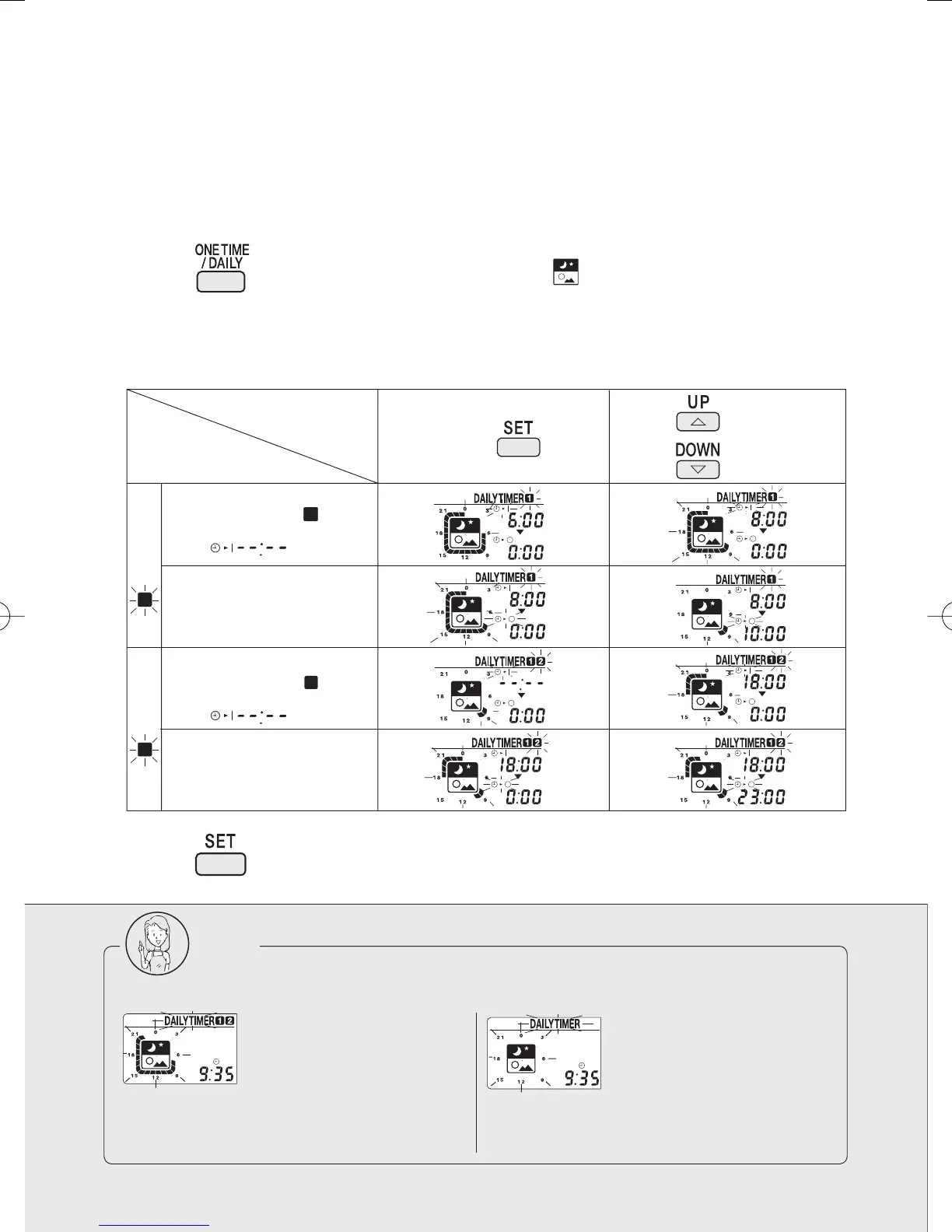
2 Make the ON and OFF time settings. Take the steps from to .
Program example: 8:00
~ 10:00, and 18:00 ~ 23:00
Daily timer
Once the timer has been programmed, the system starts and stops repeatedly at the preset times day
after day. Two pairs of time settings can be programmed.
(Example: 8:00
~ 10:00, and 18:00 ~ 23:00)
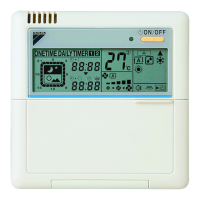
Daily timer indication appears.
lights up.
3 Press
.
(The daily timer is now programmed.)
Note
If the following appears on the display, the timer must be reprogrammed.
The 24-hour timer display
is blinking.
The 24-hour timer display
is blinking.
This means that Timers and are
programmed for the same time settings.
New time settings must be made.
This means that the timer has not been
programmed yet.
When the timer is not
used, save the setting
as
Press Press
to make the
timer setting.
1
Procedure
Settings
ON time setting
OFF time setting
OFF time setting
2
ON time setting
2
1
Timer Timer
When the timer is not
used, save the setting
as
3P202922-1A.indd133P202922-1A.indd13 2007/04/1616:14:472007/04/1616:14:47


 To Next Page