11
WPS
SETUP
Wi-Fi PROTECTED
Configuration
Configuration
Wireless Connection
Setting Section
Setting
Enabling/disabling the wireless LAN connecting adapter
Turn off the air conditioner before setting up wireless connection.
While operation is stopped, press the POWERFUL button and
hold the button for 5 seconds.
Press the TEMP button and select SP menu .
Press the POWERFUL button to confirm the selected setting.
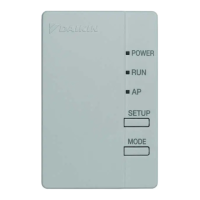
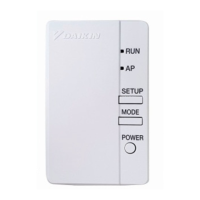
• The wireless LAN connecting adapter lamp (orange) blinks for one second.
Press the CANCEL button to return to the default screen.
Turn off the air conditioner before setting up wireless connection.
While operation is stopped, press the POWERFUL button and
hold the button for 5 seconds.
Press the TEMP button and select SP menu .
Press and hold the POWERFUL button for 2 seconds to
confirm the selected setting.
• The wireless LAN connecting adapter lamp (orange) goes off.
Press the CANCEL button to return to the default screen.
•
The wireless LAN connecting adapter will communicate with
the smart devices in your home network via a modem, router,
or a similar device.
There are two options for connecting the wireless LAN connecting adapter
to your smart phone or tablet:
http://www.daikinthai.com/product/dmobile
For more information and Frequently Asked Questions, please refer to:
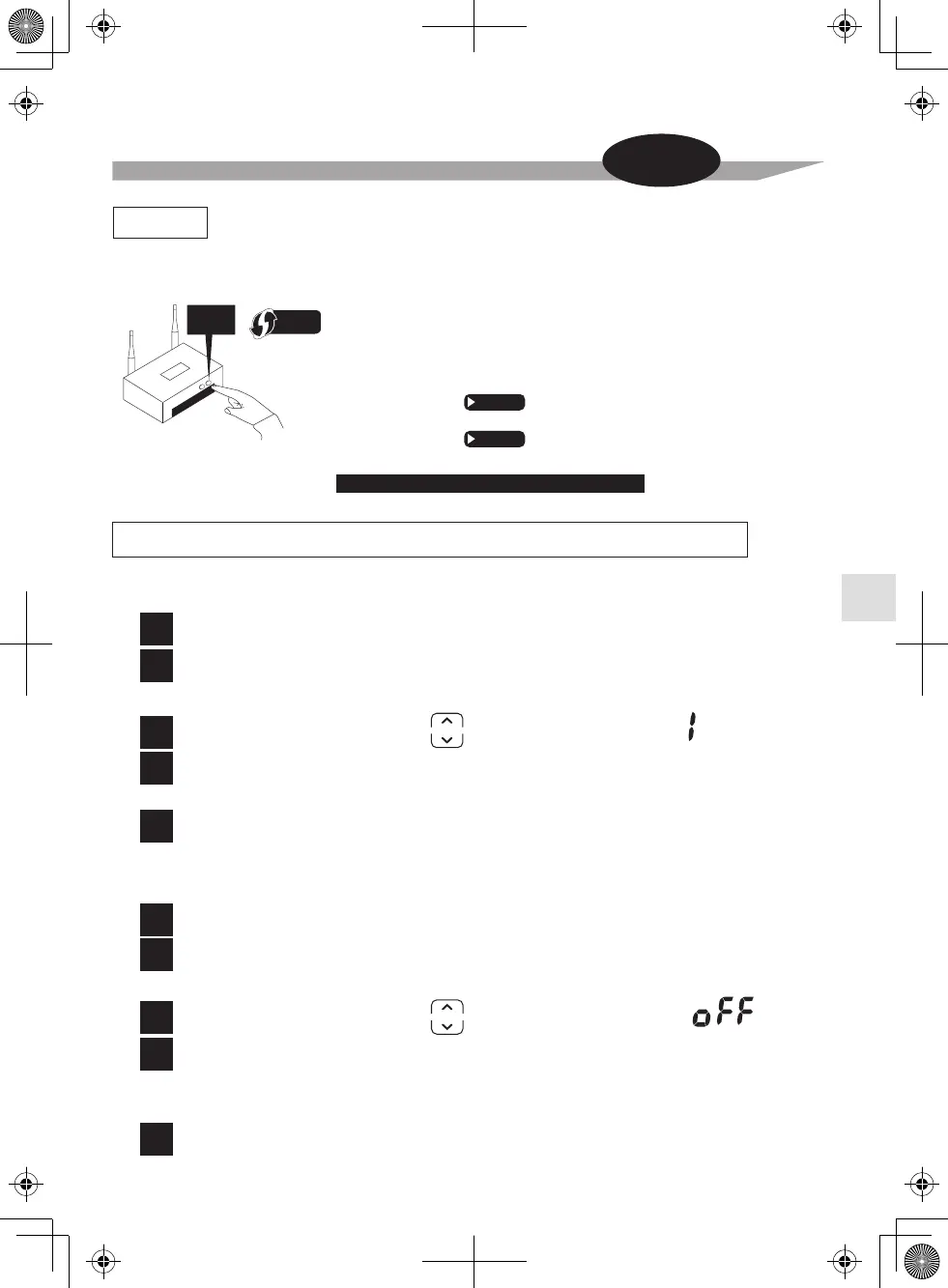
1) Simple connection (WPS connection), if there is a WPS button
on the router, .
2) Access point connection (AP connection), if there is no WPS button
on the router, .
Page 12
Page 13
Connect the wireless LAN connecting adapter to your home network.
To enable
To disable
1
2
3
4
5
1
2
3
4
5



 To Next Page