9. General settings
9.4. Dealer Contact
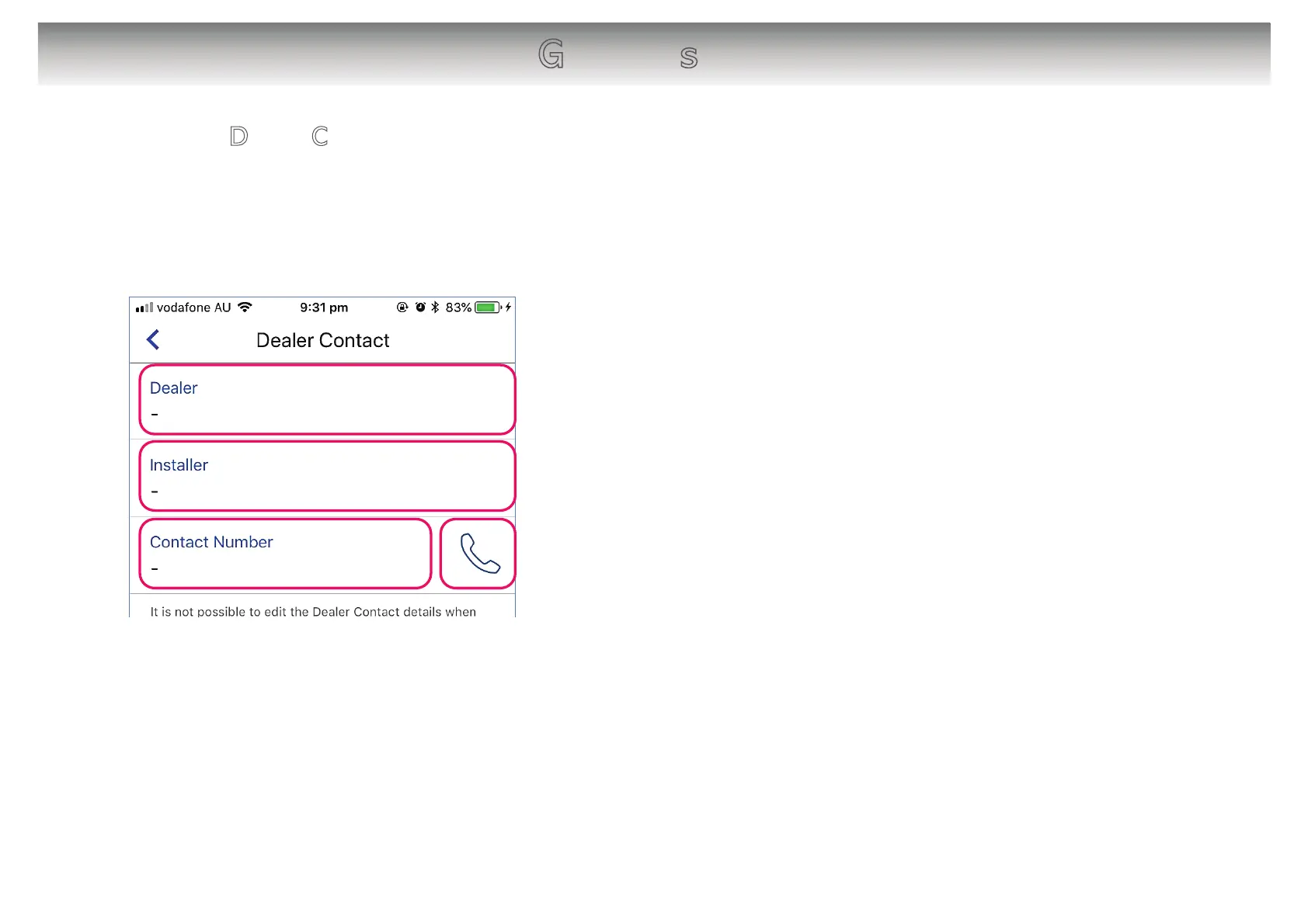
The Dealer Contact function will allow contact details on your installer / Repair to be
entered and stored so that you can easily recall their details should you need to contact
in the future.
22
[About the screen]
䙿 Tap to enter your dealer name.
䚀 Tap to enter your installer name.
䚁 Tap to enter the contact number.
䚂 Tap to make a call to your dealer’s /installer’s contact
number if it’s operated by your mobile phone.
䙿
䚁
䚀
䚂
[Note]
Dearer Contact information will be stored in WLAN
Adapter.
It is only possible to edit the Dealer Contact details
when connected via “In-Home” (At home)” mode.



 To Next Page