12
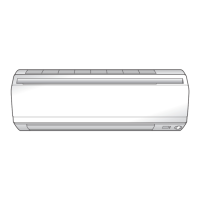
Adjusting the Air Flow Direction
You can adjust the air flow direction to increase your
comfort.
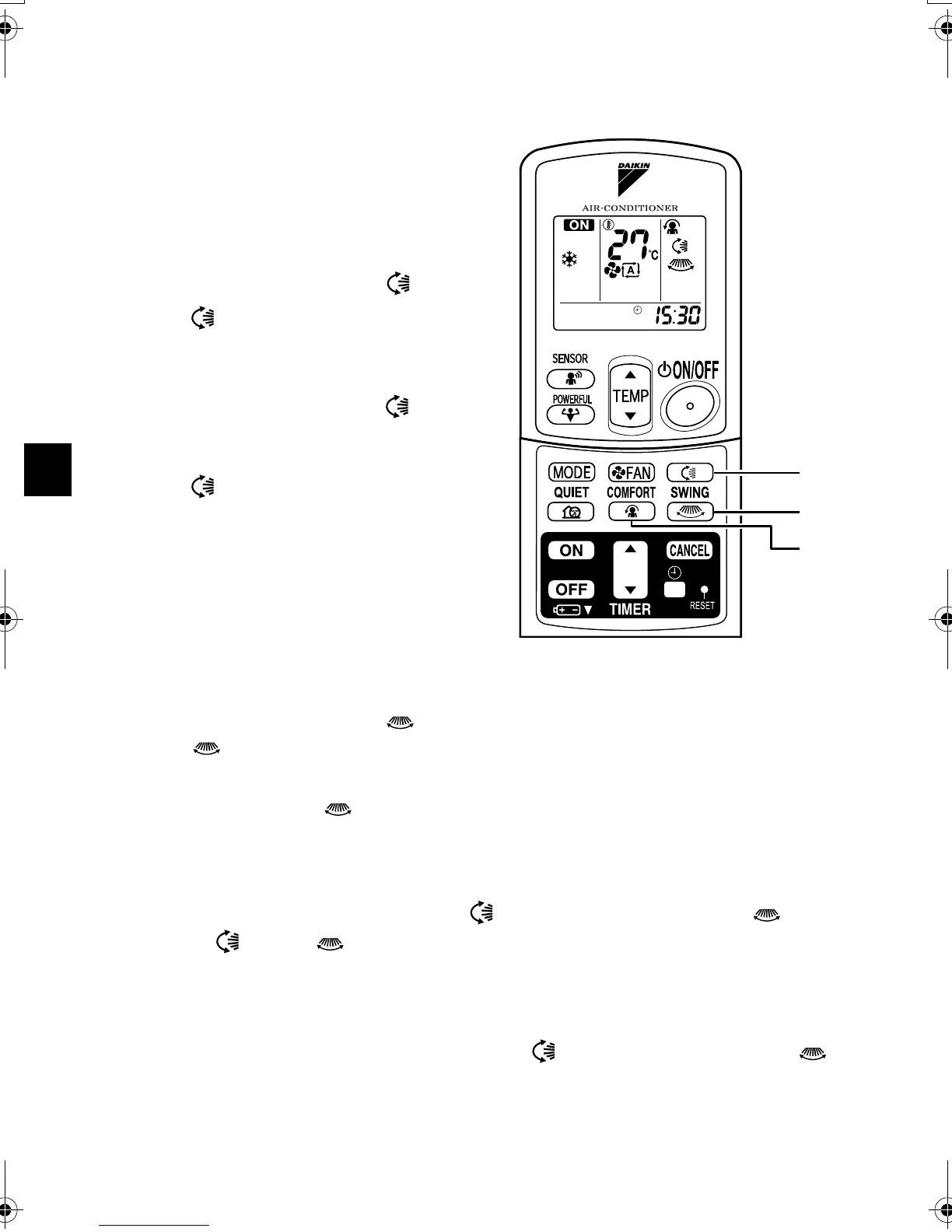
■ To adjust the horizontal
blade (flap)
1. Press “SWING button ”.
• “ ” is displayed on the LCD.
2. When the flap has reached the
desired position,
press “SWING button ” once
more.
• The flap will stop moving.
• “ ” disappears from the LCD.
■ To adjust the vertical
blades (louvers)
3. Press “SWING button ”.
• “ ” is displayed on the LCD.
4. When the louvers have reached the desired position, press the
“SWING button ” once more.
• The louvers will stop moving.
■ To 3-D Airflow
1. 3. Press the “SWING button ” and the “SWING button ”:
the “ ” and “ ” display will light up and the flap and louvers will
move in turn.
■ To cancel 3-D Airflow
2. 4. Press either the “SWING button ” or the “SWING button ”.
1, 2
3, 4
5, 6
01_EN_3P194513-2C.fm Page 12 Wednesday, April 30, 2008 1:32 PM



 To Next Page