10 | Configuration
Installer reference guide
154
ERGA04~08EA + EHVH04+08SU18+23EA
Daikin Altherma 3 R F
4P629090-1A – 2021.11
Schedule/Control Description
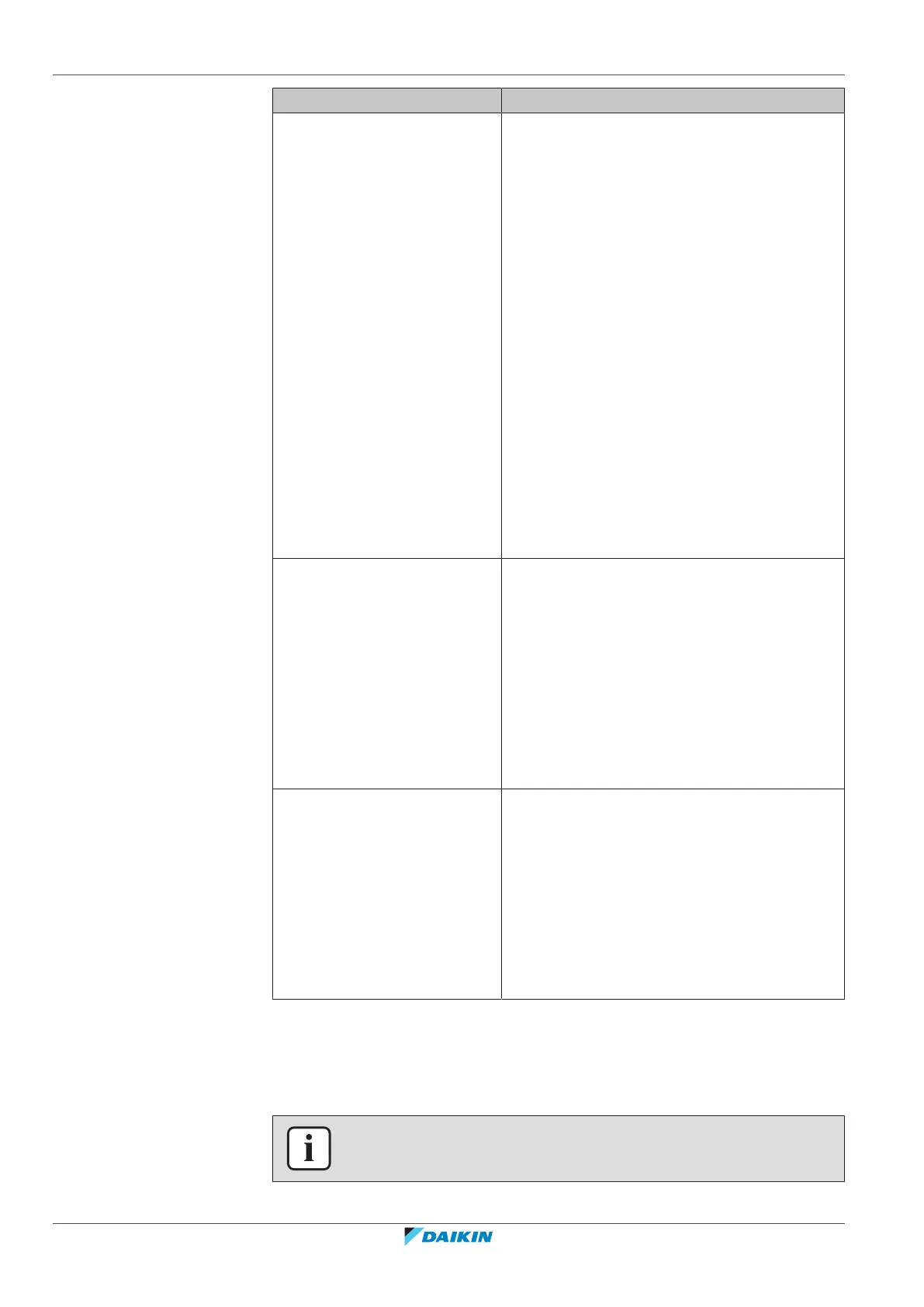
[5.5] Tank > Schedule
Schedule for the domestic hot
water tank temperature for
your normal domestic hot
water needs.
Predefined schedules: 1
Activation screen: Not applicable. This schedule
is automatically activated if the DHW mode is
one of the following:
▪ Schedule only
▪ Schedule + reheat
Possible actions:
▪ Comfort: When to start heating the tank to
the user-defined preset value [5.2] Comfort
setpoint.
▪ Eco: When to start heating the tank to the
user-defined preset value [5.3] Eco
setpoint.
▪ Stop: When to stop heating the tank, even if
the desired tank temperature is not reached
yet.
Note: In Schedule + reheat mode, the
system also takes the user-defined preset value
[5.4] Reheat setpoint into account.
[7.4.2] User settings >
Quiet > Schedule
Schedule for when the unit has
to use which quiet mode level.
Predefined schedules: 1
Activation screen: [7.4.1] Activation (only
available to installers).
Possible actions: You can use the following
system-defined preset values:
▪ Quiet
▪ More quiet
▪ Most quiet
See "About quiet mode"[4203].
[7.5.4] User settings >
Electricity price >
Schedule
Schedule for when a certain
electricity tariff is valid.
Predefined schedules: 1
Activation screen: Not applicable
Possible actions: You can use the following
system-defined preset values:
▪ High
▪ Medium
▪ Low
See "10.4.4Setting the energy prices"[4158].
10.4.3 Schedule screen: Example
This example shows how to set a room temperature schedule in heating mode for
the main zone.
INFORMATION
The procedures to program other schedules are similar.



 To Next Page