10 | Configuration
Installer reference guide
231
ERGA04~08EA + EHVH04+08SU18+23EA
Daikin Altherma 3 R F
4P629090-1A – 2021.11
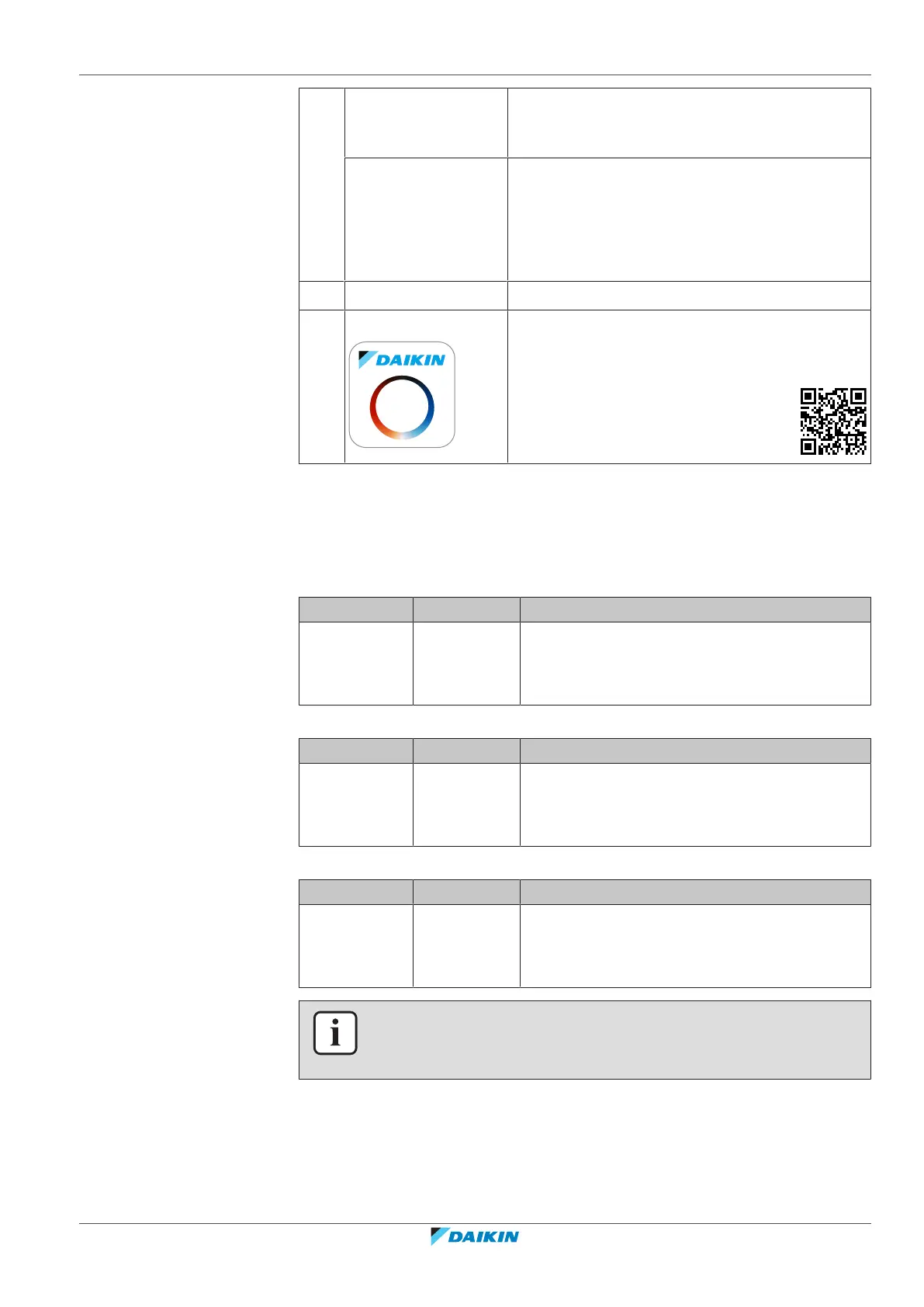
a WLAN cartridge The WLAN cartridge needs to be inserted in the
user interface. See the installation manual of the
WLAN cartridge.
WLAN module The WLAN module needs to be installed by the
installer on the indoor unit (on the inside of the
front panel). See:
▪ Installation manual of the WLAN module
▪ Addendum book for optional equipment
b Router Field supply.
c Smartphone + app The Daikin Residential Controller app needs to be
installed on the user's smartphone. See:
http://www.onlinecontroller.daikineurope.com/
Configuration
To configure the Daikin Residential Controller app, follow the in-app instructions.
While doing this, the following actions and information are needed on the user
interface:
Mode: Turn AP mode ON (=WLAN cartridge/module active as access point) or OFF.
# Code Description
[D.1] N/A Enable AP mode:
▪ No
▪ Yes
Reboot: Reboot the WLAN cartridge/module.
# Code Description
[D.2] N/A Reboot the gateway:
▪ Back
▪ OK
WPS: Connect the WLAN cartridge/module to the router.
# Code Description
[D.3] N/A WPS:
▪ No
▪ Yes
INFORMATION
You can only use this function if it is supported by the software version of the WLAN,
and the software version of the Daikin Residential Controller app.
Remove from cloud: Remove the WLAN cartridge/module from the cloud.



 To Next Page