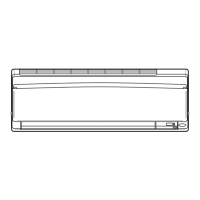
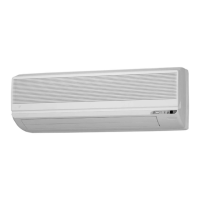
READ BEFORE OPERATION READ BEFORE OPERATION
NOTE
Note on setting brightness of the indoor unit lamps
• The display automatically returns to the default screen after 60 seconds.
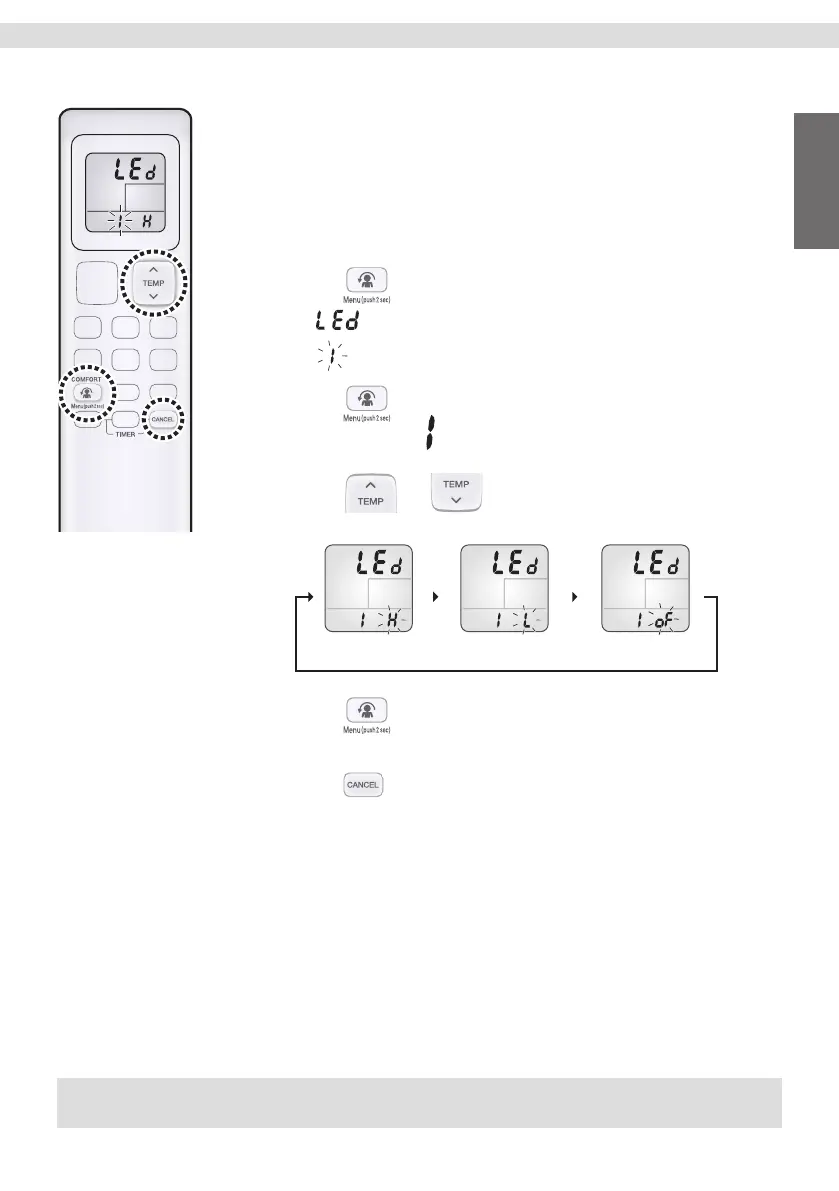
To set the brightness of the indoor unit
lamps
Adjust the brightness of the indoor unit display as desired, or turn OFF the
display.
To set
1. Press and hold the button for 2 seconds.
• “ ” appears on the LCD.
• “ ” (menu number) blinks.
2. Press to conrm the selected setting for
menu number
.
3. Press
or and select the desired
brightness as follows:
BRIGHTNESS High
(default)
BRIGHTNESS Low BRIGHTNESS Off
4. Press again.
• Brightness will be set to the chosen value.
5. Press twice to return to the default screen.
9
Tiếng Việt English
01_EN_3P730851-4G.indd 901_EN_3P730851-4G.indd 9 03/11/2023 16:17:5903/11/2023 16:17:59


 To Next Page