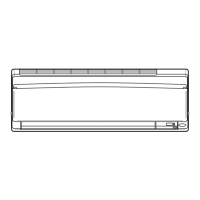
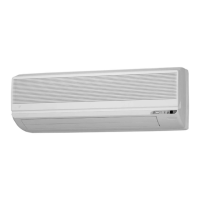
OPERATION OPERATION
Adjusting the Airow Direction
You can adjust the airow direction to increase your comfort.
ATTENTION
•
Always use a remote controller to adjust the angles of the ap and louvres.
- If you attempt to move it forcibly with hand when it is swinging, the
mechanism may be broken.
- Inside the air outlet, a fan is rotating at a high speed.
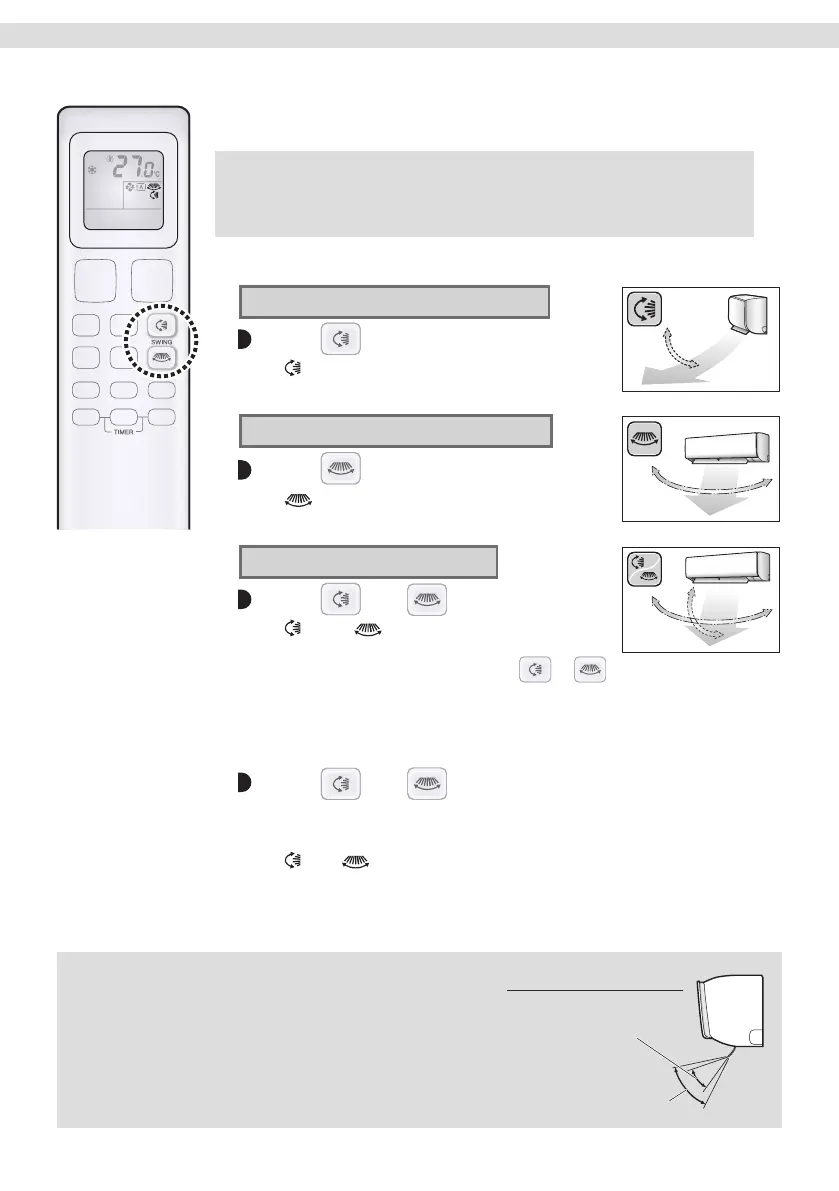
To start auto swing
Up and down airow direction
Press .
• “ ” appears on the LCD.
• The ap (horizontal blade) will begin to swing.
Right and left airow direction
Press .
• “ ” appears on the LCD.
• The louvres (vertical blades) will begin to swing.
The 3-D airow direction
Press and .
• “ ” and “ ” appear on the LCD.
• The aps and louvres move in turn.
• To cancel 3-D airow, press either
or again.
The aps or louvres will stop moving.
To set the aps or louvres at the desired position
• This function is effective while the aps or louvres are in auto swing mode.
Press and when the aps or louvres reach
the desired position.
• In the 3-D airow, the aps and louvres move in turn.
• “
” or “ ” disappears from the LCD.
NOTE
Note on airow direction setting
• The movable range of the ap varies according to the
operation mode, refer to the right picture.
Note on 3-D airow
•
Using 3-D airow circulates cold air, which tends to
collect at the bottom of the room, and hot air, which
tends to collect near the ceiling, throughout the room,
preventing areas of cold and hot developing.
COOL / DRY
FAN
Movable range of the flap
12
01_EN_3P730851-4G.indd 1201_EN_3P730851-4G.indd 12 03/11/2023 16:18:0403/11/2023 16:18:04


 To Next Page