OPERATION CARE
Care and Cleaning
CAUTION
• Before cleaning, be sure to stop operation and turn the breaker OFF.
•
When opening and closing the front panel, use a robust and stable stool and watch your step carefully.
• After cleaning, make sure that the front panel is securely xed.
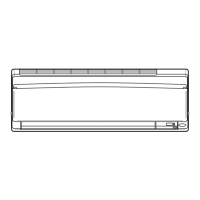
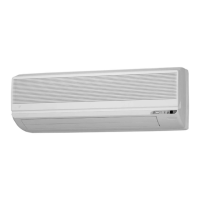
Units
Wipe them with a dry soft cloth.
Front panel
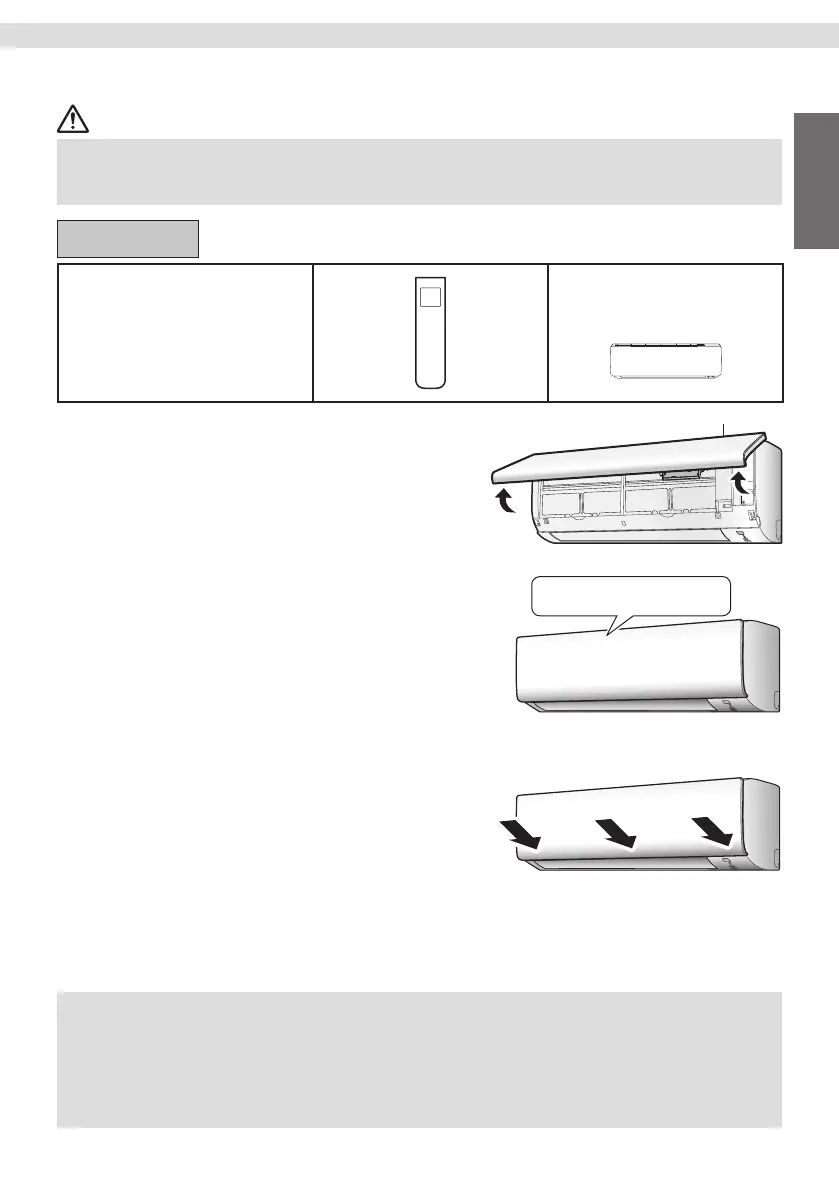
1. Open the front panel.
• Hold the front panel by the sides and open it.
2. Clean the front panel.
If the front panel is dirty
• Wipe it with a soft damp cloth.
• Only neutral detergent may be used.
3. Close the front panel
• Close the front panel slowly. (Press the panel
at both sides and in the central area.)
• Make sure that the front panel is securely xed.
Streamer air inlet
If the backside of the front panel is
dirty, wipe it with a soft damp cloth.
NOTE
Notes on cleaning the front panel.
• Do not wash in water.
• Do not tear a heat insulation material.
• Do not press or rub a heat insulation material.
Streamer air inlet
•
Do not place objects around the indoor unit.
Doing so may have an adverse inuence on the performance, product quality, and life of the streamer.
21
Tiếng Việt English
01_EN_3P730851-4G.indd 2101_EN_3P730851-4G.indd 21 03/11/2023 16:18:1603/11/2023 16:18:16


 To Next Page