6 | Operation
User reference guide
41
CVXM-A, FVXM-A, CVXM-A9, FVXM-A9, FVXTM-A
Split system air conditioners
4P625990-1D – 2022.09
To reset the connection setting to the factory default
Reset the connection setting to the factory default in case you want to:
▪ disconnect the wireless LAN and the communication device (e.g. router) or smart
device.
▪ repeat the setting if the connection was unsuccessful.
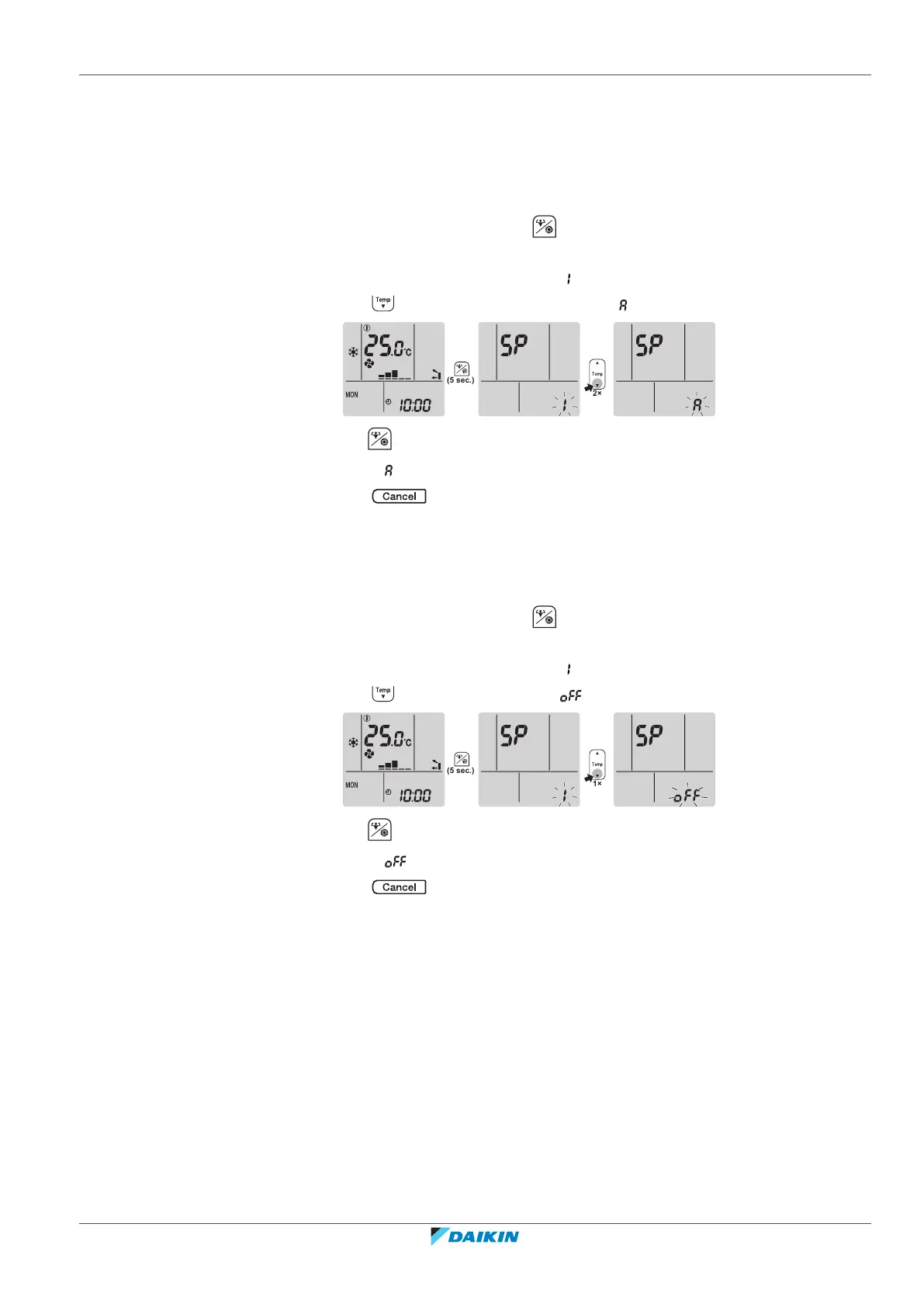
1 On the home screen, press for at least 5 seconds while the unit is not
operating.
Result: SP appears on the display. is blinking.
2 Press twice to change the SP menu to .
3 Hold for at least 2seconds to confirm the selection.
Result: is blinking. The setting is reset to the factory default.
4 Press to exit the menu.
Result: The display will return to the home screen.
To turn off the wireless LAN connection
If you want to turn off the wireless connection function:
1 On the home screen, press for at least 5 seconds while the unit is not
operating.
Result: SP appears on the display. is blinking.
2 Press change the SP menu to .
3 Hold for at least 2seconds to confirm the selection.
Result: is blinking. Communication is OFF.
4 Press to exit the menu.
Result: The display will return to the home screen.
6.14 About Multi system
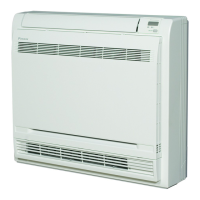
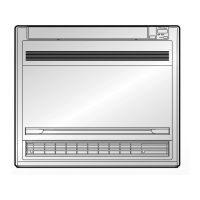
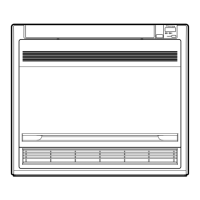
In Multi system, 1 outdoor unit is connected to multiple indoor units. Example:






 To Next Page