www.DaikinApplied.com 83 IM 1287-6 • REBEL APPLIED ROOFTOP
the addition of the Unit Conguration Menu. To access the
advanced menu, you need to enter a level 2 password and set
the enable advanced menu ag to Yes in the service menu.
Continuing without entering one of these three levels allows
access only to the Alarm Lists Menu and the System Summary
Menu.
NOTE: Alarms can be acknowledged without entering a
password.
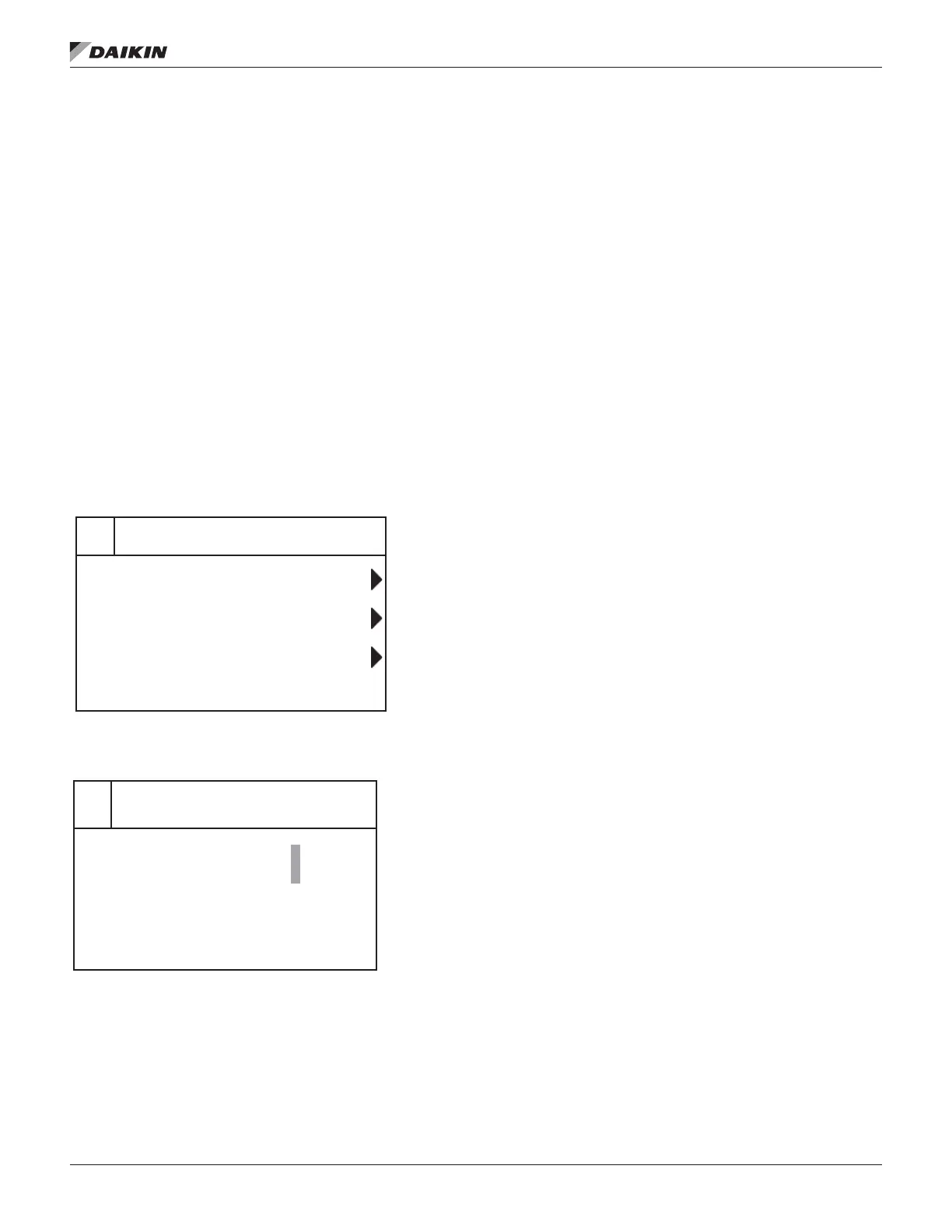
The password eld initially has a value **** where each *
represents an adjustable eld. These values can be changed
by entering the Edit Mode.
Entering an invalid password has the same eect as continuing
without entering a password.
Once a valid password has been entered, the controller
allows further changes and access without requiring the user
to enter a password until either the password timer expires
or a dierent password is entered. The default value for this
password timer is 10 minutes. It is changeable from 3 to 30
minutes via the Timer Settings menu in the Extended Menus.
Figure 152: Password Main Page
Figure 153: Password Entry Page
Navigation Mode
In the Navigation Mode, when a line on a page contains no
editable elds all but the value eld of that line is highlighted
meaning the text is white with a black box around it. When the
line contains an editable value eld the entire line is inverted
when the cursor is pointing to that line.
When the navigation wheel is turned clockwise, the cursor
moves to the next line (down) on the page. When the wheel is
turned counter-clockwise the cursor moves to the previous line
(up) on the page. The faster the wheel is turned the faster the
cursor moves.
When the Back Button is pressed the display reverts back to
the previously displayed page. If the Back button is repeated
pressed the display continues to revert one page back along
the current navigation path until the “main menu” is reached.
When the Menu (Home) Button is pressed the display reverts
to the “main page.”
When the Alarm Button is depressed, the Alarm Lists menu is
displayed.
Edit Mode
The Editing Mode is entered by pressing the navigation wheel
while the cursor is pointing to a line containing an editable eld.
Once in the edit mode pressing the wheel again causes the
editable eld to be highlighted. Turning the wheel clockwise
while the editable eld is highlighted causes the value to be
increased. Turning the wheel counter-clockwise while the
editable eld is highlighted causes the value to be decreased.
The faster the wheel is turned the faster the value is increased
or decreased. Pressing the wheel again cause the new value
to be saved and the keypad/display to leave the edit mode and
return to the navigation mode.
Enter Password
Continue W/O Password
Version Information
Enter Password
1/1
Enter Password
*
***


 To Next Page
 Loading...