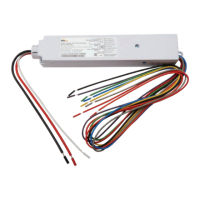
Installation GuideDaintree
®
Networked Wireless Fixture Adapter (WFA100-SN)
8
4
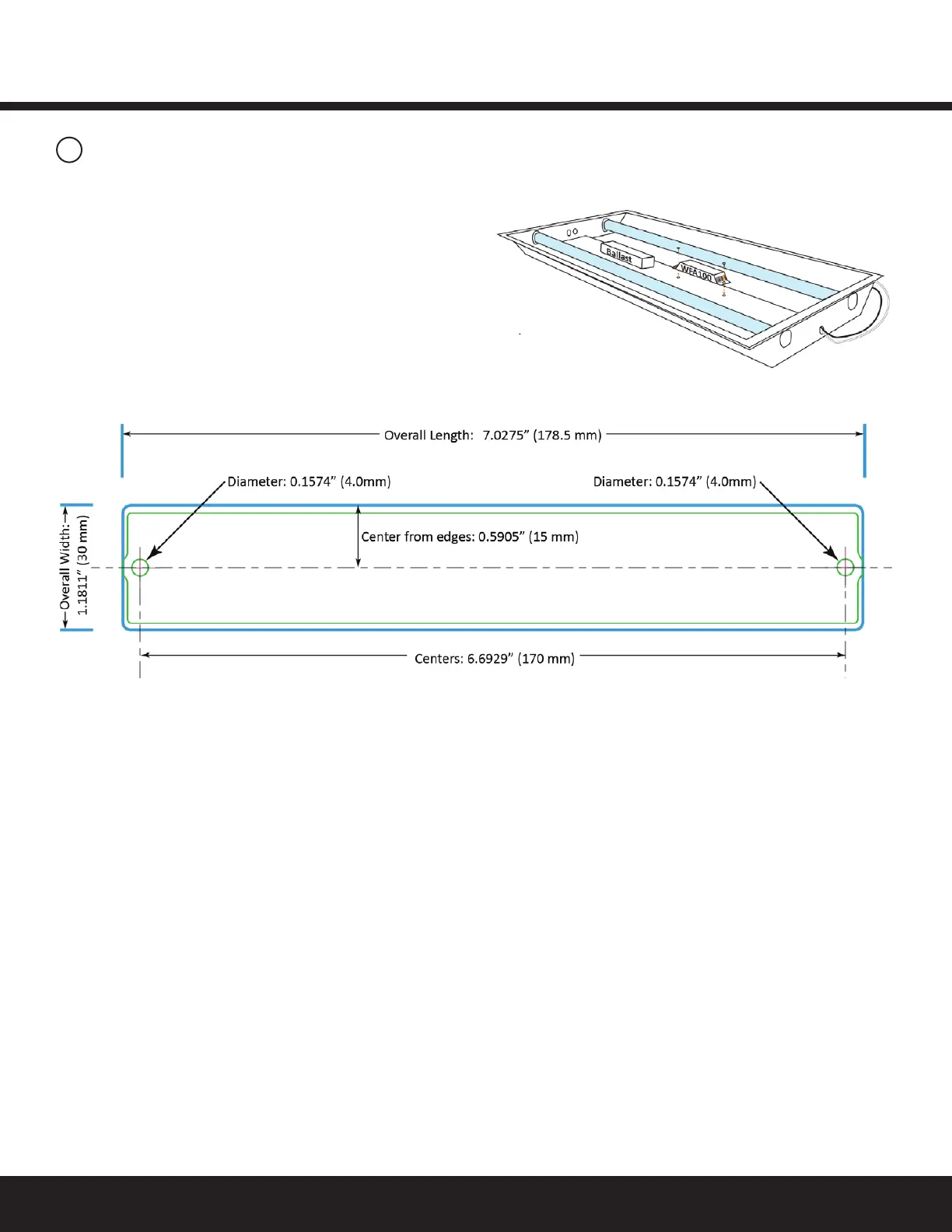
Mounting
TheWFA100-SNisdesignedtobemountedinsidealightxture.
Typically,itismountedintheballastchannelusingtwoscrews
AbarcodelabelwiththeWFA100-SN’sfullIEEEaddressonitis
includedwiththeWFA100-SN.ThisistheFixturelabel.Afxthis
labeltotheoutsideofthexture.
Chooseastandardlocationsothatwhensomeonelooksfor
xturescontaininganadapter,theywillknowwheretolook
fortheIEEEaddressbarcodelabel.
Important Notices
Complete Installation Tests
Successful commissioning is dependent on testing each
wireless-adaptedlightingxtureandcontroldeviceatthetime
ofinstallation.Findinginstallationissuesordeviceproblems
earliersavessignicanttimeduringthecommissioningprocess.
Record IEEE Addresses
Ifyouhavenotalreadydoneso,besurethateachadapter’s
IEEEaddress(last4or5digits)isrecordedonthefacilityoor
plan.Youcanusethe4or5digitPlanlabelsuppliedwiththe
adapteroryoucanwritethelast4or5digitsontheoorplan.
Thisinformationwillbeusedduringthecommissioningprocess.
Afterthesysteminstallationiscomplete,amarked-upcopyof
thefacilityoorplanshowingtheidentityandlocationofeach
wirelessadapter(includingassociatedsensors)shouldbe
available.Thiswillsimplifyandexpeditethecommissioning
process.
Figure 12: Mounting in ballast channel
Figure 13: Mounting Template (observe measurements,
illustration may not be actual size).


 To Next Page