47. GS / m
Print the downloaded bit image
[Code] [1Dh] + [2Fh] + m
[Range] {0 <= m <= 3}
[Outline] Prints the downloaded bit image in a mode specified by m.
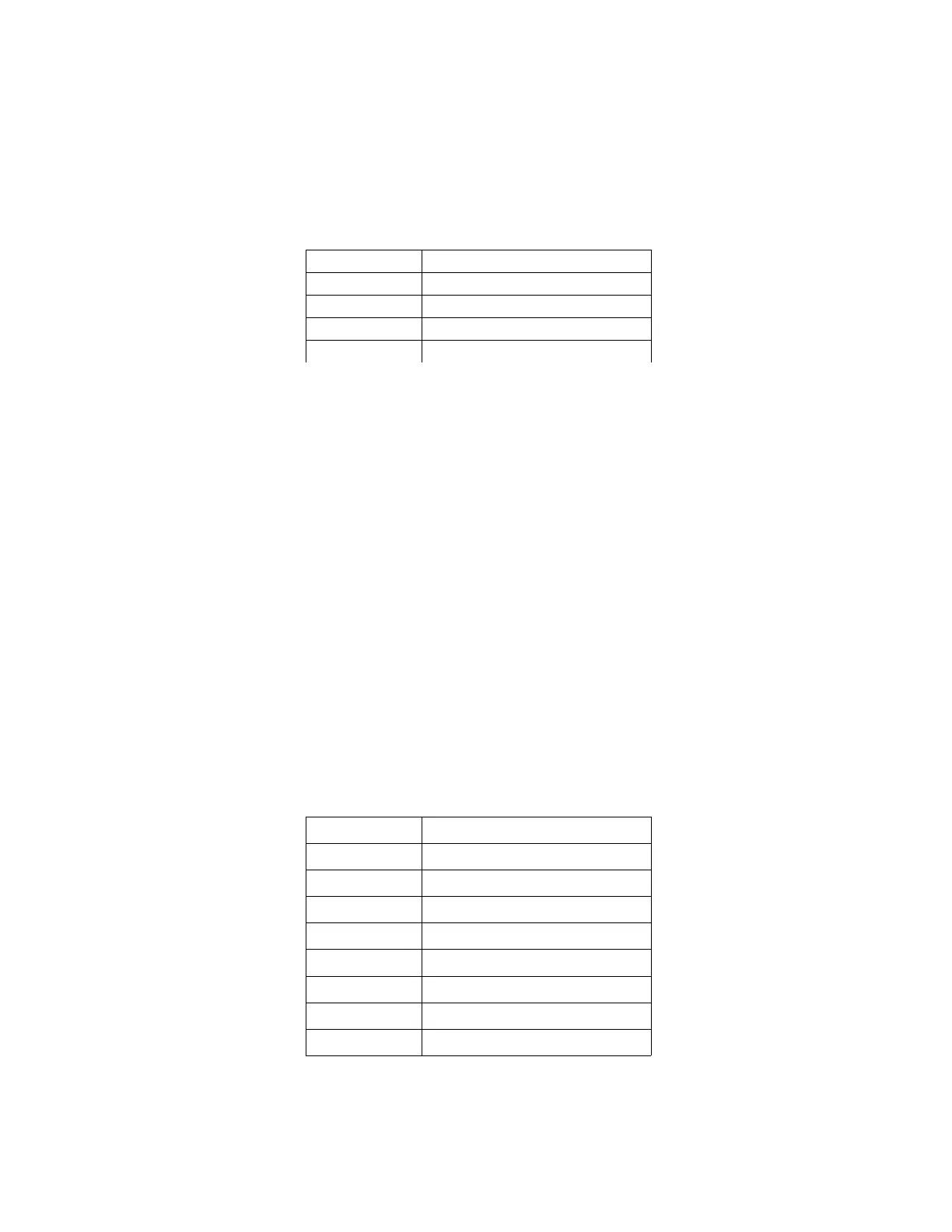
Double width & double height
[See Also] GS *
48. GS T n
Turn on/off Bluetooth module
[Code] [1Dh] + [54h] + n
[Range] {0 <= n <= 255}
[Outline] Turns on/off the power of Bluetooth module.
Only bit 0 is defined:
Value 0: Bluetooth module is off;
Value 1: Bluetooth module is on.
On power-up Bluetooth module is turned on.
49. GS B n
Set communication speed
[Code] [1Dh] + [42h] + n
[Range] {0 <= n <= 255}
[Outline] Sets communication speed.
Bit 7 controls flowcontrol:
Value 0: Flowcontrol is used (xon/xoff);
Value 1: Flowcontrol is not used.
Bits 3-0 select communication speed:
N Speed [bauds]
0 1200
1 2400
2 4800
3 9600 (default)
4 19200
5 38400
6 57600
7 115200
[Note] The Bluetooth module supports the following communication
speeds: 9600, 19200, 38400, 57600, 115200 bps.


 To Previous Page