GB
73
2. Preparation
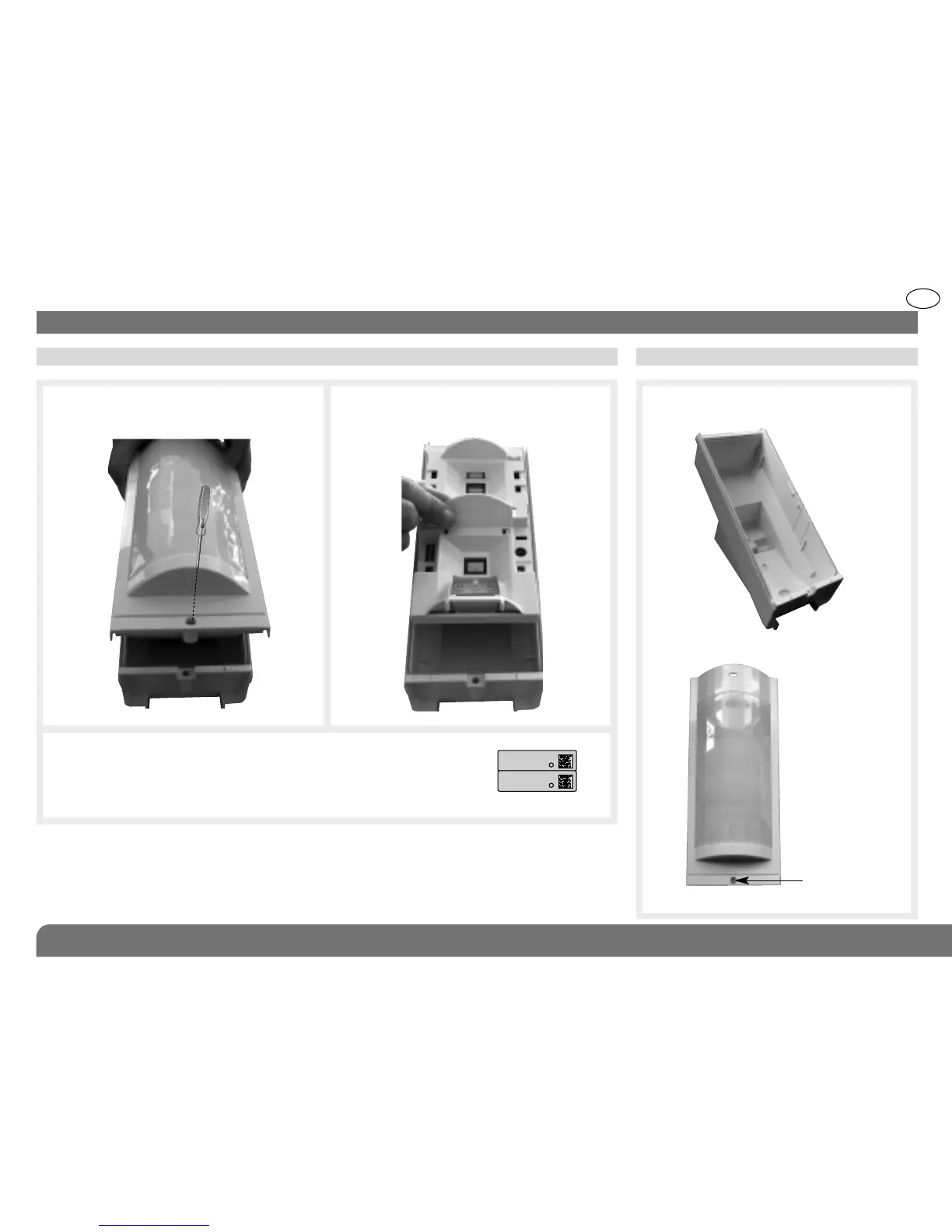
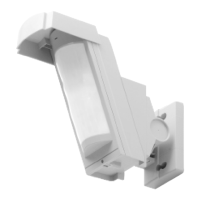
2.1 Opening the detector 2.2 Description
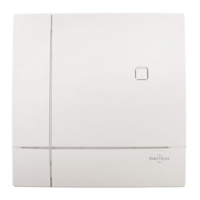
Back box
Locking screw
Cover
d
d
1. Loosen the locking screw using a Philips
screwdriver and remove the cover.
3. Guarantee sticker: remove the pre-cut part of the sticker and
stick it to the guarantee certificate in the user manual supplied
with the control panel. If you are adding to an existing system,
use the guarantee certificate supplied with this product.
2. Remove the back box.
.


 To Next Page