ENGLISH
103
ADJUSTING AIR FLOW DIRECTION
Economic operation
When your push ECONO button during cooling, heating
(cooling only type without), or AUTO operation, the air condi-
tioner will start following operation. The fan speed will be
automaticaily controlled. In the operation suppression zone
where capacity is kept to the minimum, overcooling is pre-
vented by raising the temperature setting by 1ºC after 1 hour
and by 2ºC after 2 hours of operation. The room temperature
is thus regulated between the operation suppression zone
and the set temperature. (it depends on the outdoor tempe-
rature.)
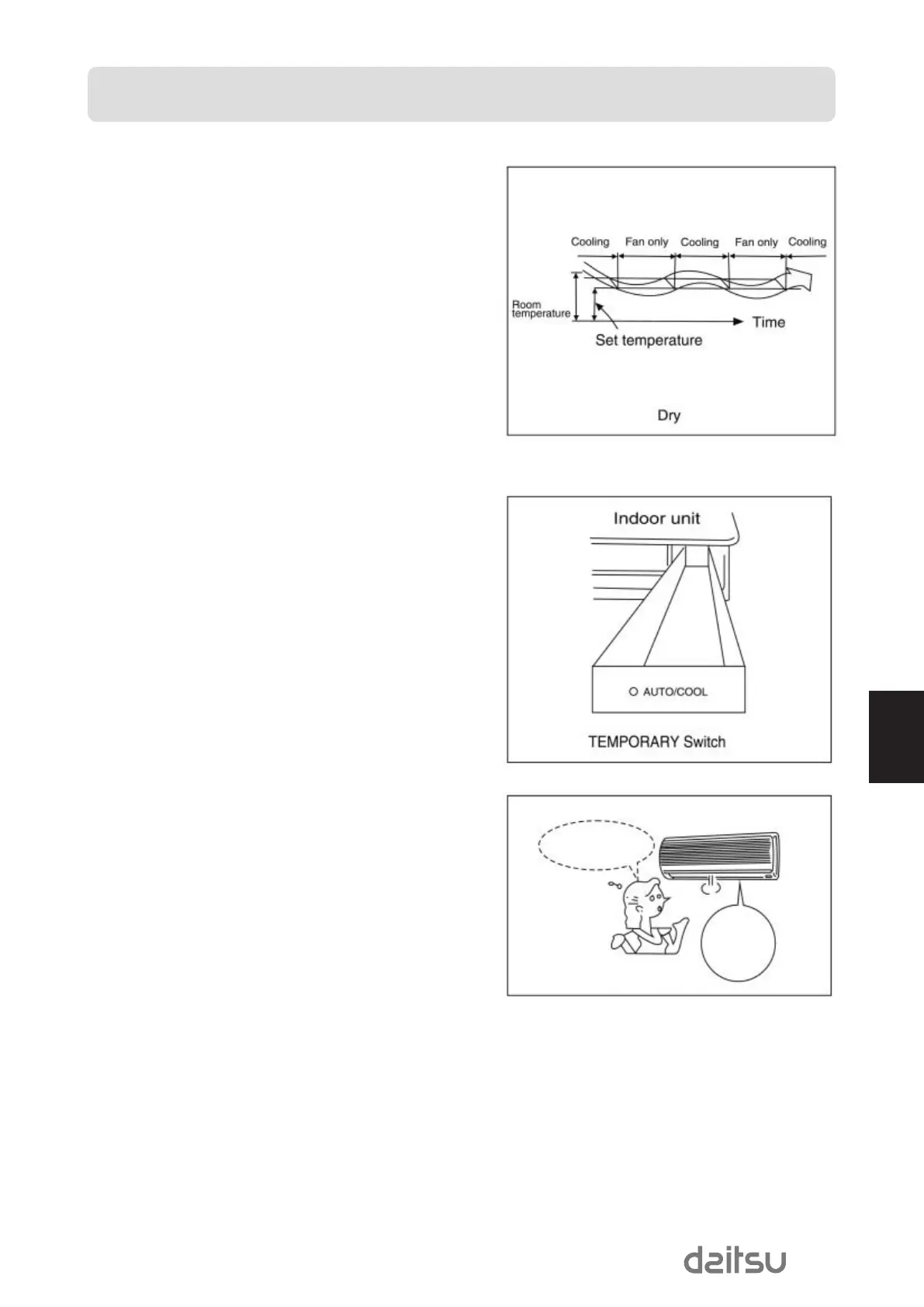
Dry operation
The dry mode will automatically select the cooling dry ope-
ration based on the difference between the set temperature
and the actual room temperature.
The temperature is regulated while dehumidifying by repea-
ting turning on and off of the cooling operation or fan only.
The fan speed indicator will display AUTO and low speed
will be used.
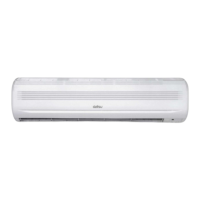
Temporary operation
Temporary operation This function is used to operate the
unit temporarily in case you misplace the remote controller
or its batteries are exhausted.
•
Set the TEMPORARY switch to the AUTO position in order to
start the automatic operation.
•
The COOL position is provided for test runs of the unit, and
automatic temperature control is cut off at this position. Never
use the position for ordinary operation.
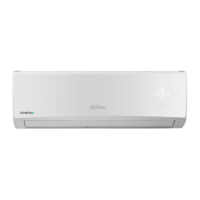
A temporary
operation
feature is
provided
I cannot find the
remote controller
ASD9U2eng 17/7/08 09:54 Página 103


 To Next Page