EasyManua.ls Logo

Daiwa LEOBRITZ 500MM - User Manual

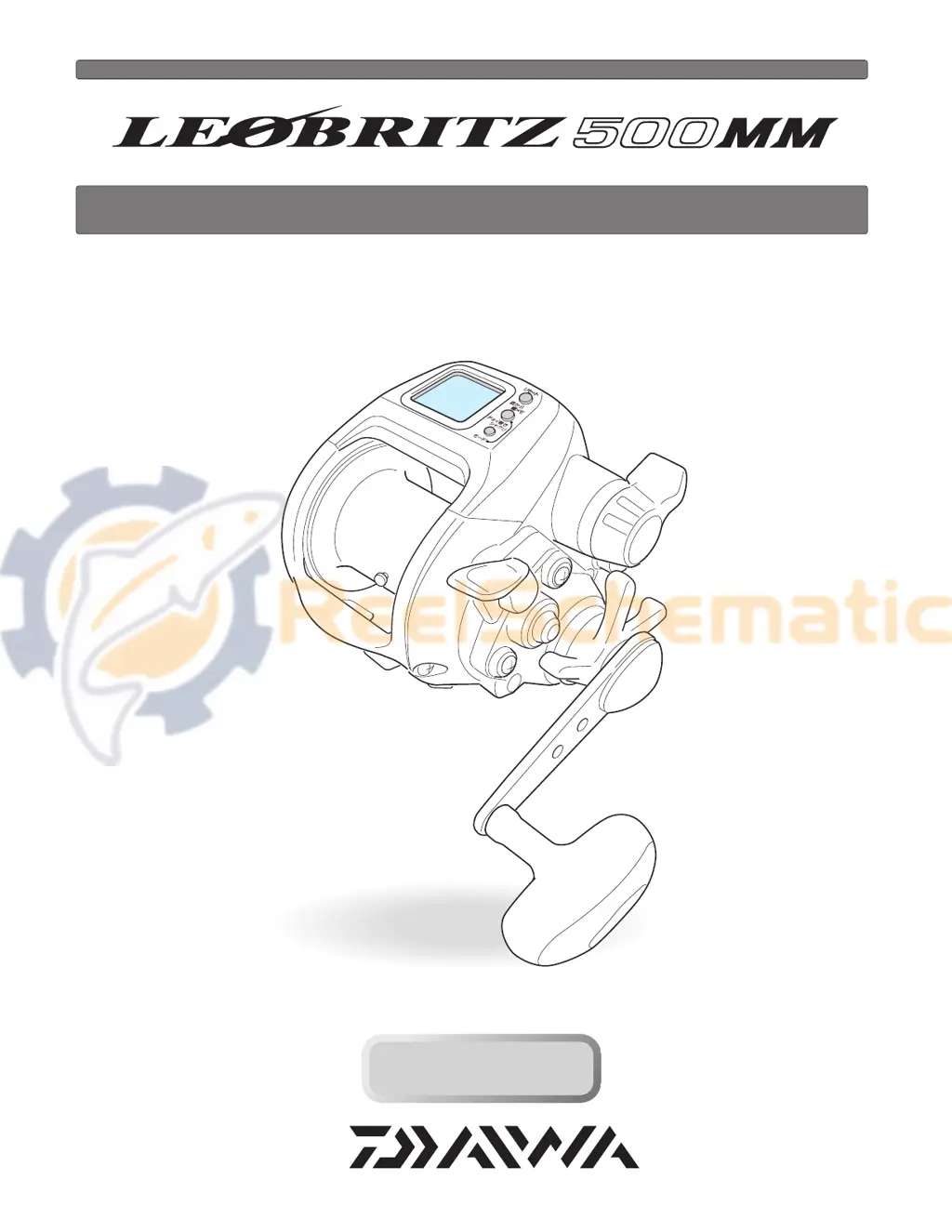
Daiwa LEOBRITZ 500MM
35 pages
Print Icon
To Next Page IconTo Next Page
Loading...
Thank you for purchasing a LEOBRITZ 500MM. To take full advantage of the reels
many useful functions, please read this manual carefully before using. Retain this
manual for future reference.
OPERATING MANUAL
Reference
Reference

Questions and Answers

  • D
    Daniel BakerAug 14, 2025
    What to do if Daiwa LEOBRITZ 500MM motor does not respond to the power lever?
    • J
      Jose McbrideAug 14, 2025
      If the Daiwa Fishing Equipment motor doesn't respond to the power lever, and the counter displays 0.0 m, press the RESET BUTTON to continue winding. This is a normal function to prevent over-winding. Also, ensure the lever is in the OFF position before moving it forward to start winding. Finally, try using a more stable power source, such as electric reel-specific batteries.
  • H
    Haley WilliamsAug 17, 2025
    Why does auto stop function not work on Daiwa LEOBRITZ 500MM?
    • L
      Leslie BrownAug 17, 2025
      If the auto stop function on your Daiwa Fishing Equipment isn't working, ensure you've pressed the RESET BUTTON at the surface to reset the depth to zero with the rig at the surface. Also, adjust the auto stop function settings to compensate for sinker weight or boat rocking. If the line is elongated, reset the depth counter at the surface.
  • T
    Teresa SchroederAug 20, 2025
    What to do if counter display does not appear on Daiwa LEOBRITZ 500MM Fishing Equipment?
    • J
      Jacqueline GallagherAug 20, 2025
      If the counter display on your Daiwa Fishing Equipment does not appear, first, recharge the battery, as a low battery charge could be the cause. If that doesn't work, check the cord for wear or corrosion and replace it if necessary. Finally, ensure the battery is connected correctly.
  • H
    hodgesrebeccaAug 25, 2025
    Why are there counter errors on my Daiwa LEOBRITZ 500MM?
    • D
      Dr. Samuel FosterAug 25, 2025
      If you are experiencing counter errors with your Daiwa Fishing Equipment, it could be due to several reasons. The line length may have increased due to stretching, in which case you should reset the counter, revise the display, and re-enter the line data. If the line was accidentally wound when the power was off, or if the RESET BUTTON was accidentally held down while pulling out the line, you should make data entry again. If a large number was set when correcting, remove the revision.
  • B
    Brenda JohnsonAug 27, 2025
    What to do if jigging function does not respond on Daiwa LEOBRITZ 500MM?
    • E
      Eric CoxAug 27, 2025
      If the jigging function on your Daiwa Fishing Equipment is not responding, make sure the power lever is not at the OFF position; push the lever forward. If it's still not working, check if the pickup mode is selected; if so, use the MODE BUTTON to select the jigging mode.
  • T
    Todd StricklandAug 31, 2025
    What to do if Daiwa LEOBRITZ 500MM Fishing Equipment does not wind even when the PICKUP BUTTON is pressed?
    • B
      bdennisAug 31, 2025
      If your Daiwa Fishing Equipment does not wind even when the PICKUP BUTTON is pressed, the speed may be set to 0, or it may be showing the JIGGING setting screen. To resolve this, start the Mode setting to set the speed while displaying the PICKUP setting.
  • K
    Kevin StewartSep 3, 2025
    Why does my Daiwa Fishing Equipment reel jigs on its own?
    • S
      Stacey KnightSep 3, 2025
      If the Daiwa Fishing Equipment reel jigs on its own, the cause may be low power voltage. Replace the battery with a recharged one.
  • R
    Rachel FoleySep 6, 2025
    How to turn on the alarm on Daiwa LEOBRITZ 500MM Fishing Equipment?
    • J
      Justin SuttonSep 6, 2025
      If the alarm on your Daiwa Fishing Equipment does not go off, the alarm may be turned off. Start the Mode setting to turn on the alarm.
  • L
    Lori BrooksSep 9, 2025
    Why inverse counter does not appear on Daiwa LEOBRITZ 500MM?
    • T
      Tara PorterSep 9, 2025
      If the inverse counter does not appear on your Daiwa Fishing Equipment, the inverse counter has not been set. The inverse counter does not blink unless you press the inverse counter button.

Summary

Safety Precautions

General Warnings

Important warnings to prevent injury and damage to the reel.

Power Source

Connecting Reel to Power

Steps to connect the reel to a 12V DC power source for operation.

Power Source Details

Information about voltage requirements and battery status indication.

Reel Maintenance

General Cleaning Procedure

Instructions for washing and drying the reel after use to remove salt and grit.

Power Cord Care

Guidelines for handling, maintaining, and storing the power cord to prevent damage.

Other Maintenance Points

Notes on the reel's precision nature, connector protection, and cord replacement.

Controls and Display Overview

Button and Display Functions

Identifies and explains the purpose of each button and display element on the reel.

Reel Components and Functions

Key Component Descriptions

Explains the function of major parts like the power lever, drag, clutch, and level wind.

Enclosed Items

Lists the accessories included with the reel purchase.

Line Data Input: P1

Inputting Line Length

Step-by-step guide to input line length when it is known before winding.

Line Data Input: P2

Inputting Line Backing

Procedure for inputting backing line data, requiring specific Daiwa braided line.

Line Data Input: P3

Line Data Reset

Method for re-inputting line values after the main line has been wound on the spool.

Functional Settings: Mode Display

Setting Reel Functions

Guide on how to navigate and set various reel functions using the mode and power lever.

Preparing for Fishing

Surface Depth Setting

Crucial steps to zero the depth counter at the water's surface for accurate readings.

Auto Stop Function

Auto Stop Operation

Explains how the reel automatically stops winding at a preset depth.

Setting Auto Stop Depth

Details on how to adjust the auto stop depth and related alarms.

Inverse Counter Function

Using the Inverse Counter

How to use the counter that tracks depth from the bottom or a set point.

Winding Up Mode at Constant Speed

Constant Speed Winding

How to engage and use the mode that maintains constant winding speed regardless of load.

Adjusting Motor Output

Steps to change the motor output level for different fishing conditions.

Jigging Function

Jigging Operation Basics

Introduction to the jigging function and its selection.

Jigging Master Settings

Customizing jigging patterns, length, and waiting times.

Jigging Timing and Range

Setting the jigging depth range and interval waiting times.

Line Feeding Function

Line Feeding Operation

How to set and use the line feeding function for releasing line.

Chumming Timer Function

Chumming Timer Use

How the timer indicates elapsed time for pacing fishing actions.

Chumming Timer Winding

Setting Timer Winding

How to set a waiting time for automatic line winding at high speed.

Display Recalibration

Recalibrating Depth Display

Procedure to correct depth readings if they don't match line markings.

Useful Functions

Audible Alarms

Overview of various alarms indicating reel status and conditions.

Alarm Sound Control

How to mute or enable the reel's alarm sounds.

Display Light

Information about the display's backlight for low-light fishing.

Reel Specifications

Technical Specification List

Detailed technical data including gear ratio, drag, line capacity, and voltage.

Counter Display Range

Specifies the display ranges for depth and usable temperature.

Parts List

Troubleshooting

Reference Information

Company Contact Details

Contact information for various Daiawa branches worldwide.

Warranty Terms

Details regarding the warranty period and conditions for the reel.

Daiwa LEOBRITZ 500MM Specifications

General IconGeneral
BrandDaiwa
ModelLEOBRITZ 500MM
CategoryFishing Equipment
LanguageEnglish

Related product manuals