Daily use
Page | 21
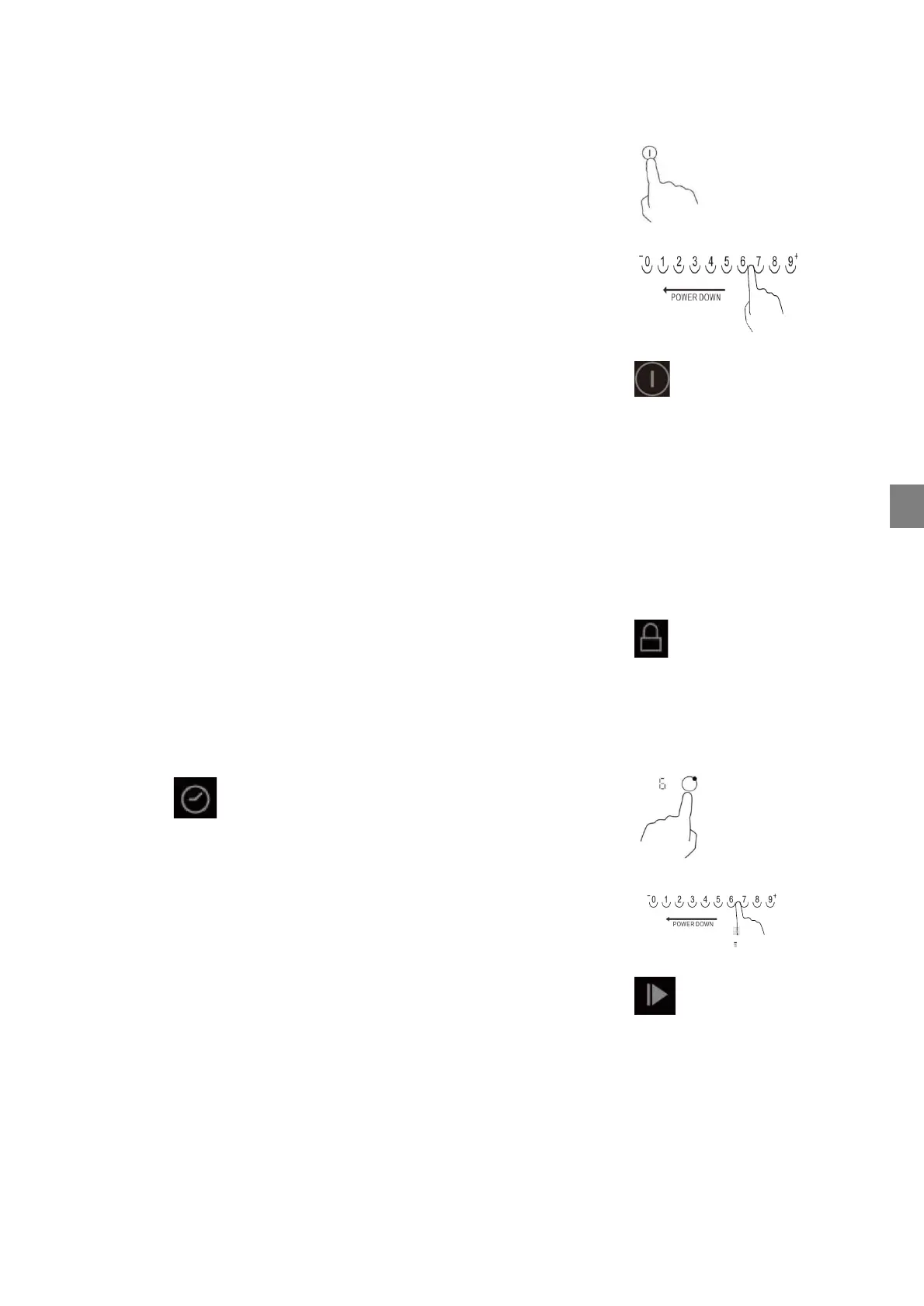
Switching on the hob
1. Press on the ON/OFF button to switch the appliance
on.
→ The hob beeps once and all cooking zone indicators light
up briefly to indicate that the hob has switched to stand-
by mode.
2. Carry out the next step within 20 seconds, otherwise
the control unit will switch off automatically.
Switching off the hob
1. Press the ON/OFF button, the hob switches off. The
hob can be switched off at any time by pressing the
ON/OFF button.
→ After switching off a zone, the display of the
corresponding heating level flashes "hot".
→ This means that the temperature of the hob is above
60°C and therefore still high enough to cause injury.
Only when the temperature of the hob falls below approx. 60°C
does the "hot" indicator go out. It is also possible to burn
yourself if the temperature of a cooking surface has dropped
below 60°C.
Key lock Child lock
1. To lock the hob, press the KEY LOCK when the
appliance is switched on.
→ If the button lock is activated, all buttons on the control
panel except the ON/OFF button are locked.
2. To deactivate the key lock, press the key lock again.
Timer
1. Select the hob.
2. Press the TIMER button
→ It flashes 00
3. Use + - to select the time between 1-99 min.
4. Set the desired heating level (1-9) using the power level
control.
Stop & GO pause function
The pause function can be used at any time during the cooking
process. This function allows you to stop the hob and resume
cooking without losing any settings.
1. Ensure that the cooking zone is in operation.
2. Press the Stop & Go button, the cooking zone displays
show "II".
3. The glass ceramic hob is deactivated, with the exception
of the Stop & Go and On/Off buttons for safety.
4. To cancel the pause, press the Stop & Go button to
return to the previously set power level.



 To Next Page