5.0 BLUETOOTH
5.1 PAIRING
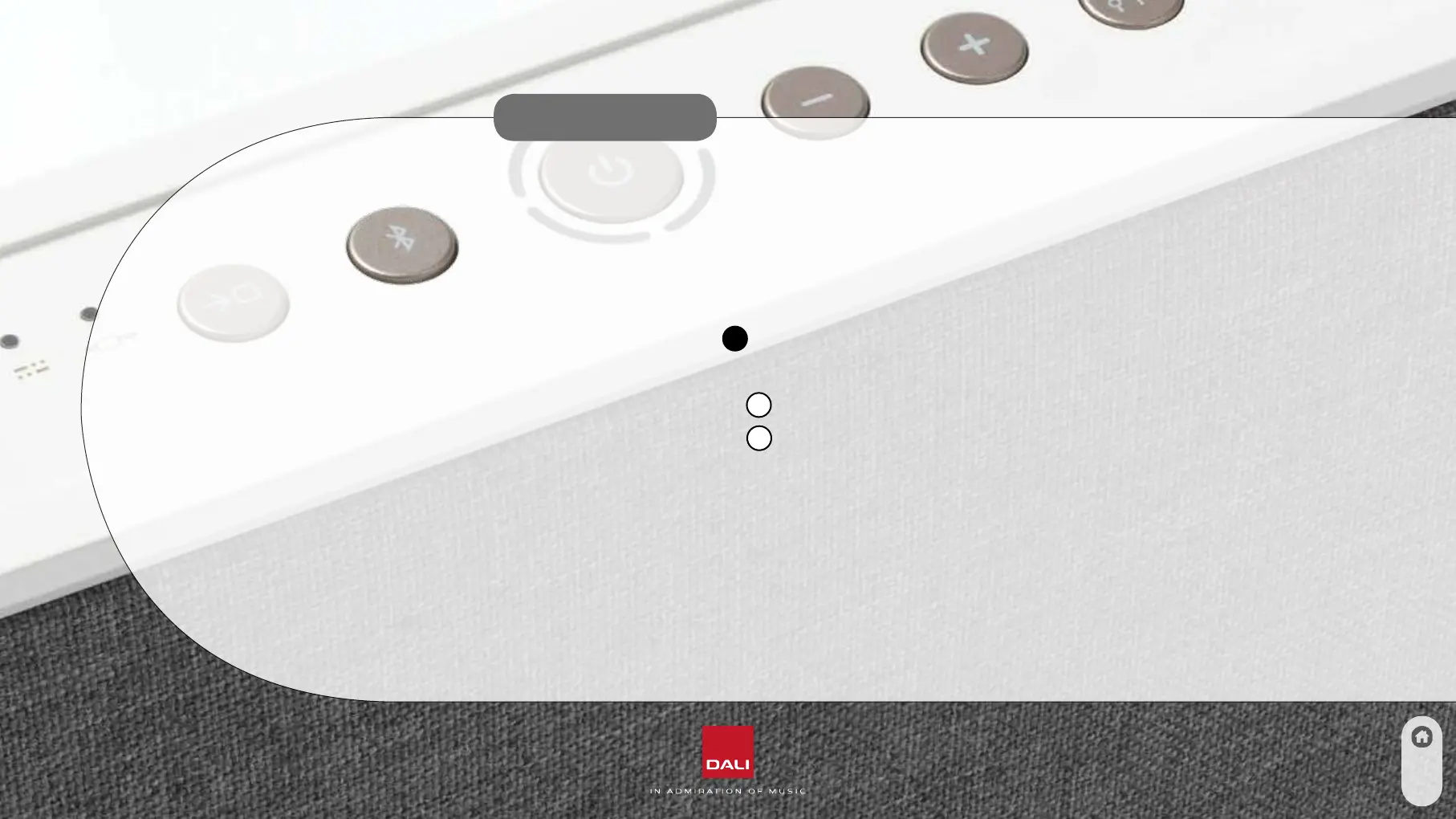
To connect your device to the DALI KATCH ONE;
1. Turn on the DALI KATCH ONE (See 3.1)
2. Select Bluetooth (Button
2
)
3. The DALI KATCH ONE is now ready for Bluetooth pairing
a. If the Bluetooth LED (LED
1
) is blinking no device is currently paired
b. If the Bluetooth LED (LED
1
) is not blinking a device is connected.
To disconnect the connected device use the Bluetooth Release function (5.2)
c. It is only possible to have one device connected at any time
4. Initiate the Bluetooth pairing process from your device
5. When the pairing is complete, the Bluetooth pairing sound is played
The DALI KATCH ONE will automatically connect to a device when Bluetooth is selected, if a device has been paired to
the KATCH ONE earlier, and is within range. The KATCH ONE will not initiate auto playback. Playback has to be started
from the connected device or by pressing the Bluetooth button shortly on KATCH ONE or the remote control.
10



 To Next Page