100 |
16.1 Temperatures
This menu is used to access the
screen to adjust the individual brew
groups and boiler temperatures.
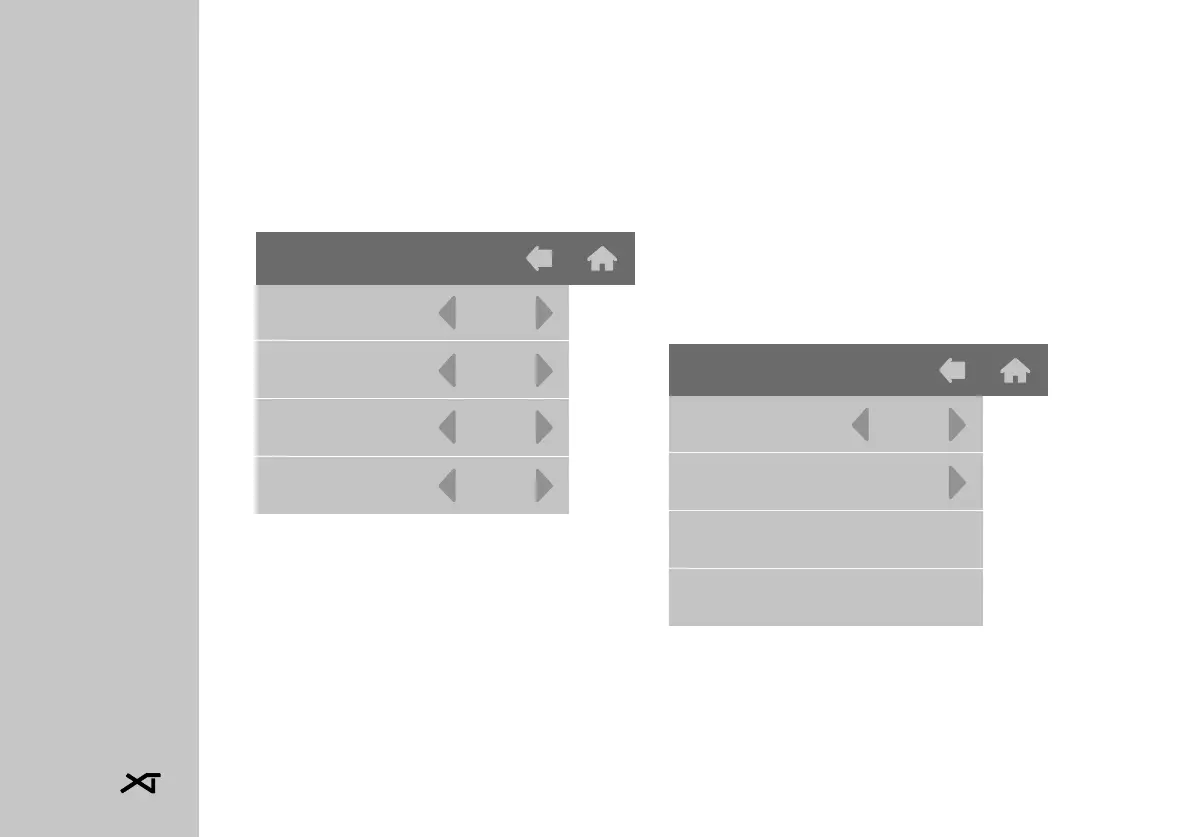
Tap TEMPERATURES to access this
menu:
It is possible to change the tempe-
rature of the individual heating ele-
ments by means of the arrows on the
side of each individual value.
Tap BACK to return to the previous
menu.
16.2 Timer
This machine is equipped with a we-
ekly on/off timer for each brew group
and for the boiler.
All the timers can be programmed
independently from each other and
allow the possibility to set the swi-
tching on/off and safety mode of
each unit on a daily basis.
Tap TIMER to access this menu:
• To activate the timer select "YES"
in the "Active" item and proceed
by tapping the arrow to the right
of "Program".
Temperatures
Group 1
Group 2
Group 3
Boiler
95.0
95.0
95.0
120.0
Timer
Active
Program
Yes














 To Next Page