| 101
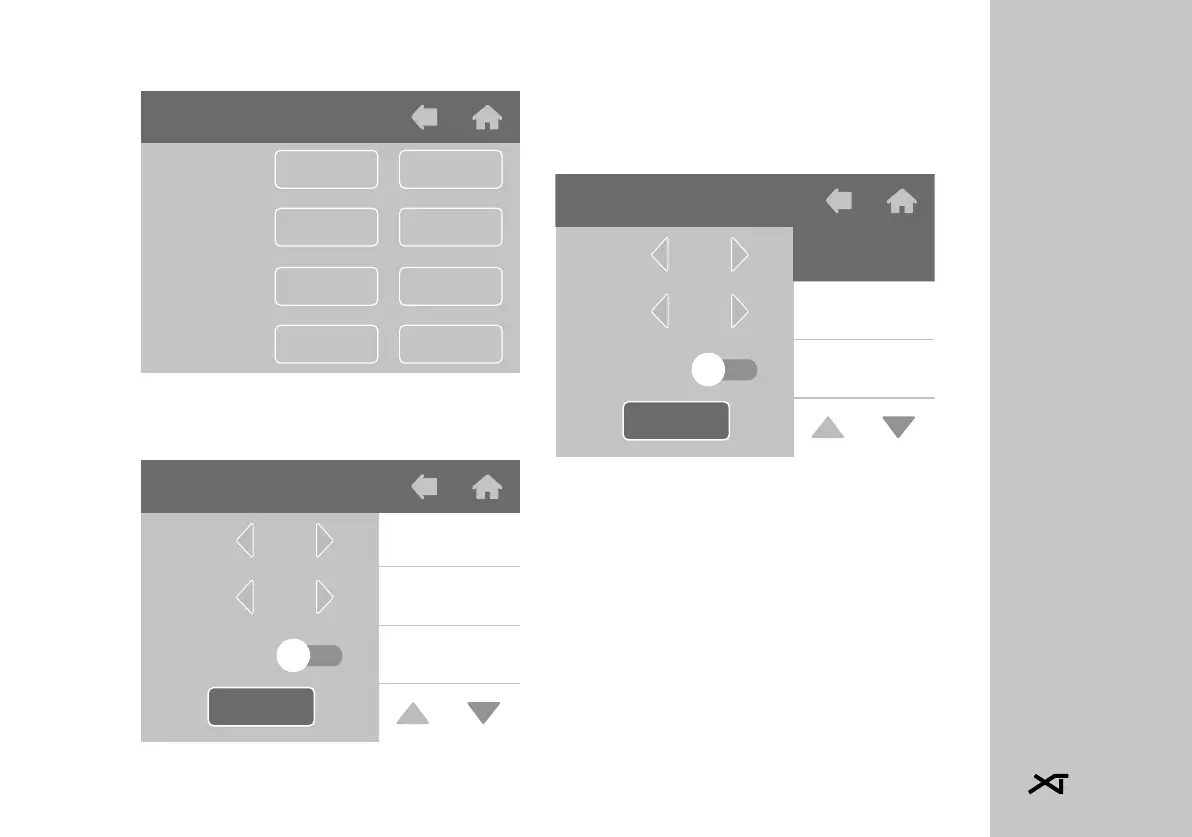
16.2.1 Timer Programming
Tap the SET key next to the brew
group/boiler to be programmed.
In the programming screen it is pos-
sible to select the days of the week
and the relative times for the auto-
matic timer to turn on and off.
• On the right select the day you
wish to program. Once selected,
the background will become black.
Scroll through the week using the
arrows at the bottom right.
Timer
Group 3
Group 2
Group 1
Boiler
Copy
Copy
Copy
Copy
Set
Set
Set
Set
Mercoledì
Martedì
Lunedì00:00
00:00
ON
OFF
Sicurezza
Copia in
Timer Gruppo 3
Wendsday
Tuesday
00:00
00:00
ON
OFF
Safety
Copy in
Timer Group 3
Monday














 To Next Page