22
SERVICE – DMS 2400 (MK 3) | REV 1.0.0 | © 2022 Dallmeier
and modied to specic requirements.
In addition to the system parameters, various log and protocol les are
stored.
➡
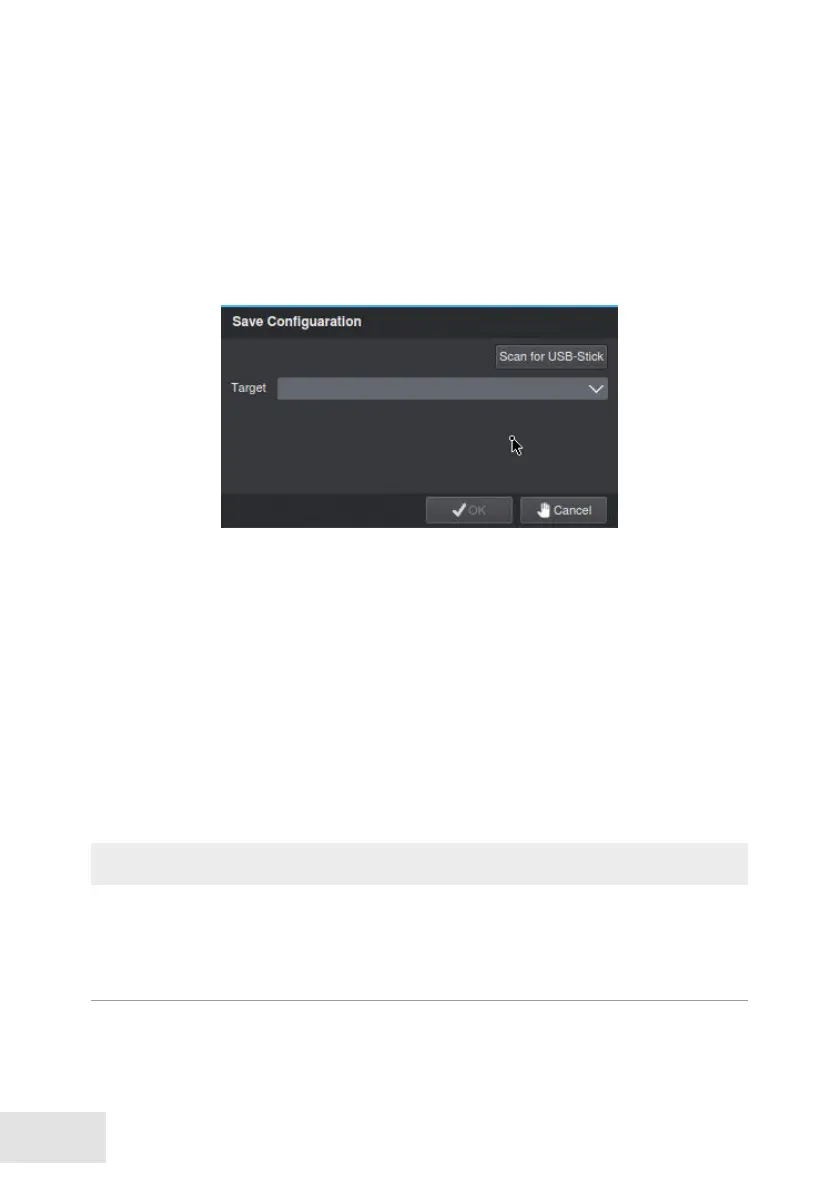
Open the Save Conguration dialog via System > System Parameters
> Save Conguration.
➡
Click Search... .
➡
Select the appropriate storage directory as Target.
➡
Click OK.
The system parameters will be exported.
Import Parameters
Secured or modied system parameters can be imported to restore the con-
guration of the SMAVIA Recording Server.
NOTICE
System failure!
➡
Inappropriate or incorrectly modied system parameters can lead to
the loss of recordings and a permanent system fault.
➡
Open the Restore Conguration dialog via System > System Parameters
> Restore Conguration.



 To Next Page