29
SERVICE – DMS 2400 (MK 3) | REV 1.0.0 | © 2022 Dallmeier
Replace
In order to replace a defective hard disk drive, proceed as follows:
NOTICE
Data loss!
In order to prevent data loss and damage to property observe the procedu-
re described above.
NOTICE
No Hot-Plug/Hot-Swap possible: Risk of damage and loss of data
➡
Only replace HDDs for service purposes.
➡
Identify the defective hard disk drive as described above.
➡
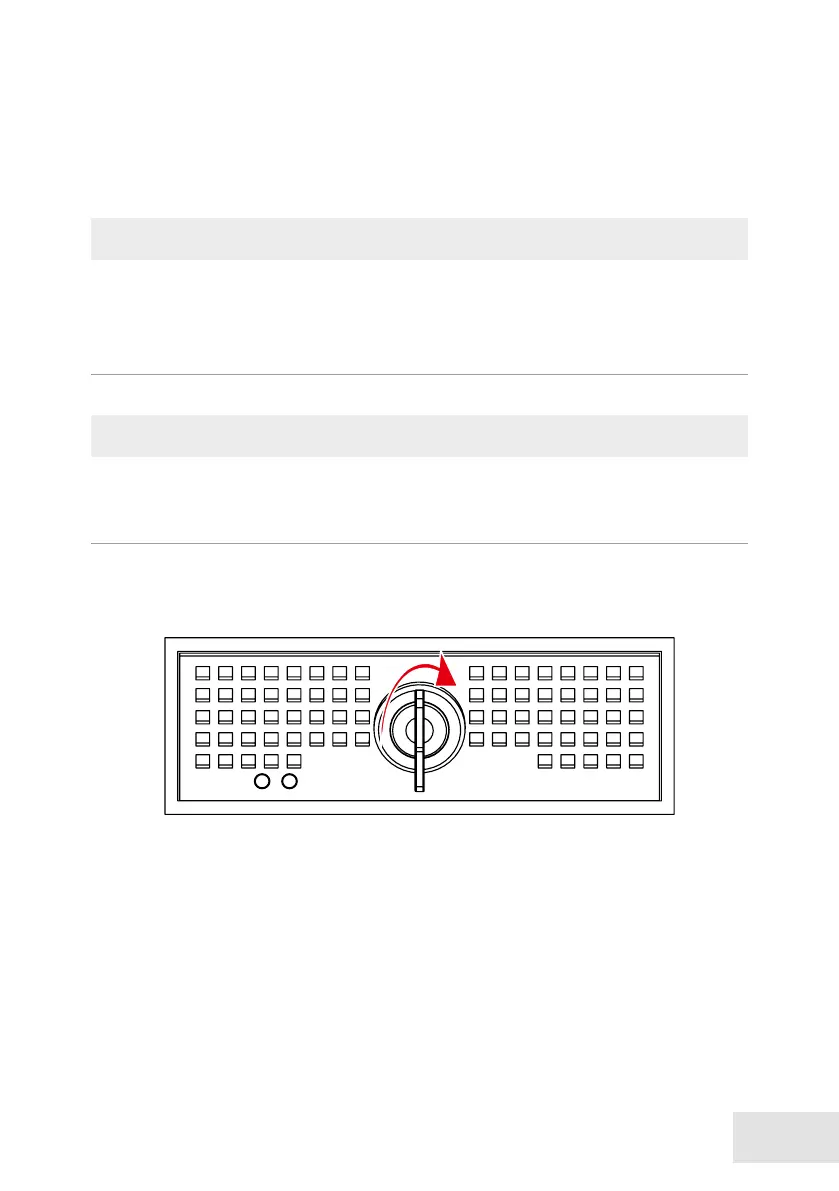
Unlock the HDD drawer unit with the key.



 To Next Page