31
SERVICE – DMS 2400 (MK 3) | REV 1.0.0 | © 2022 Dallmeier
➡
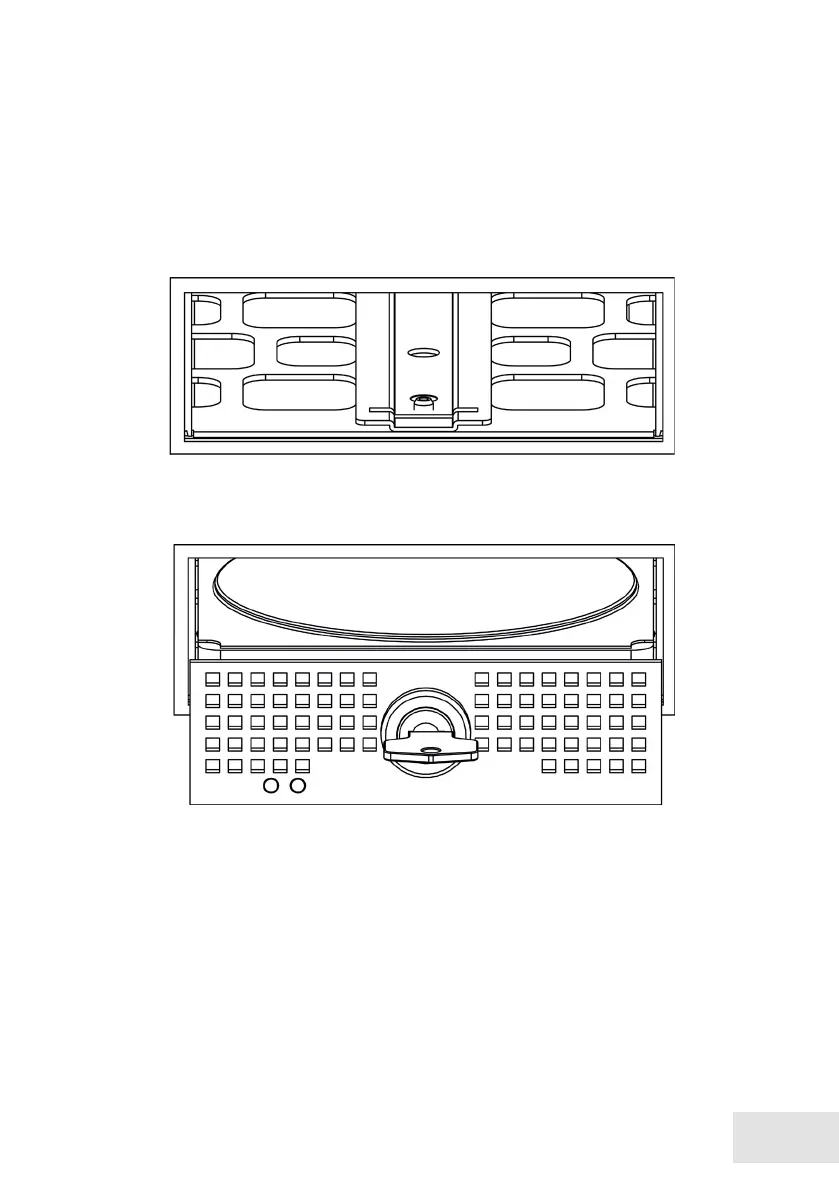
Remove the defective hard disk drive.
➡
Place the new hard disk drive in the HDD drawer unit.
➡
Make sure that the connections of the hard disk drive are positioned on
the back of the HDD drawer unit.
➡
Mount the hard disk drive with the 4 screws.
➡
Insert the HDD drawer unit into the guide rail.
➡
Slide the HDD drawer unit carefully and completely into the housing.
➡
Make sure not to cant.
➡
Do not use any force.



 To Next Page