Auto-Timer Instructions:
The AUTO-TIMER feature offers a unique selection
of multiple choice, fully automatic on and/or off
(start/stop) programs between 0.5 - 24 hrs under
any one mode of your Home Comfort unit.
The programs are as follows:
a) Auto -Off: Pre-select a time that will turn off the
unit automatically (between 0.5 - 24 hrs.).
b) Auto-On: Pre-select a time that will turn on the
unit automatically (between 0.5 - 24 hrs.).
c) Auto-On & Auto-Off:Pre-select a time that will
turn the unit ON / OFF (automatically) at speci-
fied times (between 0.5 - 24 hrs).
Note: These functions must be performed daily, as
the program is automatically canceled/erased after
the program has ended .
Setting the AUTO-OFF TIMER
Before setting the AUTO-OFF timer, the unit must
be (operational) turned on.
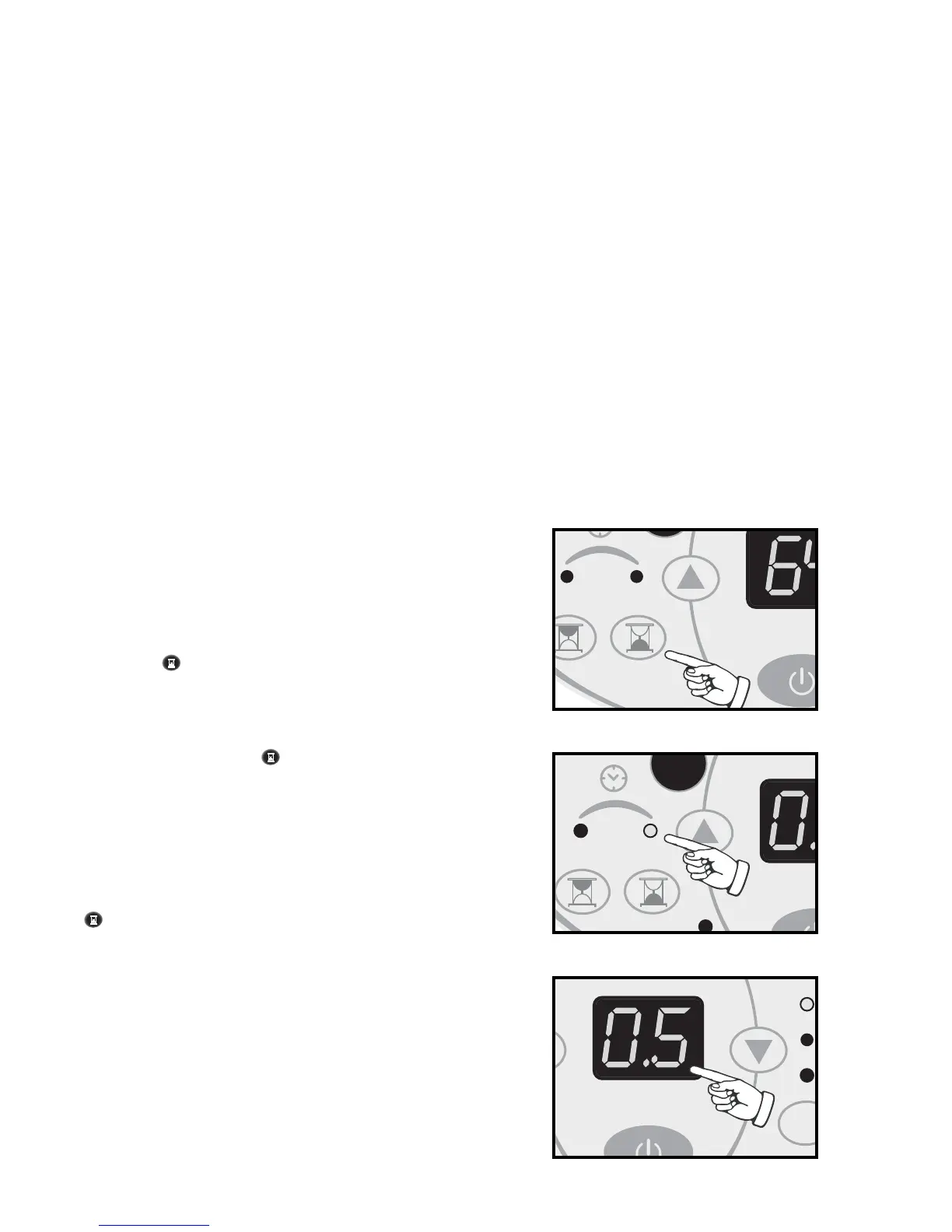
1) Press the TIMER-OFF key pad (
Fig N)
to ini-
tiate the AUTO-OFF time sequence. The “AUTO-
OFF” indicator (
Fig O)
will illuminate on the con-
trol panel and the timer digits (
Fig P)
will appear.
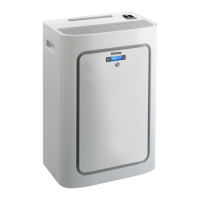
2)
Continually depress
the
key
t
o adjust Timer-Off
settings
forward
by 0.5 hour increments
(between
0.5 - 24 hrs)
.
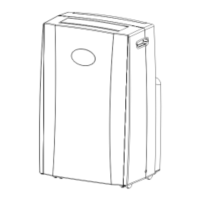
3) The timer setting will remain in the display win-
dow for three seconds before automatically
reverting back to the temperature display.
4) To view the timer setting at any time; press the
TIMER-OFF key pad again and the timer
length you selected will be shown in the display
window.
• The unit will stop automatically at the specified
AUTO-OFF set time.
• NOTE: To cancel or override the AUTO-OFF
program, press the TIMER-OFF key t
o adjust
Timer-Off settings
forward
to 0.0 hours
.
10


 To Next Page