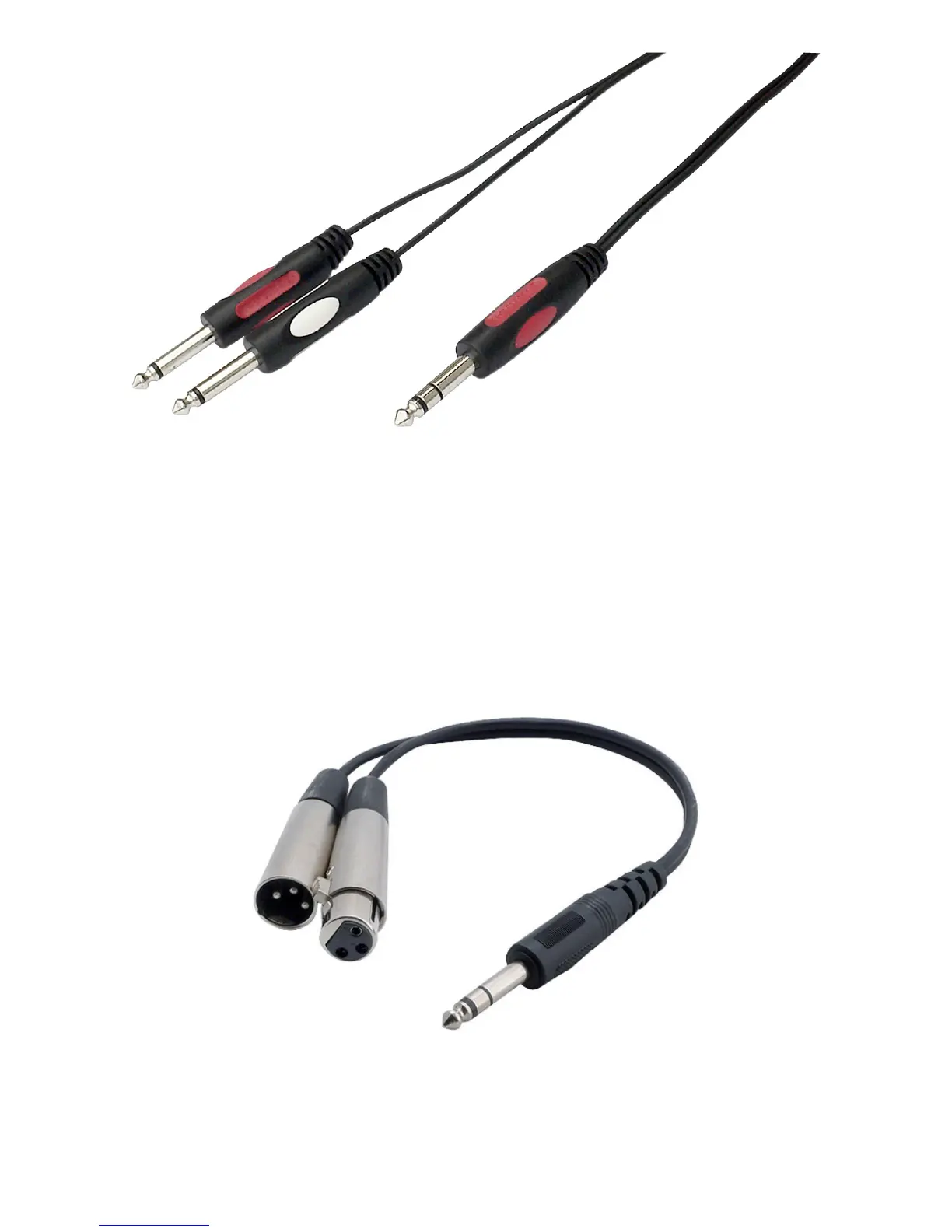
If you are going to make a cable yourselves, do it like this.
Connect the tip from the stereo cable to the tip of one of the mono jacks and the ring of the stereo cable to the tip
of the other mono jack.
Now insert the stereo jack into the Airmate’s insert and connect the mono jack that produces a hum when the tip
is touched by your nger (and the related channel fader is open) into the processors output.
The other mono jack should be inserted into the processors input.
In case your processor has XLR inputs connect the tip of the stereo jack to pin 2 of the Female XLR and short pin 1
and 3 with each other and connect to ground (sleeve)
This also goes for the other Male XLR, connect the ring of the stereo jack (which sends signals) to a male XLR
pin2. Short here pin 1 and 3 and ty to ground (sleeve). This has to be done because the insert is not balanced.
See below the cable you need.



 To Next Page