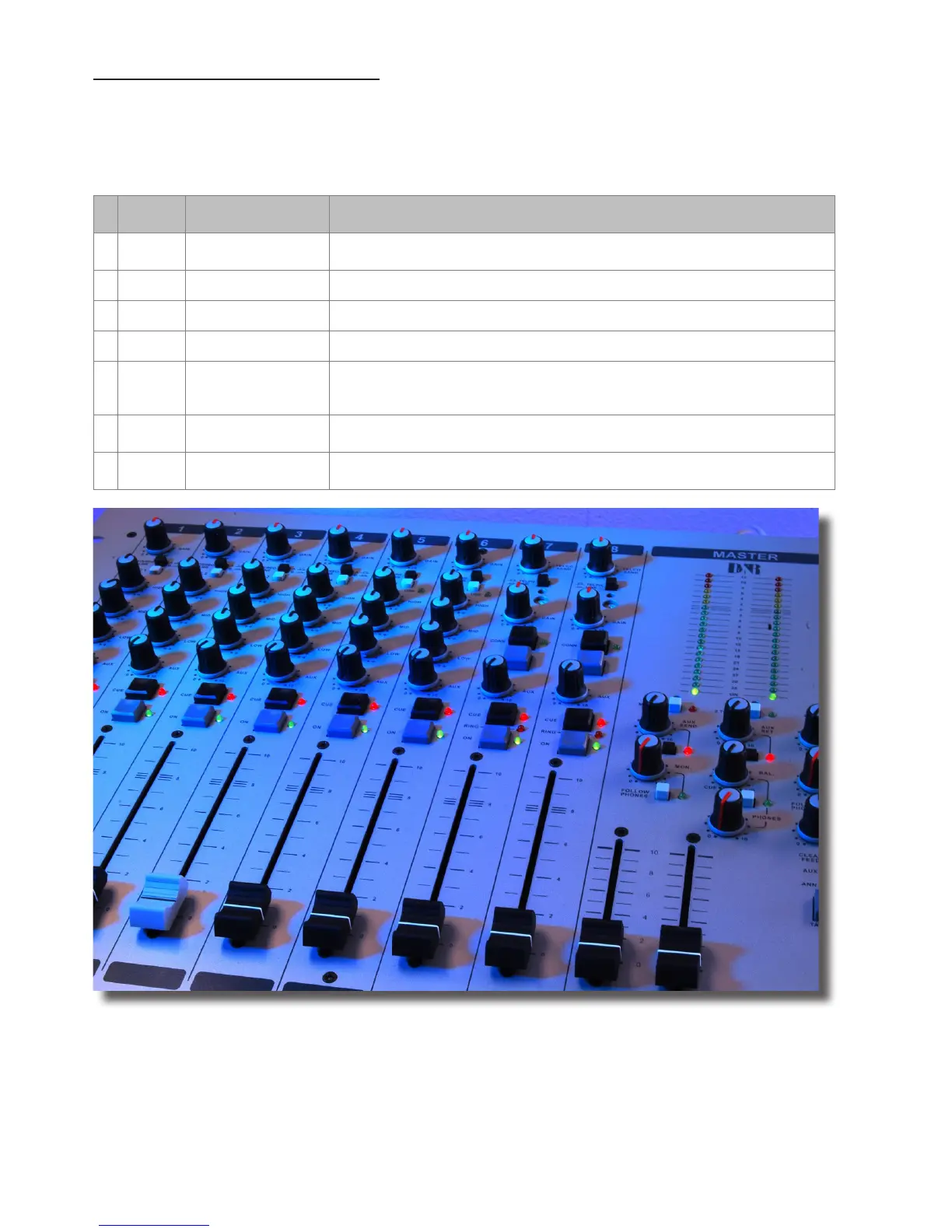
SPECIAL OPTIONS FOR MODULES 1 - 4
Located on the input channel circuit boards are several jumpers that can be changed to enable different congura-
tions of the channel settings. If changes are required, we advise you to contact your local dealer to have these
changes performed.
The following 7 jumper settings can be changed to adjust the Airmate-USB to your needs.
JUMP-
ERS
DEFAULT DESCRIPTION
1 J12-13 RIAA NO
Optional R.I.A.A. correction amp PCB can be inserted on Jumper J12 and
J13.
2 J3 Low cut ON Low cut lter on Mic input done by shorting all 4 pins on Jumper J3.9
3 J15 Phantom ON 48 volt phantom power on/off via Jumper J15.
4 J6/16 POST Stereo Aux send pre or post selectable via Jumper J6/16
5 J7 Channel 7-8 ON
Clean-Feed (CLN-FEED) jumper (J7) to select whether the stereo audio
signal(summed to mono) is sent to the clean-feed bus that is available in
the master section for connecting external Hybrids.
6 J17 Continuously
Pulse/Continuously Jumper J17 to change the start pulse from latching
(continuously) to pulse.
7 J5 20dB
Mic gain ( Jumper J5) can be set to change the Mic pre from 20dB to
40dB of gain.



 To Next Page