5VI.UH.R2.1C Produced by Danfoss Floor Heating Hydronics 03.2007
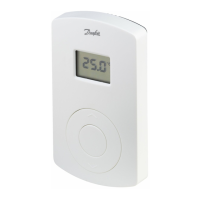
Instruction CF-RF Room Thermostat with Infrared Floor Sensor
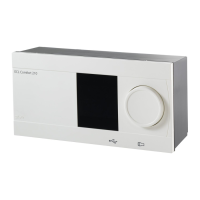
Activate Install mode on Master Controller
- g. 1.
• Use the menu selection button
to select the
Install mode. Install LED ashes
• Activate Install mode by pressing OK
. Install
LED goes ON
Activate Install mode on Room Thermostat
• Press the push button
. LED and icker
during communication
Select output on Master Controller
• All available output LEDs on Master Controller
light up, and the rst of them ashes
• Press output selection button
, to select
desired output (ashes) and accept with OK
• All output LEDs go OFF. Selected output
stays ON shortly
Room Thermostat installation status
• Satisfactory - LED
goes OFF
• Not satisfactory - LED
ashes 5 times
Note: A Room Thermostat can be assigned to several
outputs if needed by repeating the installation process.
GB



 To Next Page