9
Setting the clock & day
You want to set/change the clock ...
(The clock is not set from the factory)
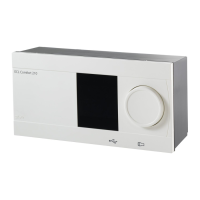
Hold the button for 3 sec.
The clock can now be set forward or
back by turning the button to the right
or left respectively.
Changing the week day is done by
continuing to change the time until it
passes 0:00, either way.
The numbers 1-7 do not correspond to
any specifi c days, so you can choose
which day of the week is No. 1 etc.
When the clock is set correctly, press
the button to save the settings.
3 sec.











 To Next Page