12
Programming the unit
You can programme your heating to come on and go off
twice a day, to suit your requirements. To programme your
unit:
Setting the Clock
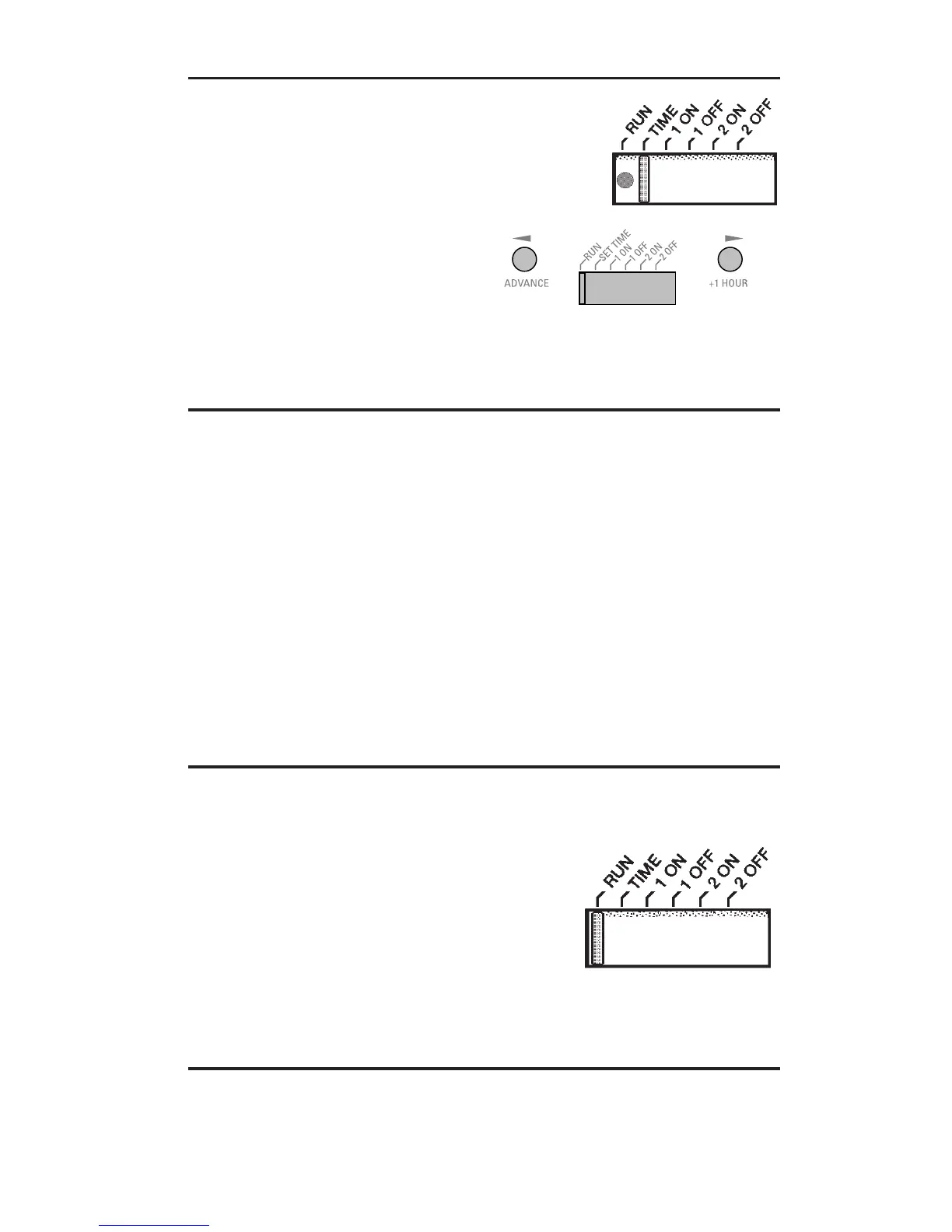
Move the slider to SET TIME
position
Use W and X keys to set the
correct time
Preset programme
The unit is supplied with the following preset programme
which will be active after the unit has been RESET (see
page 10):
ON at 6:30am, OFF at 8:30am.
ON at 5:00pm, OFF at 10:30pm.
To alter these times to suit your requirements, follow the
instructions on page 12.
Accepting the preset programmes
If you are happy to use the preset programmes above you
don’t need to do anything else.
Just return the slider to the
RUN position.
Setting the time & programming the unit


 To Next Page