10
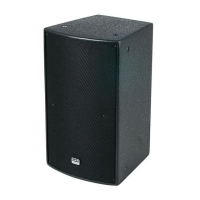
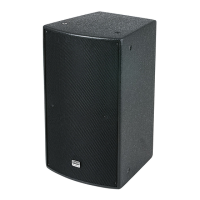
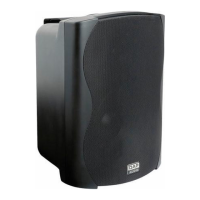
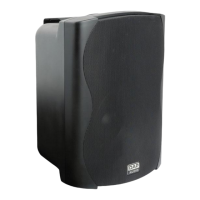
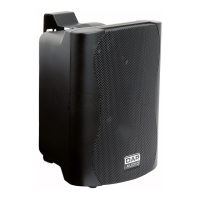
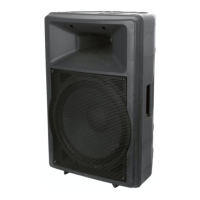
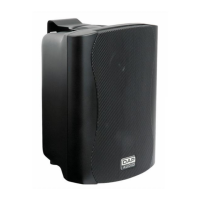
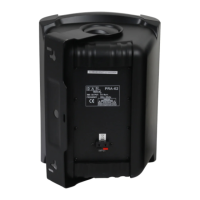
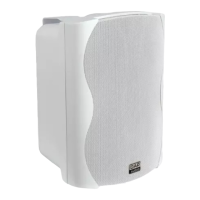
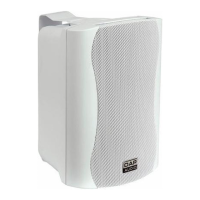
Two Active Satellite Speakers
1) Make your initial connections with all the equipment powered off and ensure that all the main volume
controls are turned completely.
2) Connect one side of the signal cable at your audio mixer into OUTPUT LEFT/RIGHT and the other side of
the cable into the LINE INPUT LEFT/RIGHT of your active satellite speakers.
3) Connect the power cords to main.
4) Turn on your mixer first, then the active speaker cabinets.
5) Turn up the volume controls of the active speaker cabinets.
6) Use PFL function to get the proper input level for the mixer and adjust the Main Mix Level.
7) After using your equipment, turn off your active speaker cabinets first, then the mixer.


 To Next Page